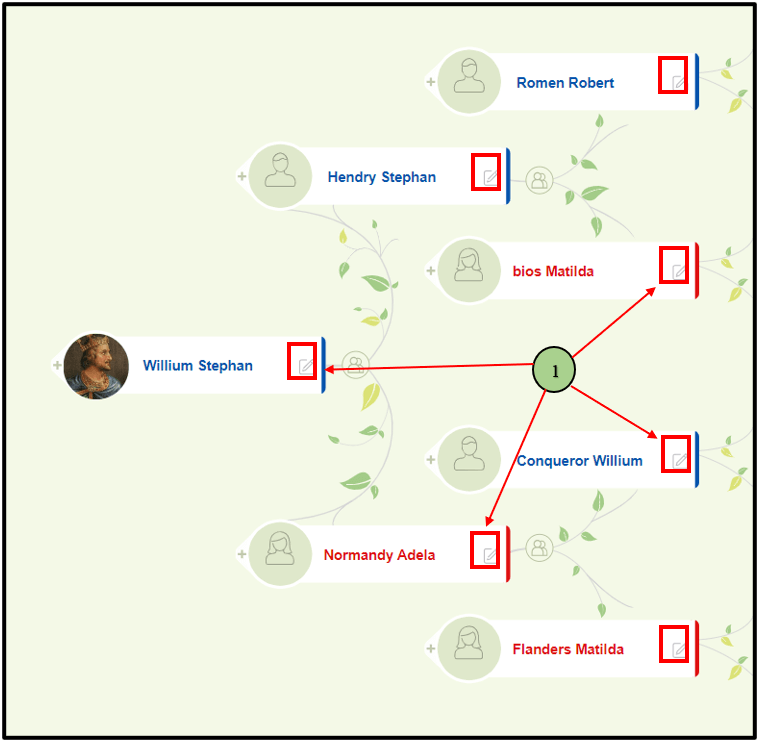
01) Members can edit a person’s details by clicking on the “Edit” icon (pencil) in the nodes. Once the edit icon is clicked, the “Person editor” page of the respective person will be displayed
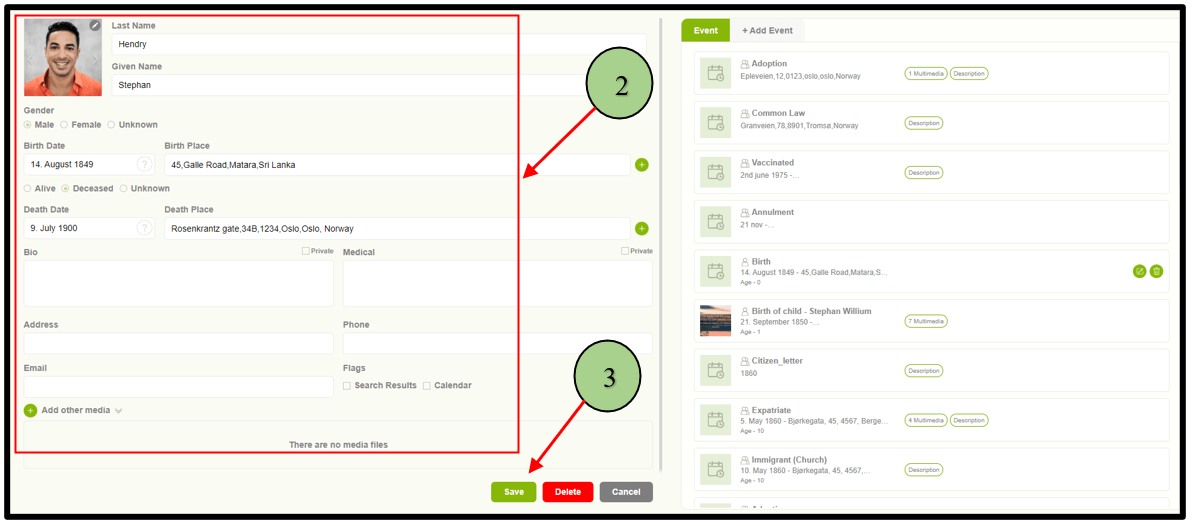
02) Users are now able to update the person details and save.
Leave a Reply