The Person List gives you a complete overview of all individuals in your family tree. It allows you to quickly search, filter, and navigate to any person in your project. This guide explains how to access and use the Person List effectively.
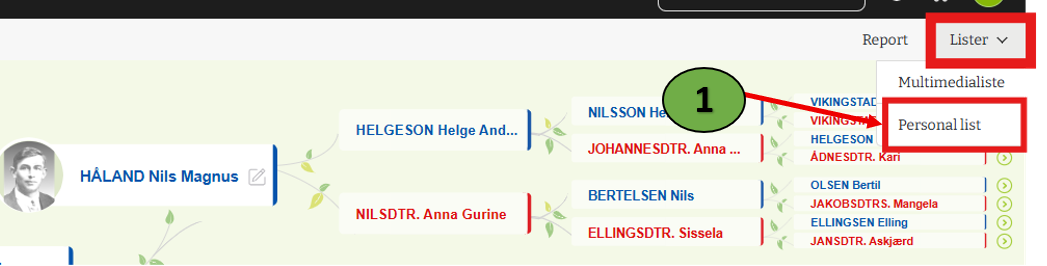
1. Users can view the people list by clicking on the “Person List” option under the “List” on the sub menu bar.
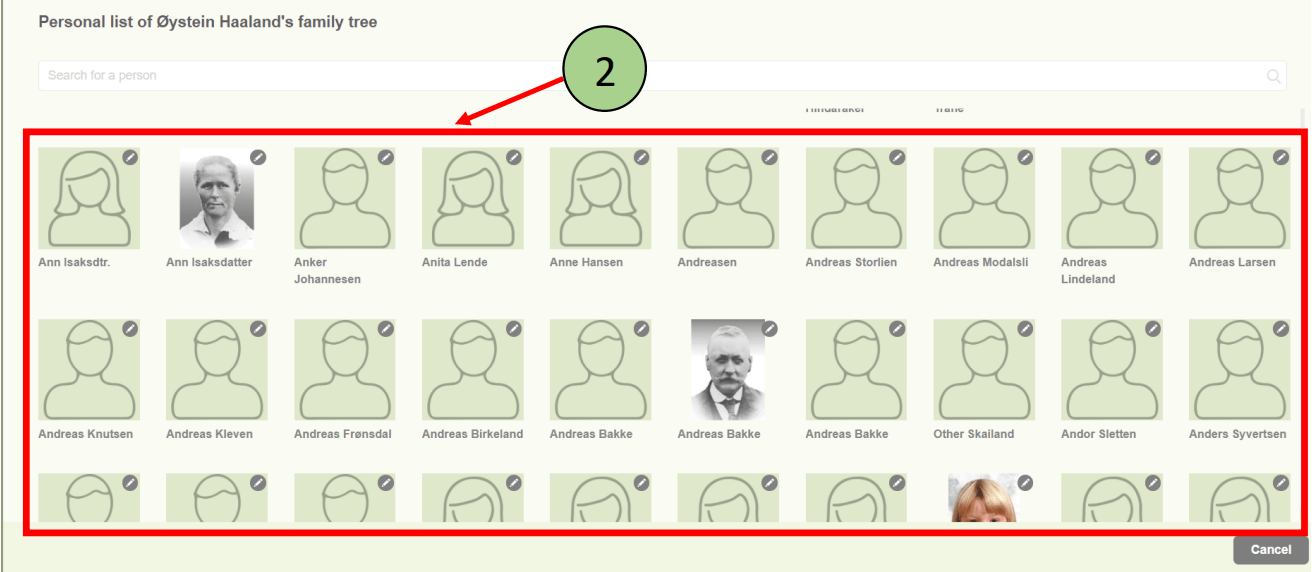
2. The person list will be opened with all the available members of the family project.
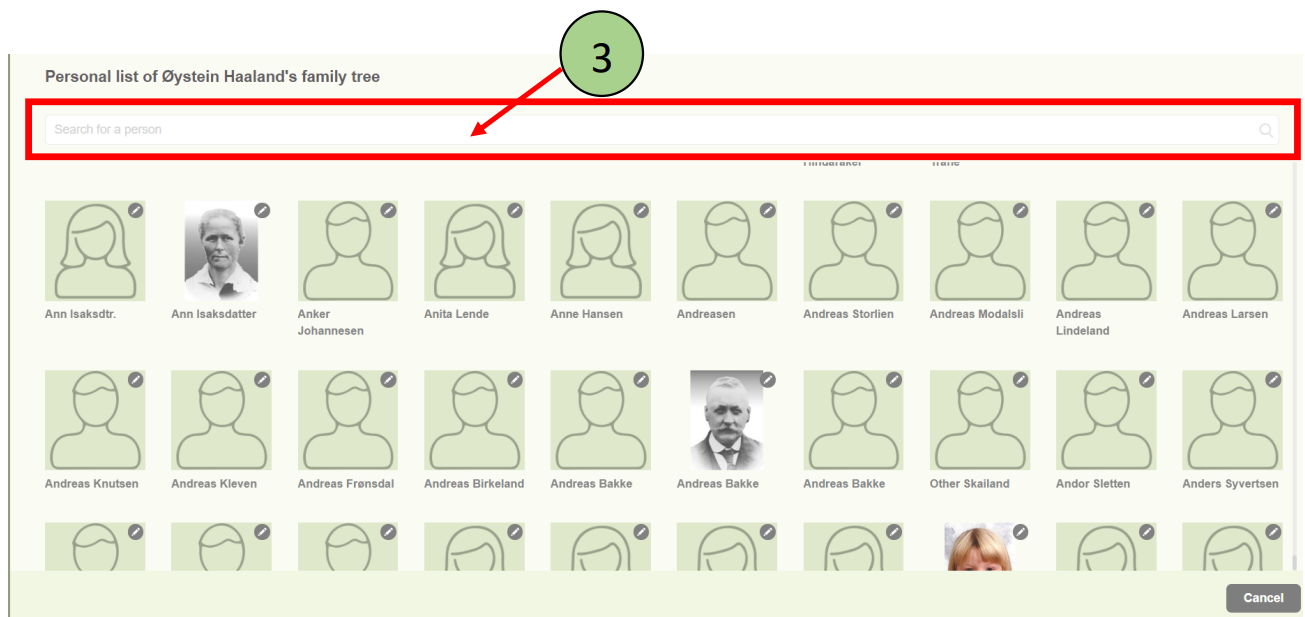
3. Users are able to search for a particular member using the search option available at the top of the page.
4. Users can access the personal form of each member in the personal list.
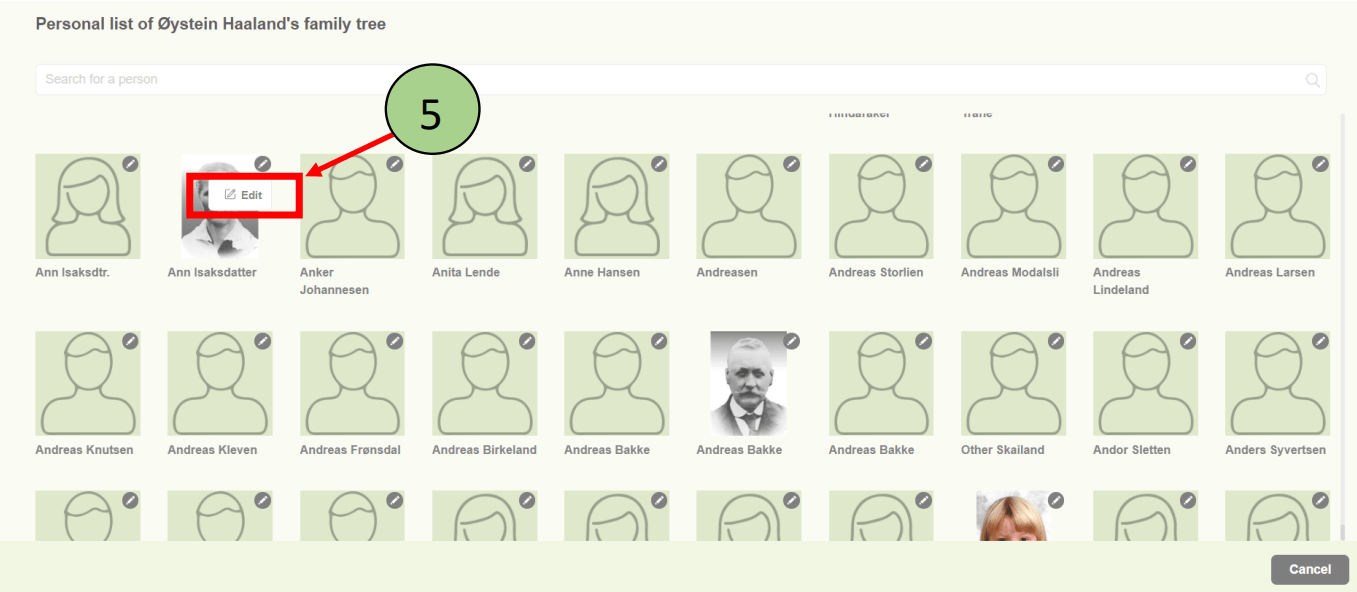
- Click on “pencil” icon in the top – right corner of the image.
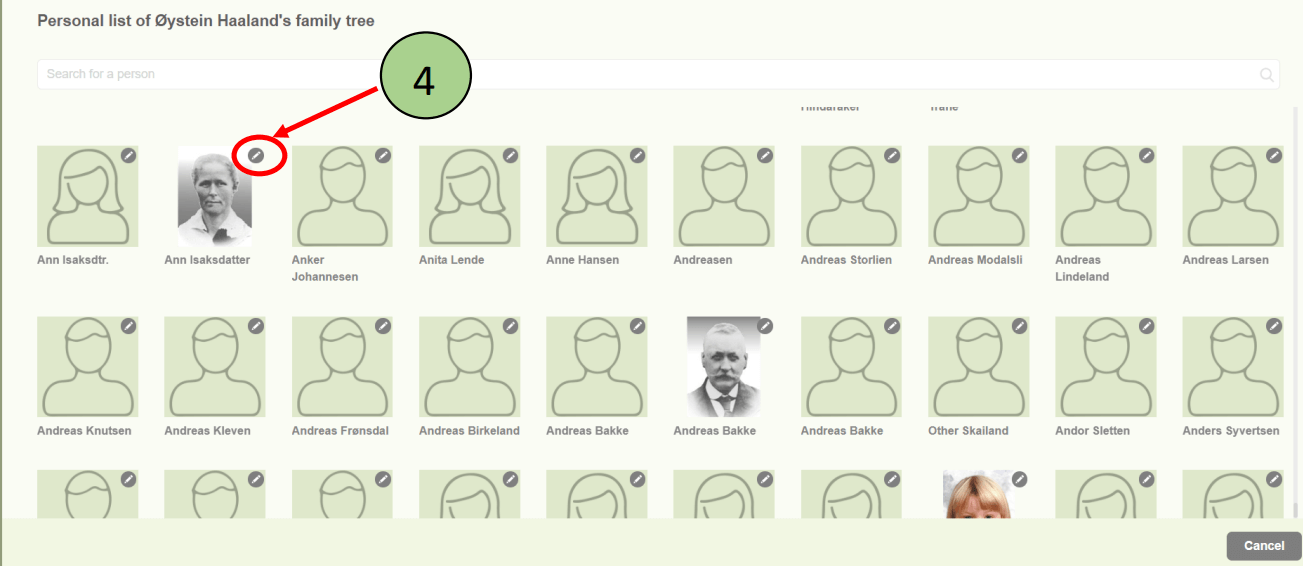
5. Click on the “Edit” link to be redirected to the personal form.
6. You will then be redirected to the personal form editing section.
Leave a Reply