We are excited to announce that the latest version of Embla Family Treasures is now available at www.embla.no! Experience our updated web application, free from installation issues, and explore its unique visual reports.
Discover the New Features:
New Landing Page:
Visit www.embla.no to see our redesigned landing page.
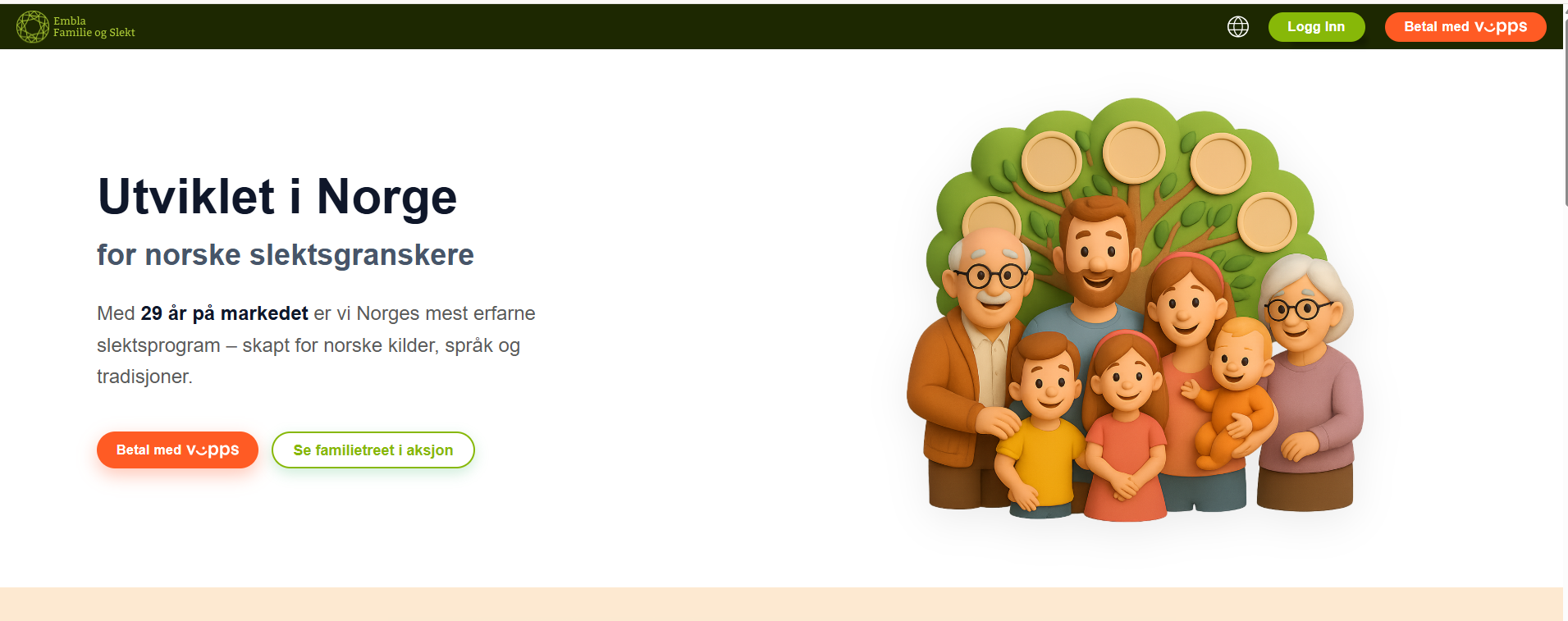
Scroll down to explore the content and additional features.
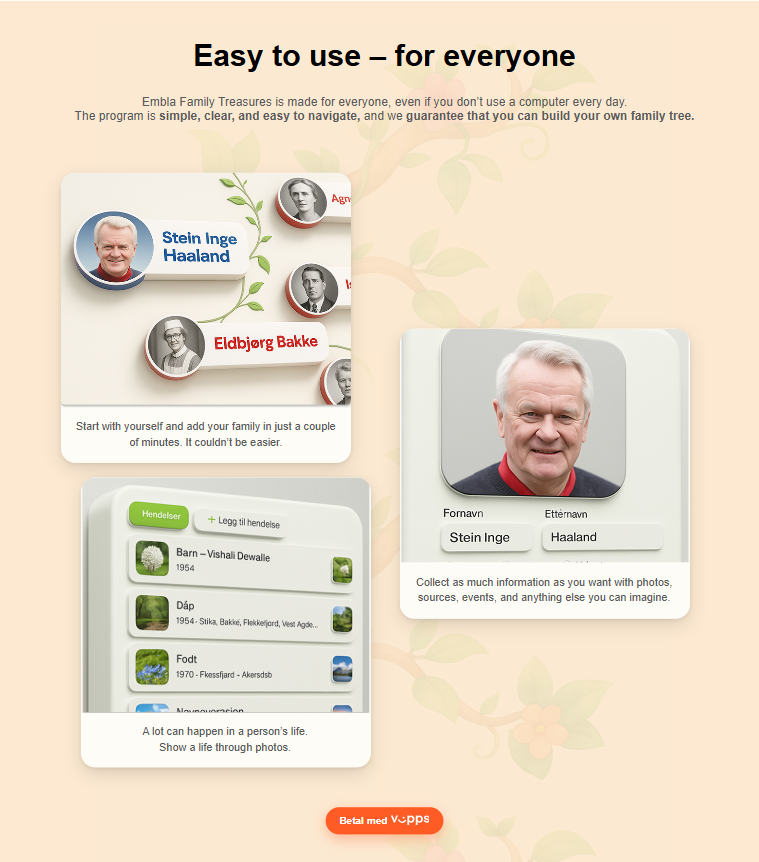
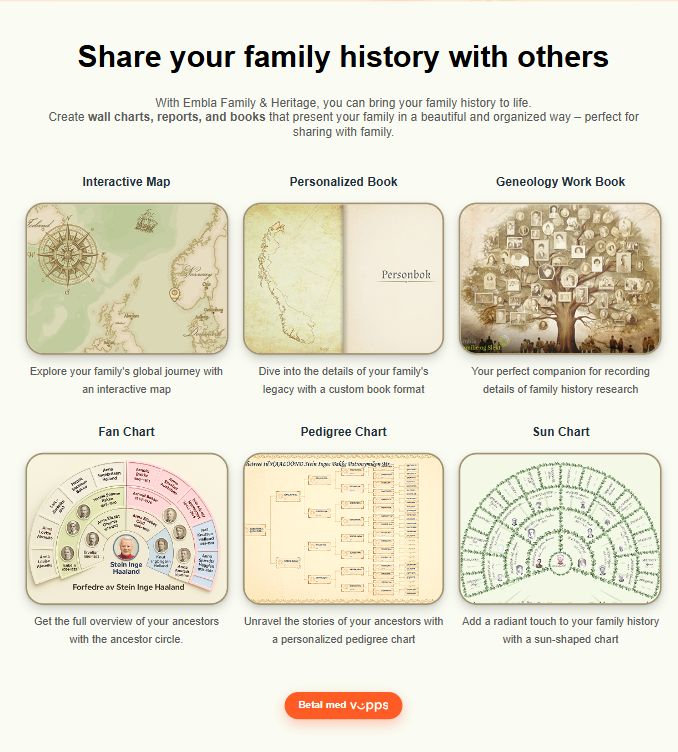
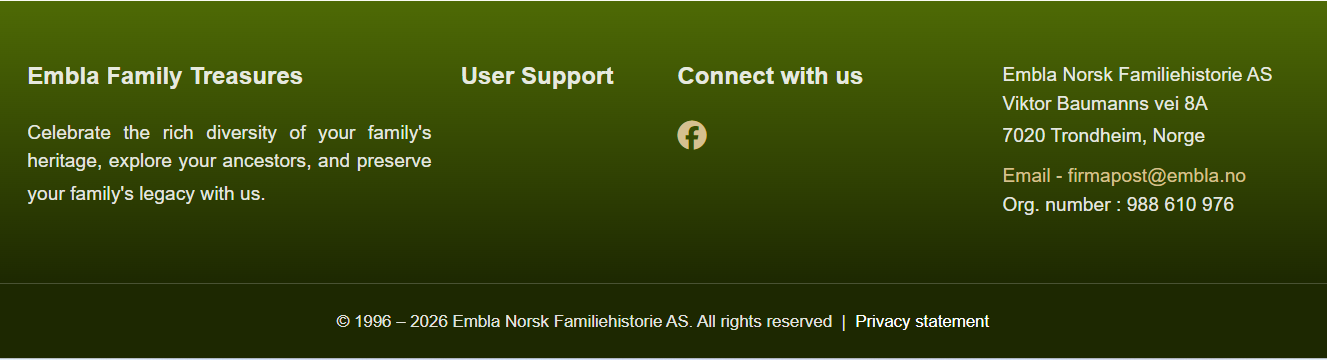
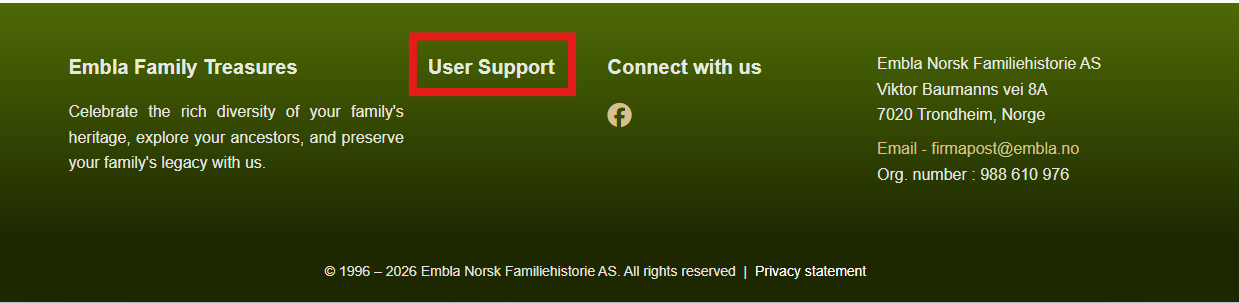
The footer includes details about Embla Family Treasures, contact information, and links to our Help Centre. If you have any queries or issues, please email us via firmapost@embla.no
Existing Members
Our existing members can explore the new features by logging into the system. We have updated our authentication page to enhance security and provide a smoother login experience.
How to Log In:
- Click the “Login” button at the top right corner.
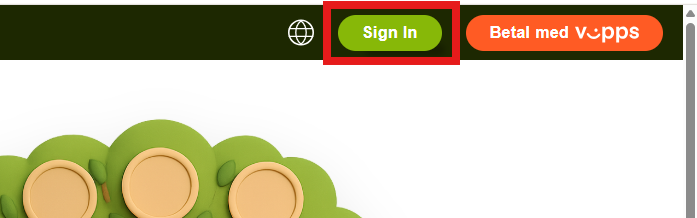
- Enter your email and password, then click “Sign In.”
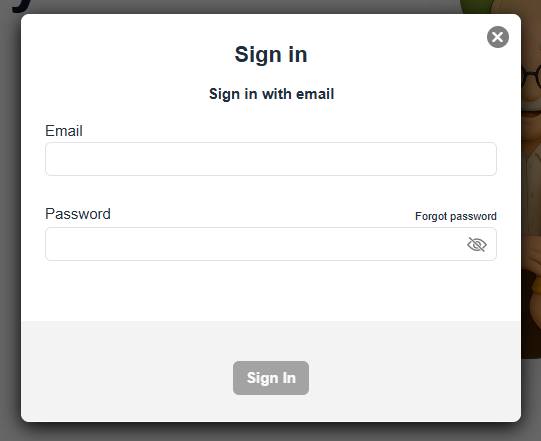
3. You will then be redirected to the dashboard page (Home).
Non-Members
We warmly welcome all visitors to explore the features of our product. To fully experience our product, you can make a purchase.
How to Purchase:
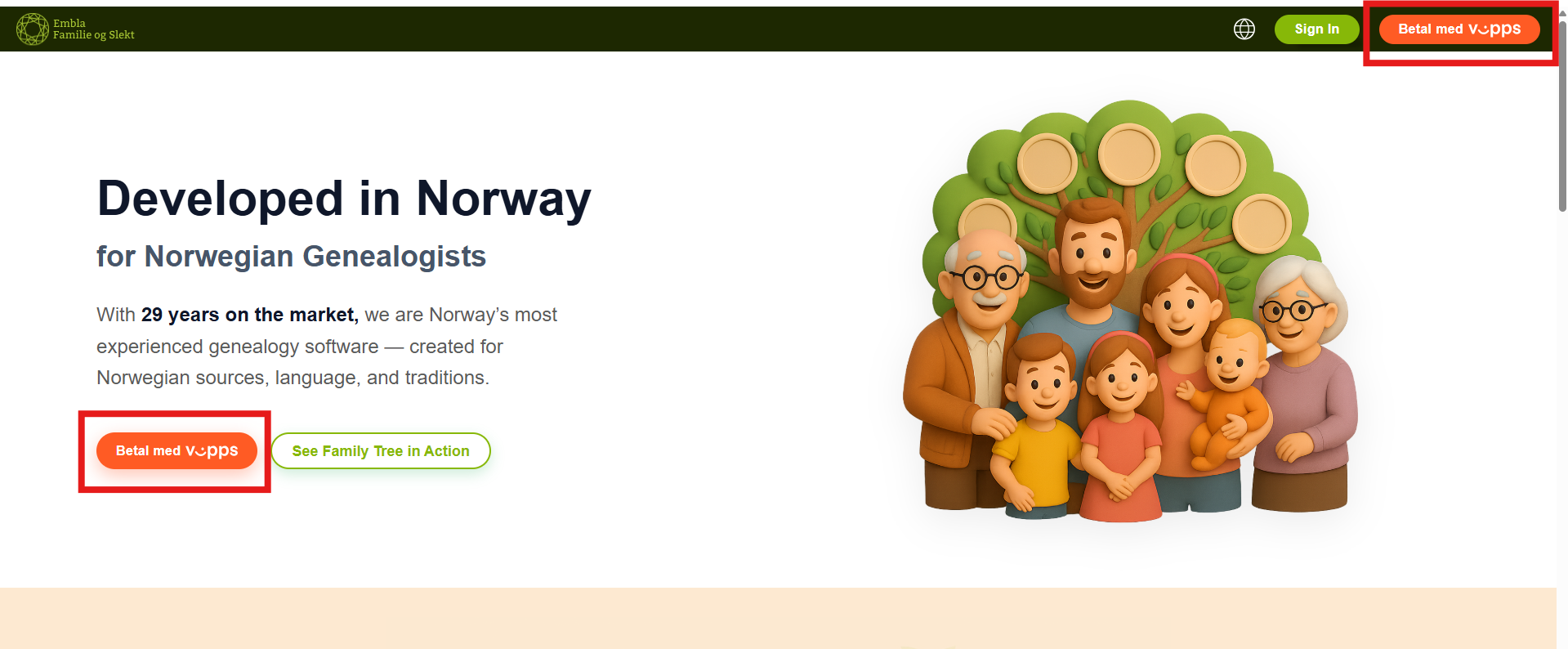
- Click the “Pay with Vipps” button to view the product pricing.
- If you wish to proceed with the purchase, follow the prompts.
- The s”Pay with Vipps” button will direct you to Vipps payment page for completion of the transaction.
Language Change
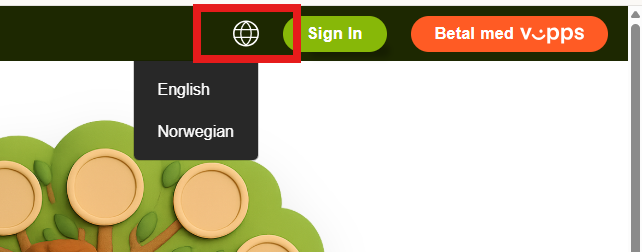
You can change the preferred language using the language options. Please note that language selection is only available for the website. Currently, our product supports only Norwegian.
User Support
For assistance, click “User Support” which is avaliable in the footer section to visit our Knowledge Base. You can search for answers or ask our AI-powered help agent.
If you need further assistance, please email us at firmapost@embla.no, which is also available in the footer section.
Leave a Reply