As part of ongoing improvements to our services, access to features related to older versions of Embla Norwegian Family History has been updated.
The separate Version 9 (V9) website is no longer in use.
All membership information, cloud backups, and legacy details related to Version 8 (V8) and Version 9 (V9) are now available directly through Version 10 (V10) after logging in.
This article is only relevant for users who are still using or need information from older versions (V8 or V9).
Users who use only Version 10 do not need a license key, as V10 is a web-based application.
Who Is This Relevant For?
This guide applies to you if:
- You are still using Embla Version 8 or Version 9, or
- You need to view:
- A license key for V8 or V9
- Upload backups which were created in earlier versions
- Membership details related
If you use only Version 10, you can safely ignore this article.
How to Access Version 8 and Version 9 License key
Follow the steps below to access license key information through Version 10:
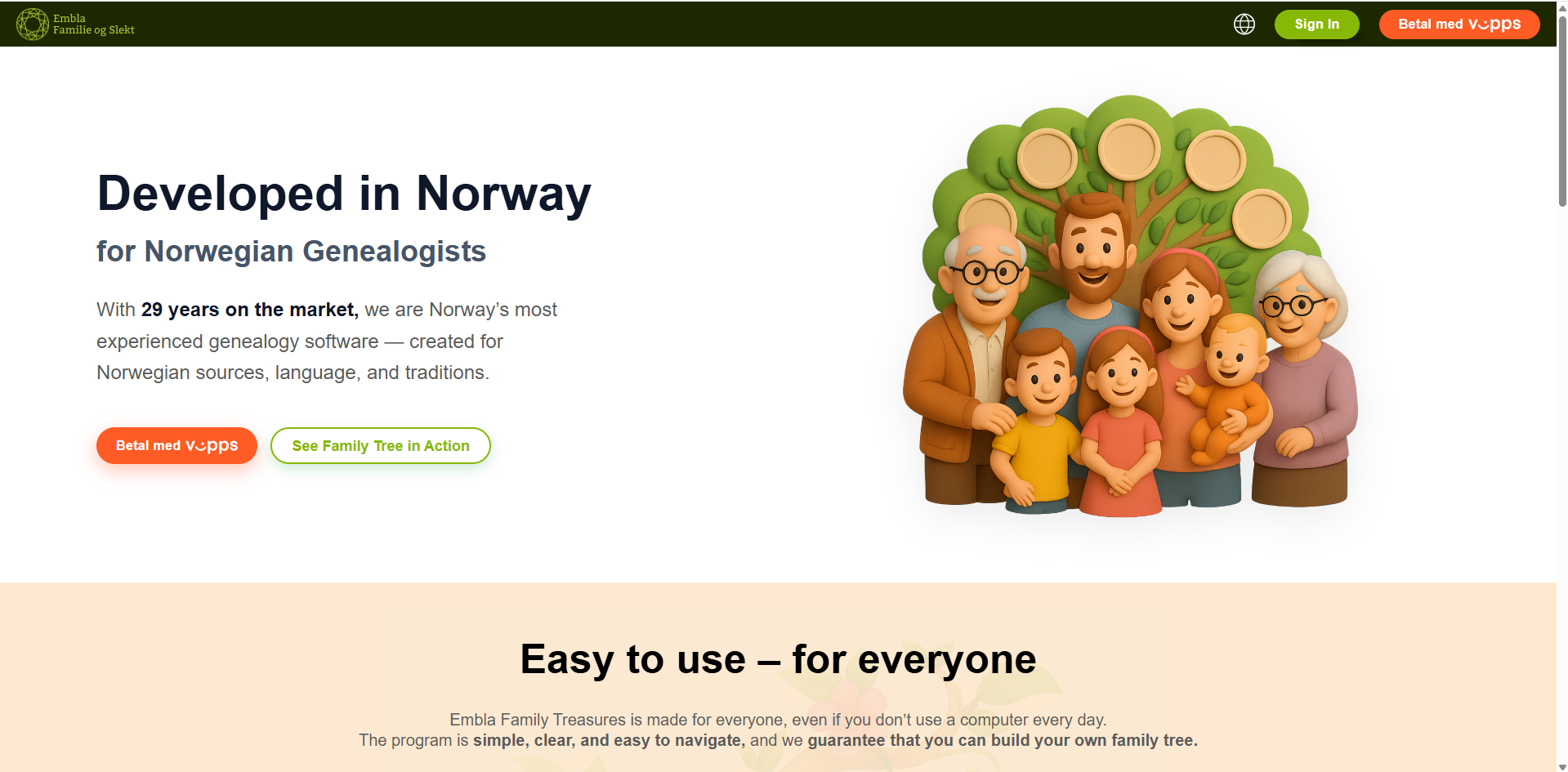
1.Go to www.embla.no
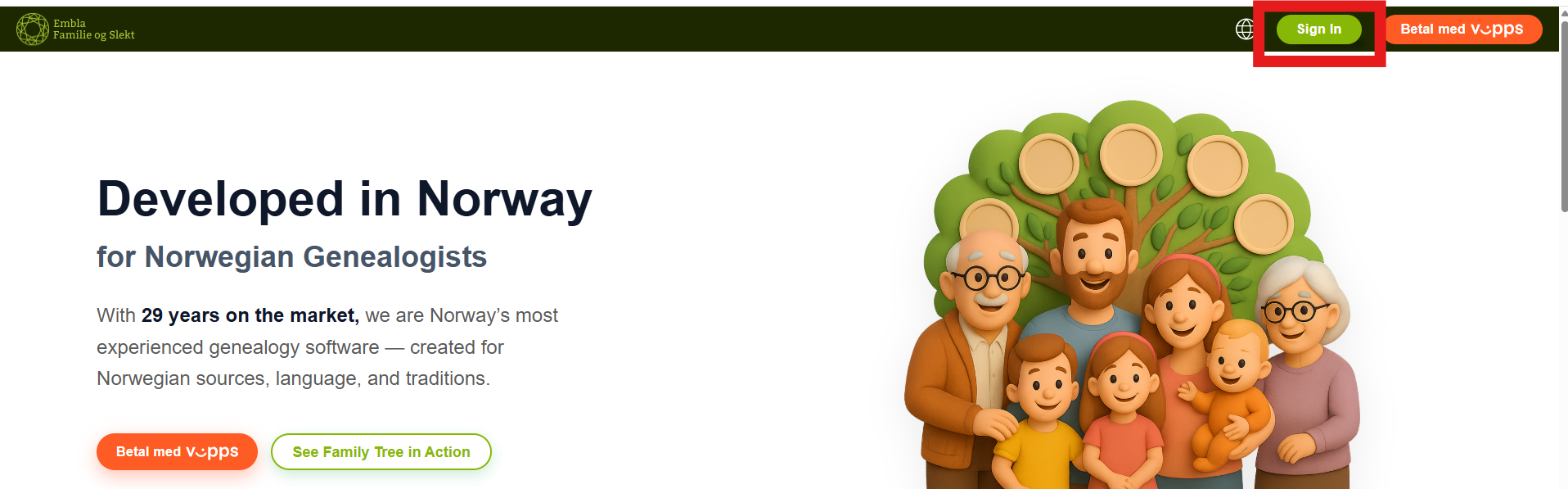
2. Click Logg inn (Login)
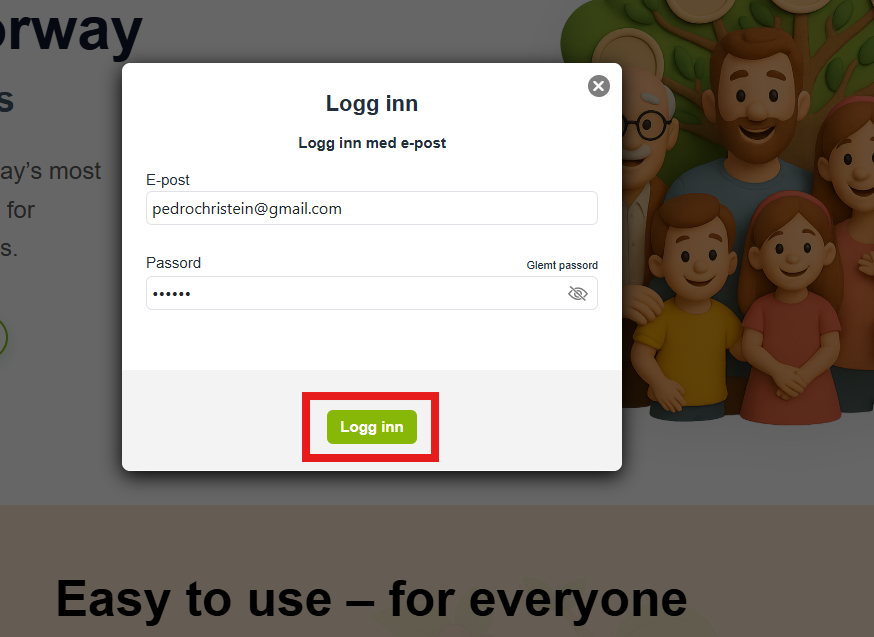
3. Enter your registered email address and password relevant to the Embla family history account
4. After logging in, you will be taken directly to your membership page (dashboard) in Version 10
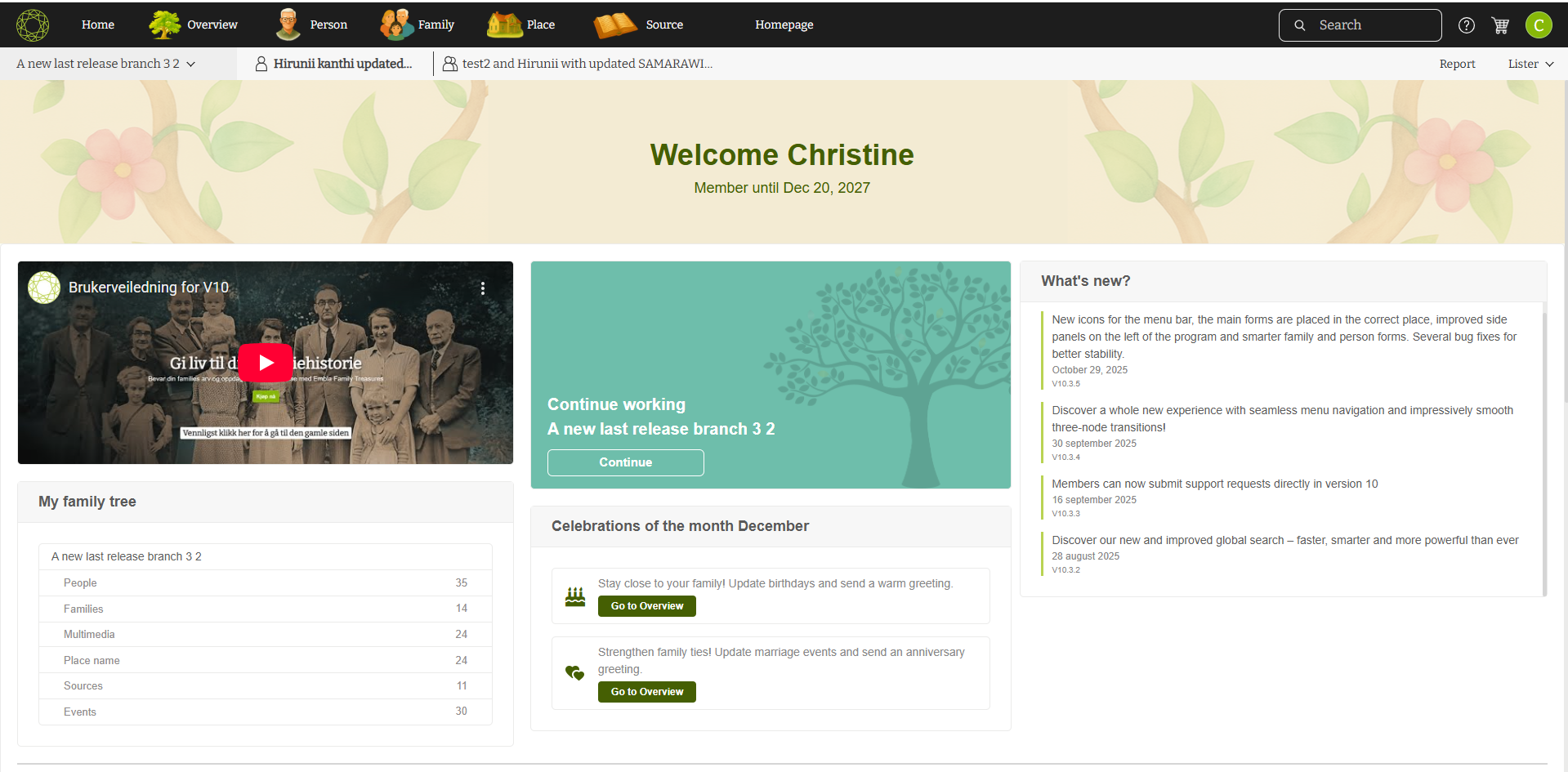
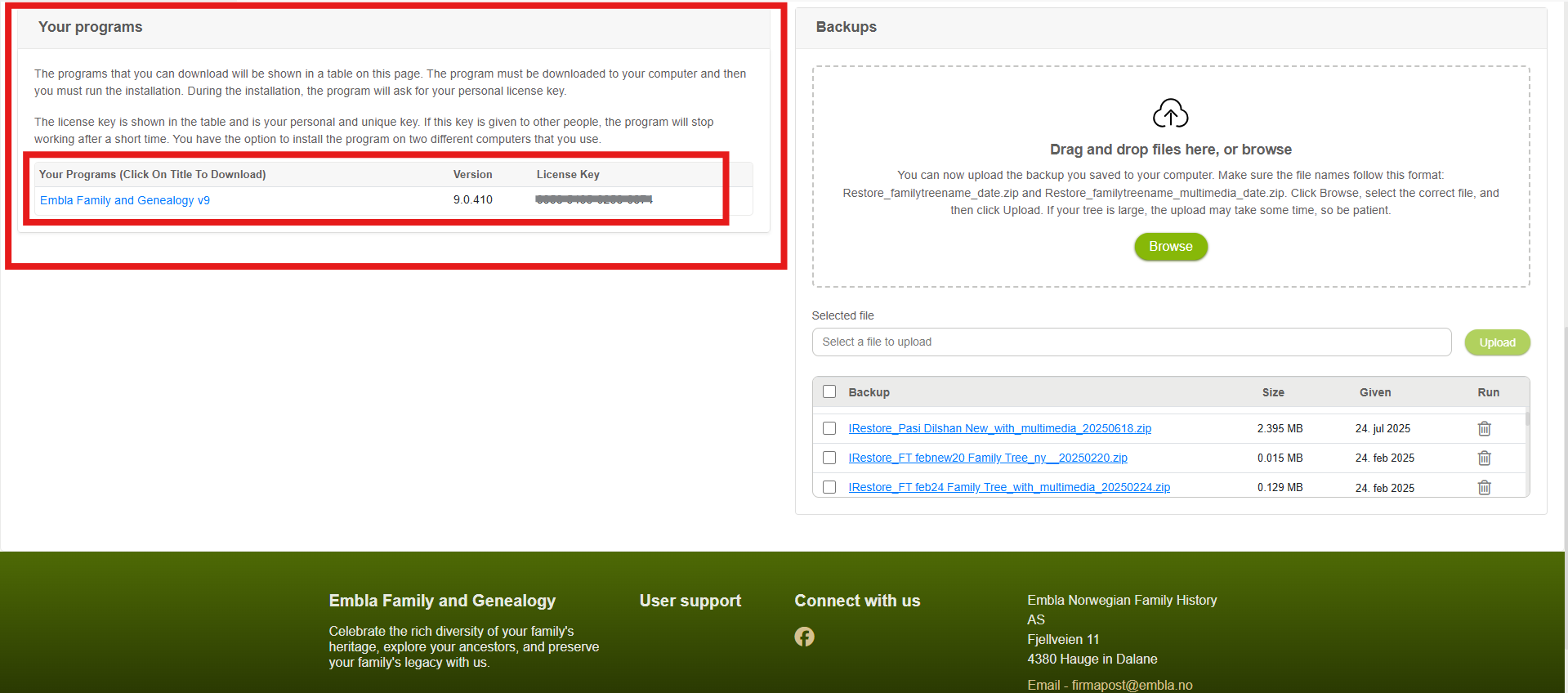
5. On the membership page, users of older versions (V8/V9) will see:
-
- Membership expiry information
- Upload backup section (from earlier versions)
- A section displaying the license key for the relevant purchased product (V8 or V9)
Important Notes
- Version 10 does not use license keys
V10 is a modern, web-based application and works through your user account. - License keys and legacy backup information are shown only if they are relevant to your account, meaning only for users who previously purchased V8 or V9.
- If you no longer use older versions, these sections may not appear on your membership page.
Leave a Reply