-
Click on the “Source” tab in the navigation menu to open the Source page.
-
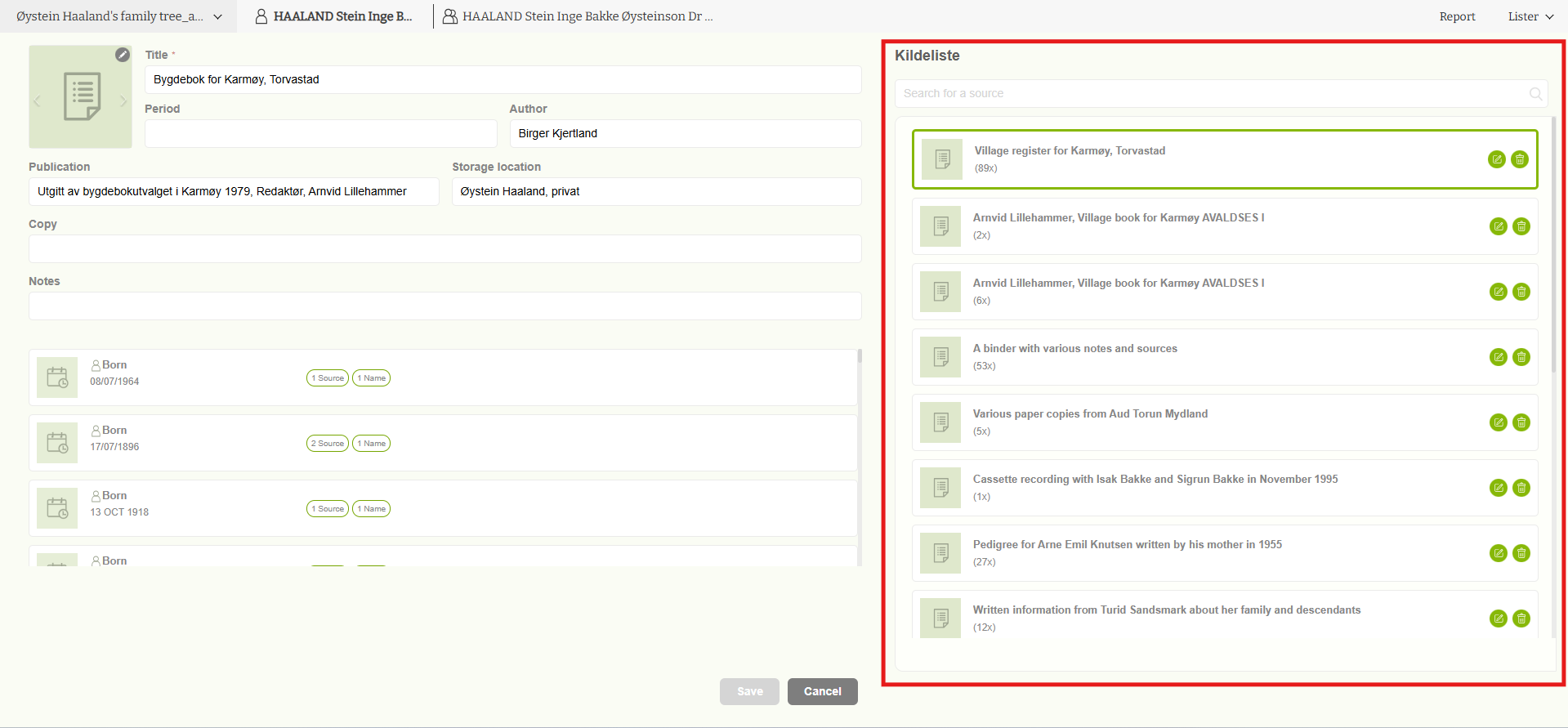
All previously added sources will be displayed in a list on the right-hand side of the page.
-
Next to each source, you will see two action options.
Edit Source
-
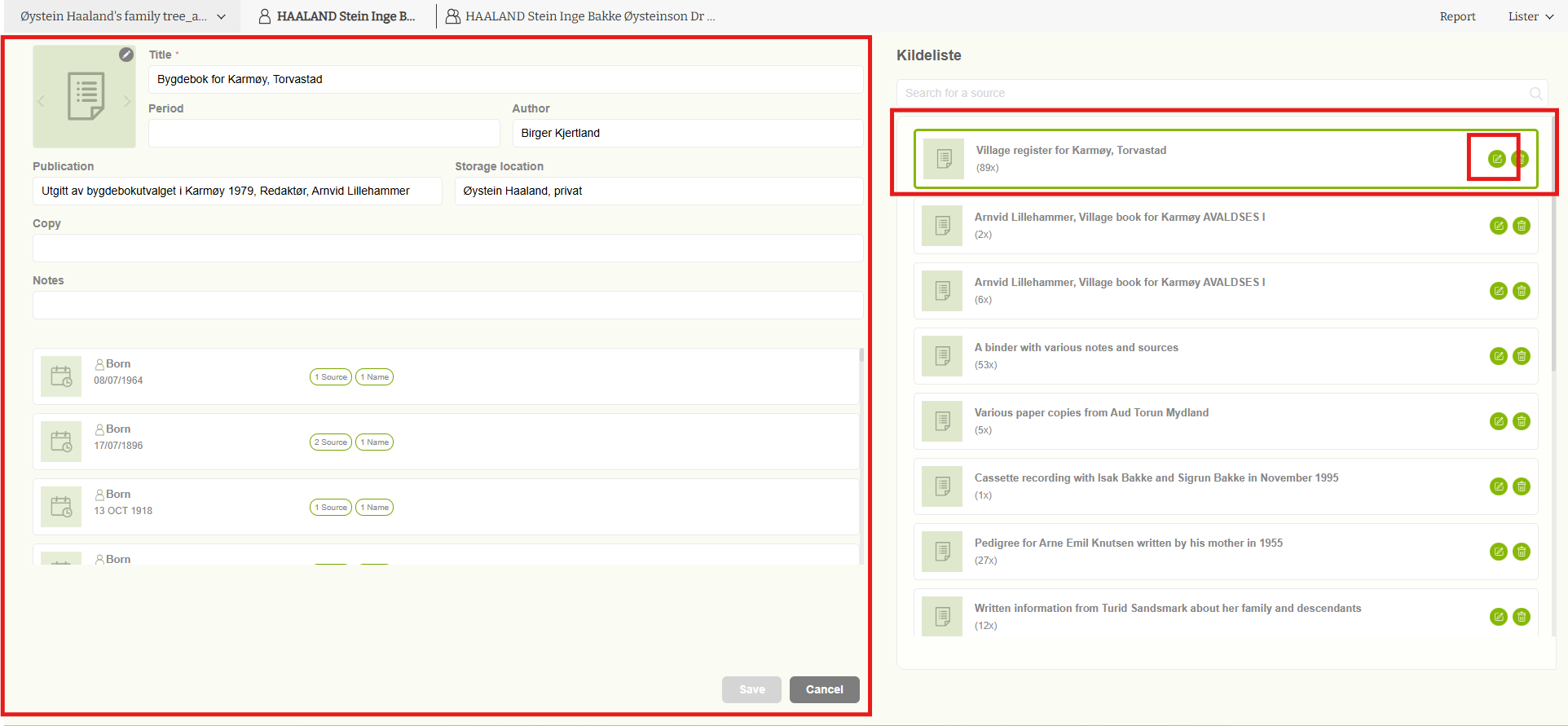
Click the Edit (pencil) icon to modify a source.

-
You will be redirected to the “Add Source” form, where the existing source information is pre-filled and can be updated as needed.
Delete Source
-
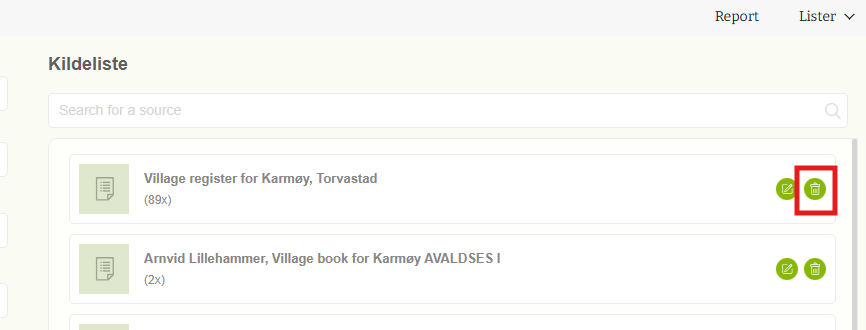
Click the Delete icon to remove a source.
-
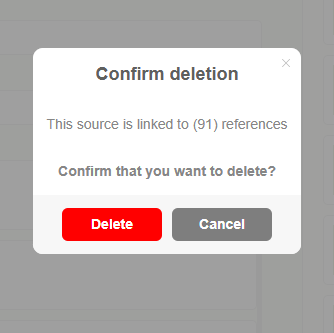
A confirmation message will appear, asking you to confirm before the source is permanently deleted.
This approach ensures that sources can be safely updated or removed while preventing accidental deletions.
Leave a Reply