Embla Family Treasures Version 10 is a web application designed to make managing your family tree easier and more accessible. Unlike traditional software that requires installation, members can simply log in to www.embla.no to get started. Here’s a detailed guide on how to navigate and utilize this powerful application.
Getting Started
1. Login process:
-
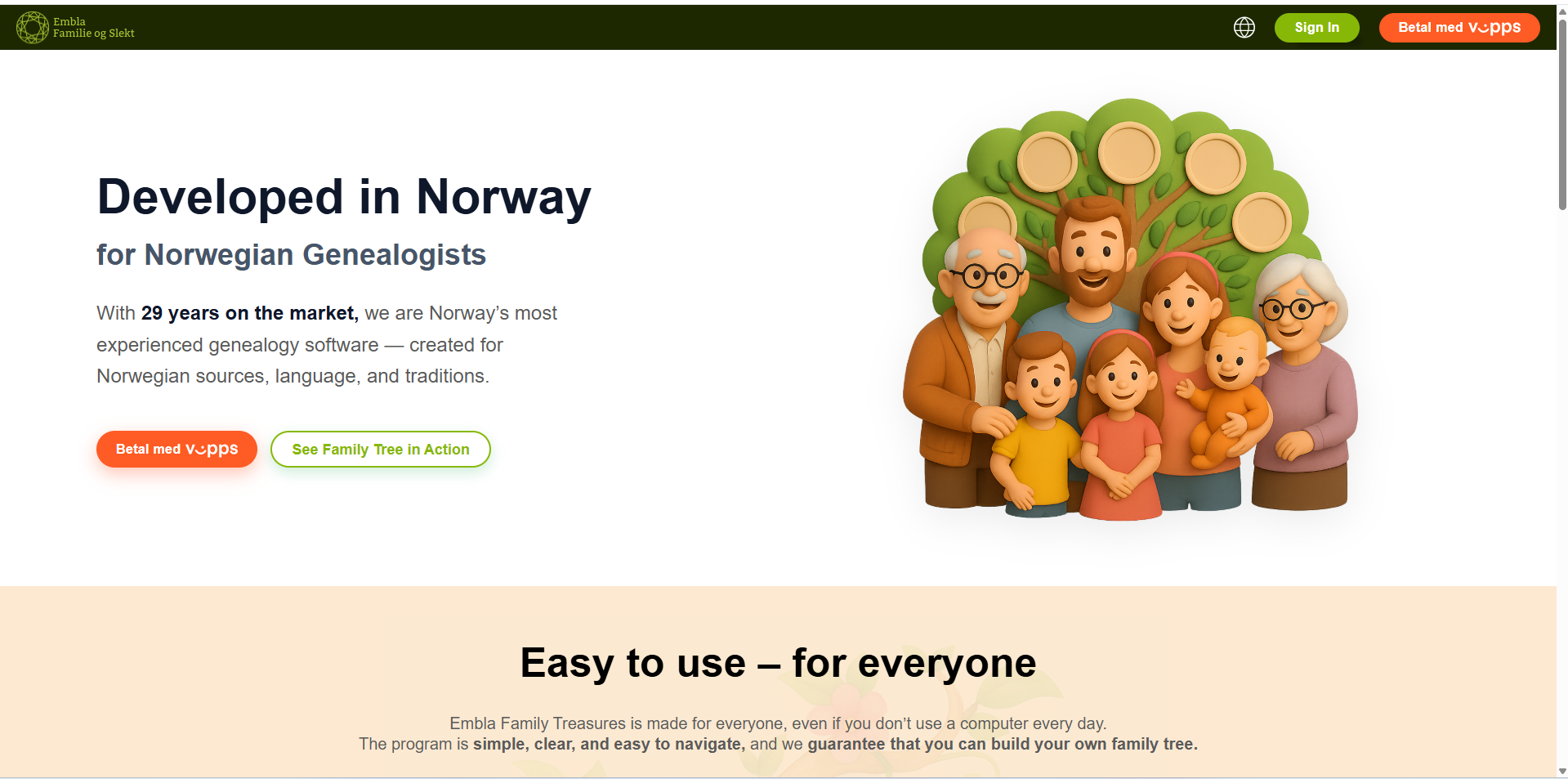
- Open your web browser and go to www.embla.no.You will be redirected to the “Version 10” application.
-
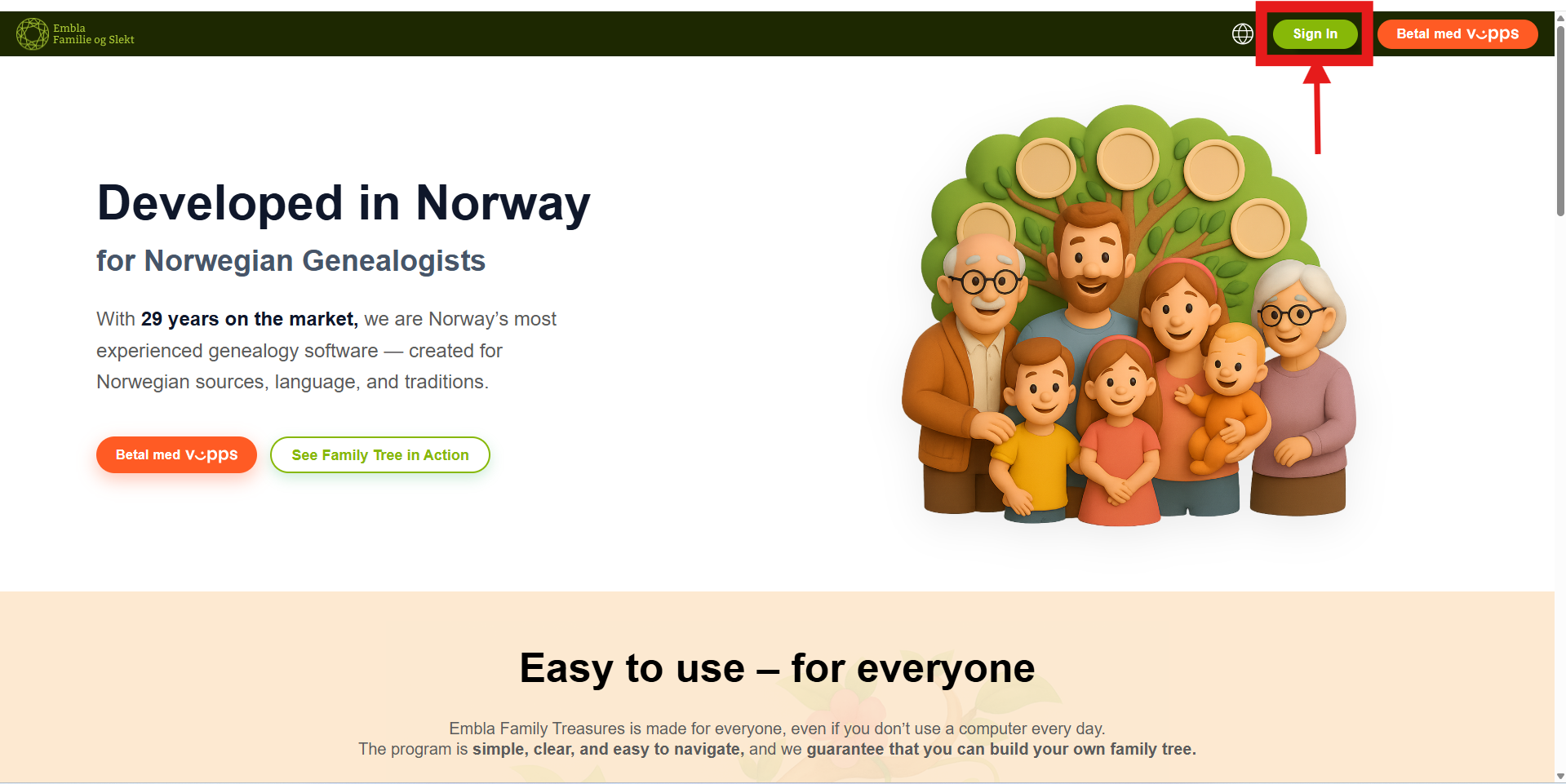
- Click on the “Sign In” button to begin the login process.
-
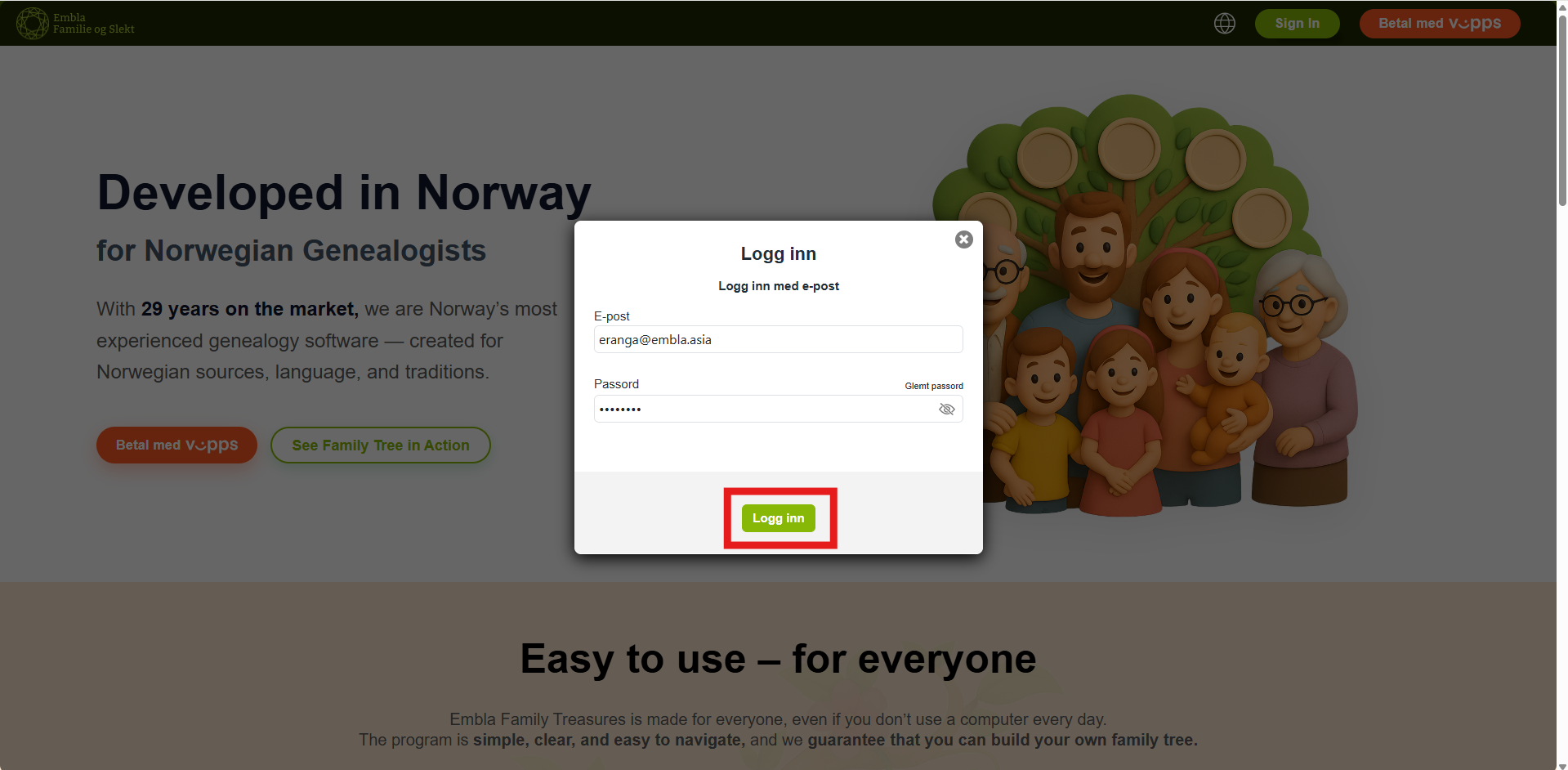
- Log in using your credentials.
After entering the correct email and password , “Sign in” button will be enabled.
- Log in using your credentials.
2. Navigating the membership page (dashboard page/membership page)
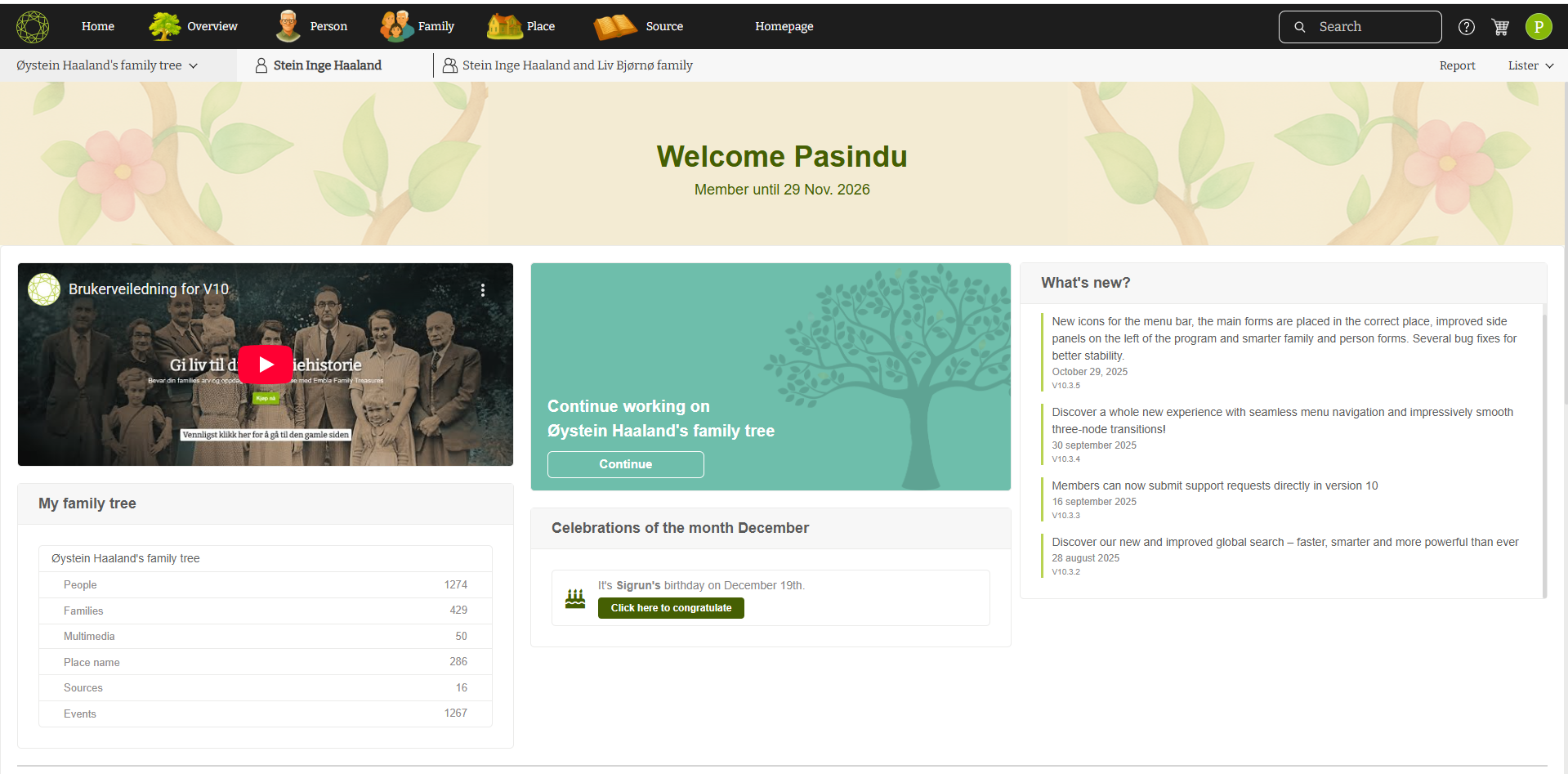
After logging in to your account, you will first see a short loading page. You will then be automatically redirected to your membership page (home page/dashboard).
On this page, you can view important information such as your membership expiry date, the backup upload section, your list of uploaded backups, and all existing family trees. From here, you can easily navigate through the various features and options available to manage and update your family history.

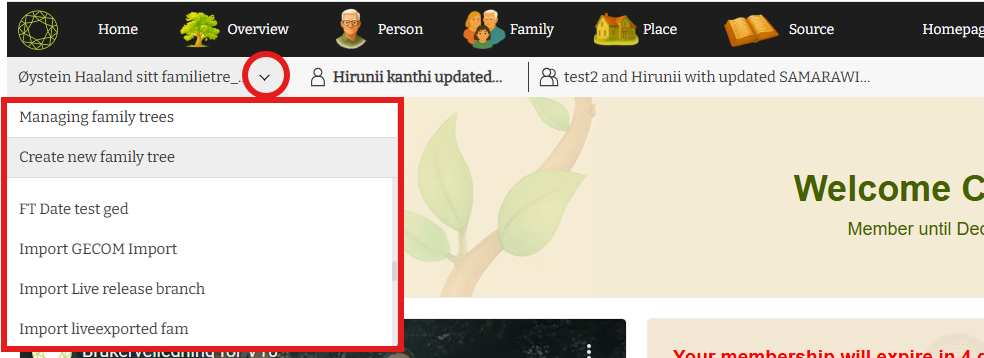
Click on the arrow icon on the left side, near to the family tree name.There, you will be able to create a new family tree,manage existing family trees and view the list of family trees.
Main Features
1.Overview:
-
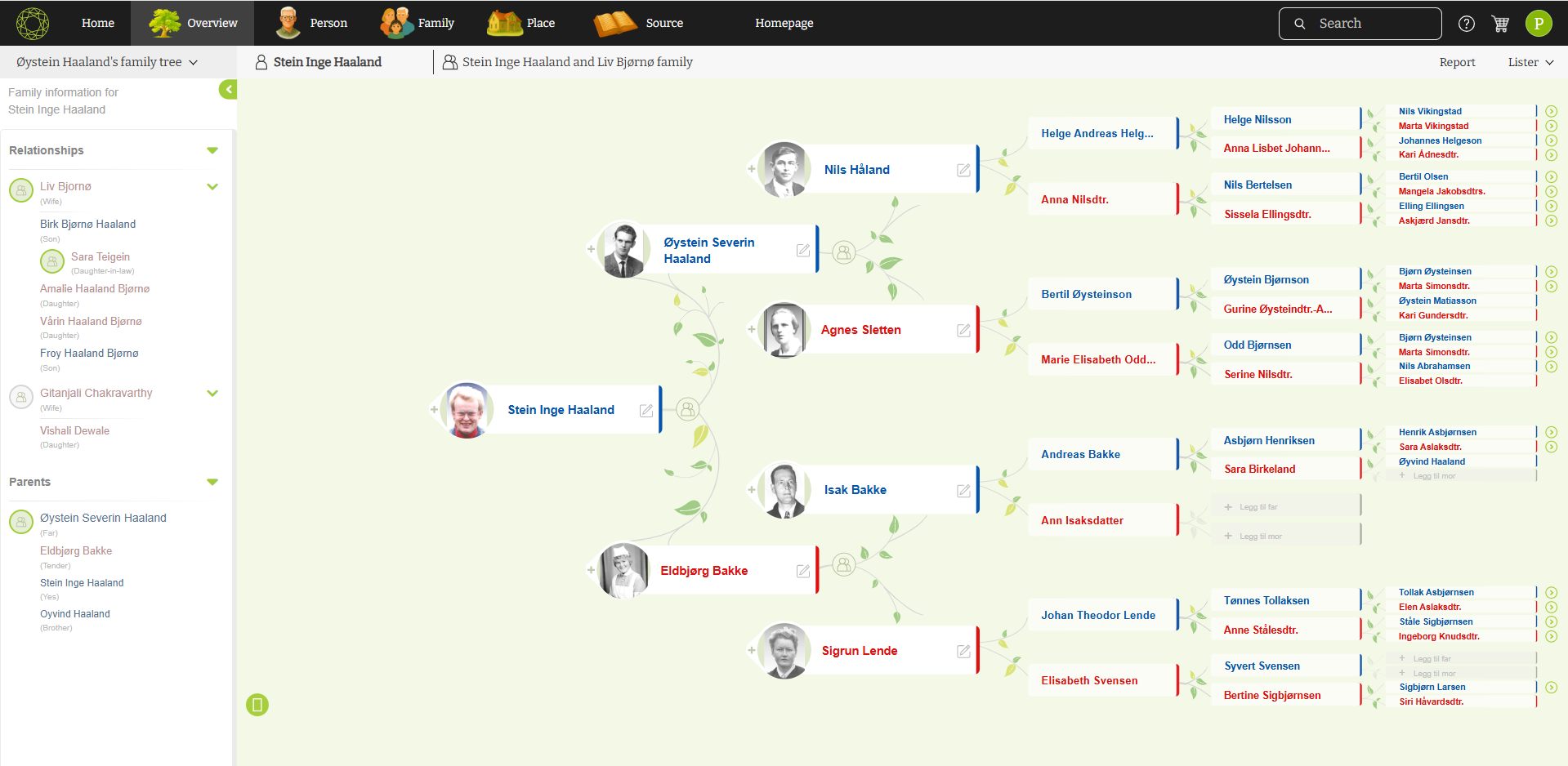
- Click on the “Overview” menu option under the “Resources” menu to view your family tree.
- Here, you can edit and update the details of your family tree.
2. Family Editor
-
- Manage and edit family relationships and details.

3. Person Editor
-
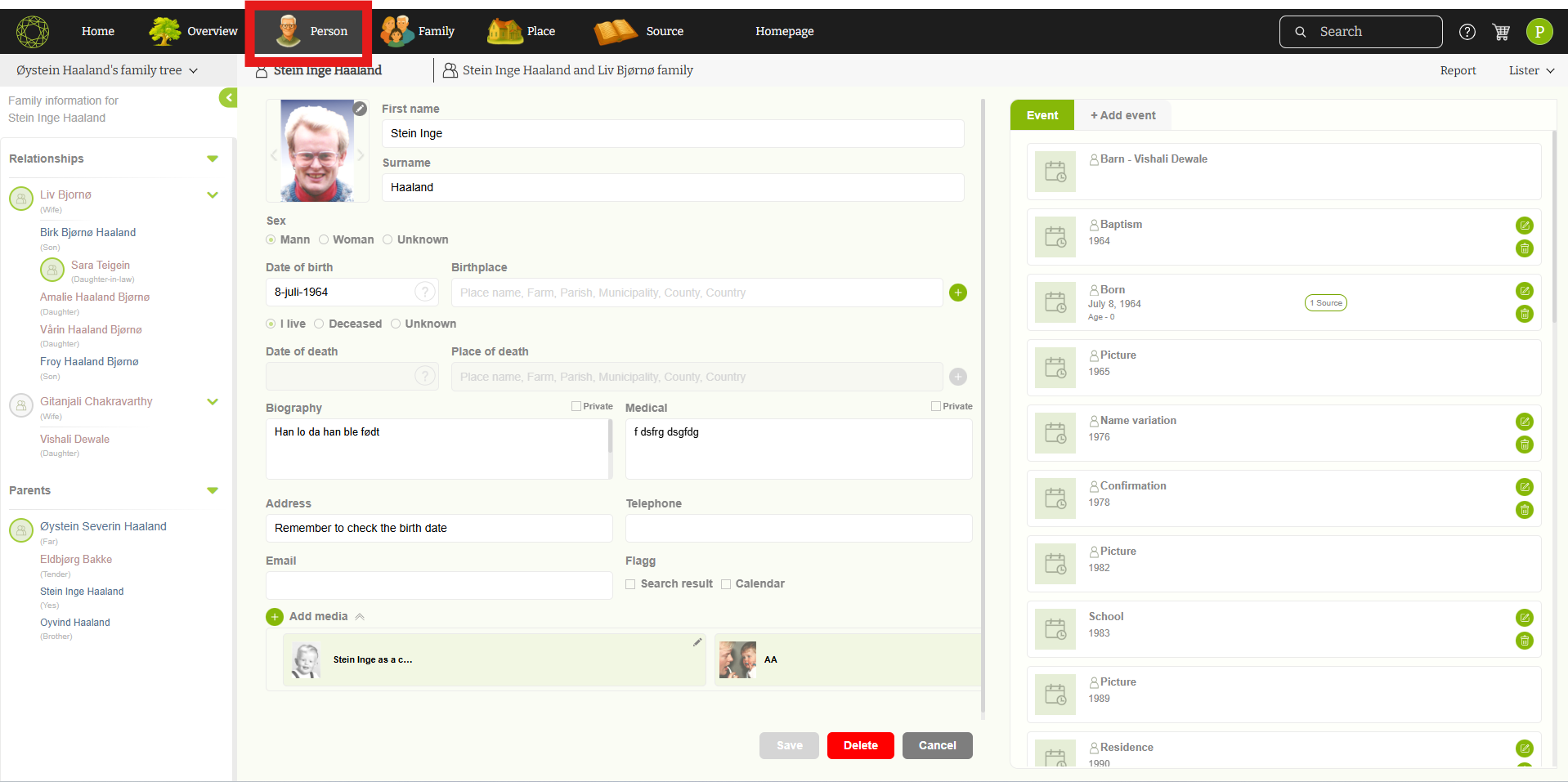
- Update member information.
4. Place Editor
-
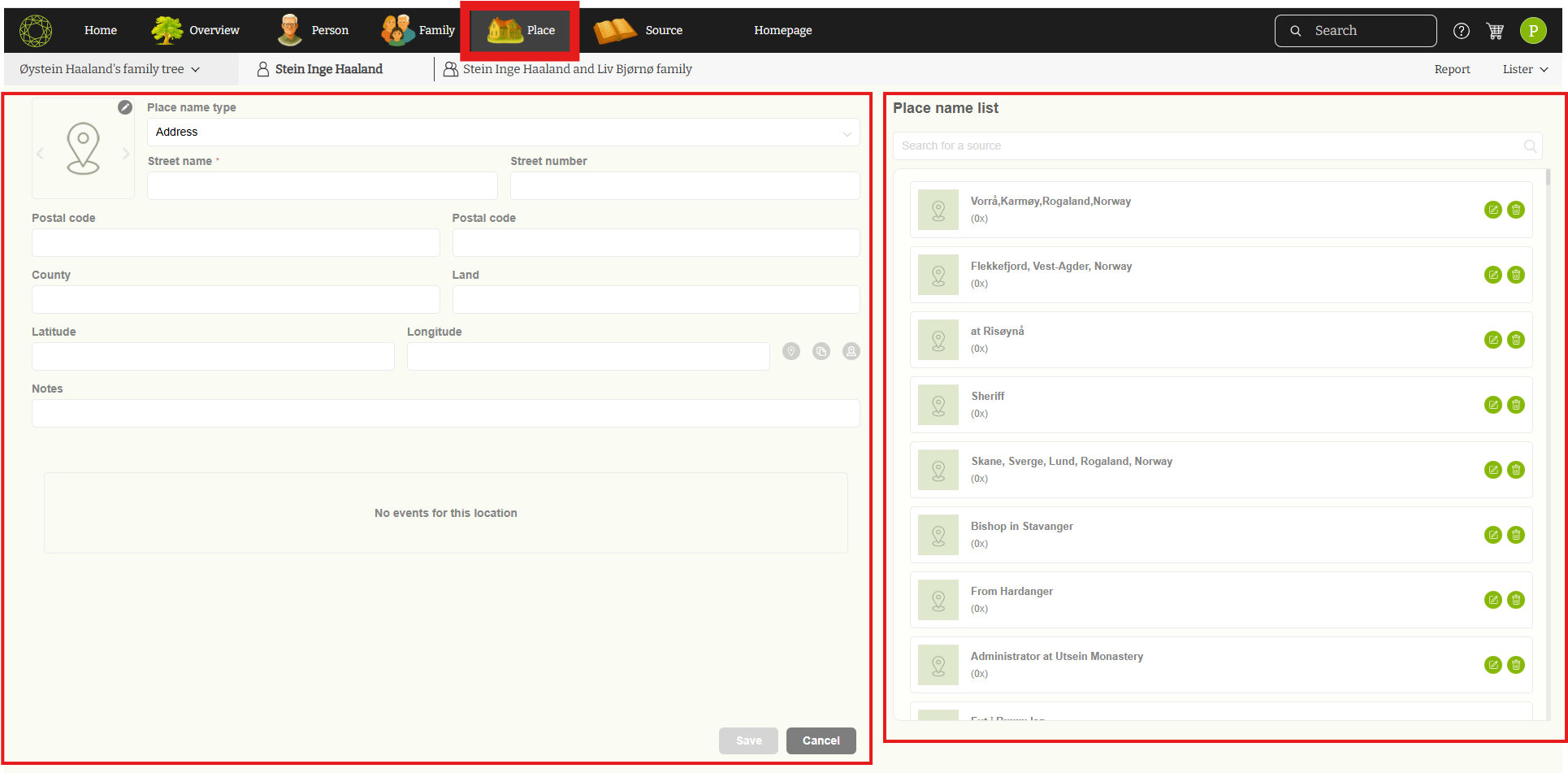
- Add ,manage and update places associated with your family history.
5. Sources Editor:
-
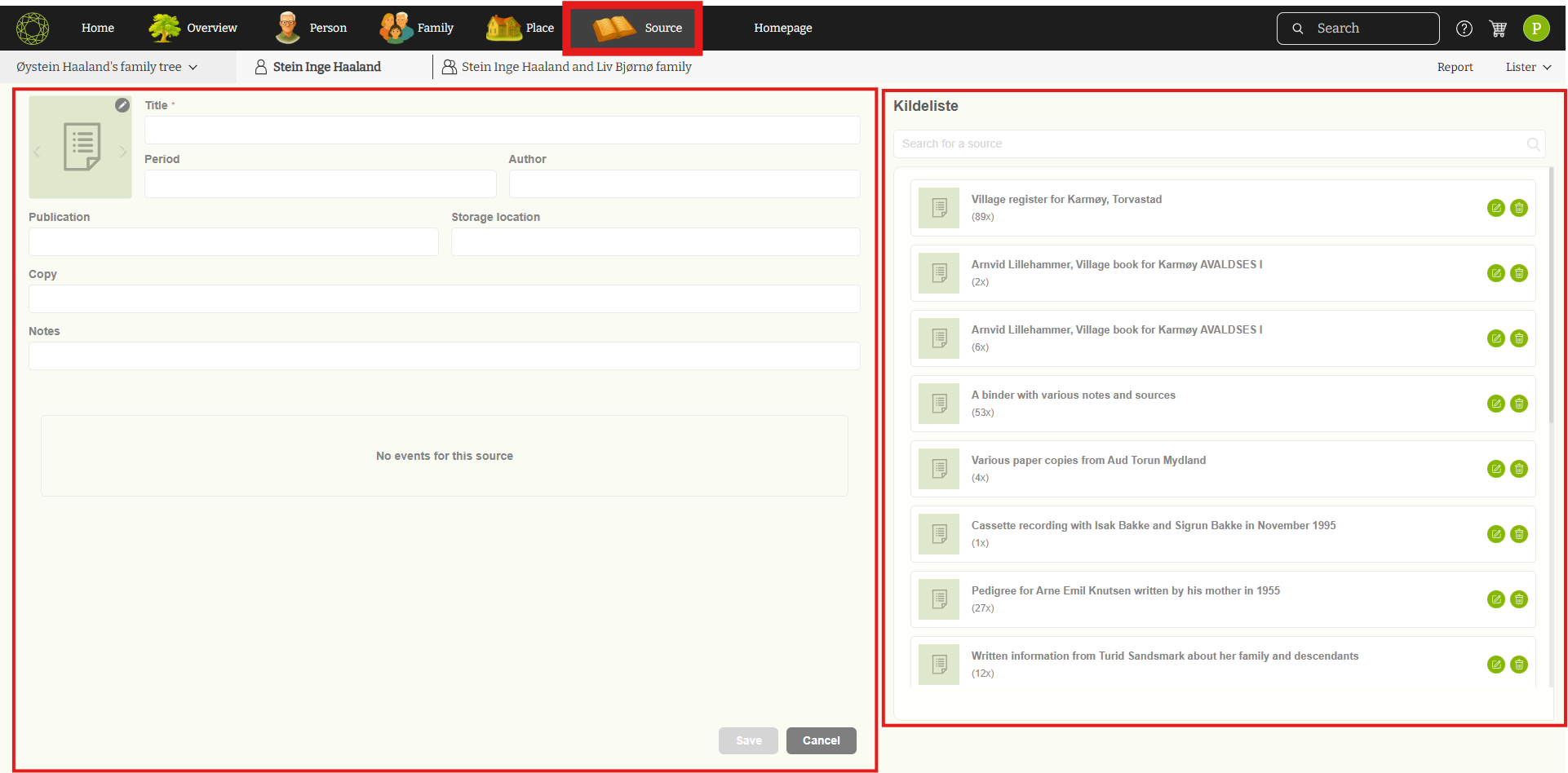
- Allow to add new sources and keep track of sources & references.
6. List
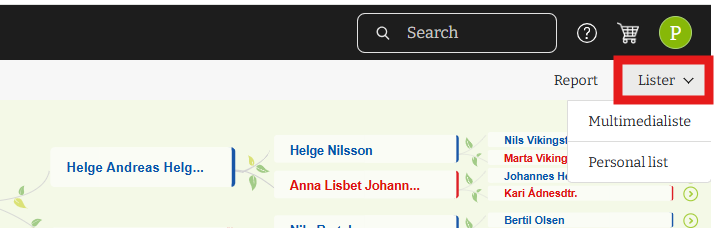
- Person List
- View and manage a list of individuals in your family tree.
- Multimedia List
- Organize and manage multimedia files related to your family history.
7. Reports Menu:
-
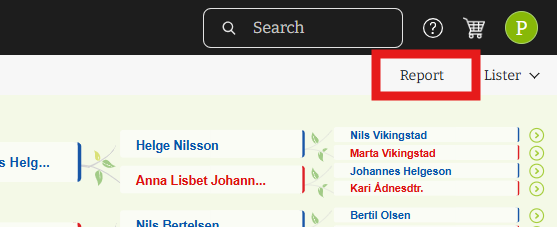
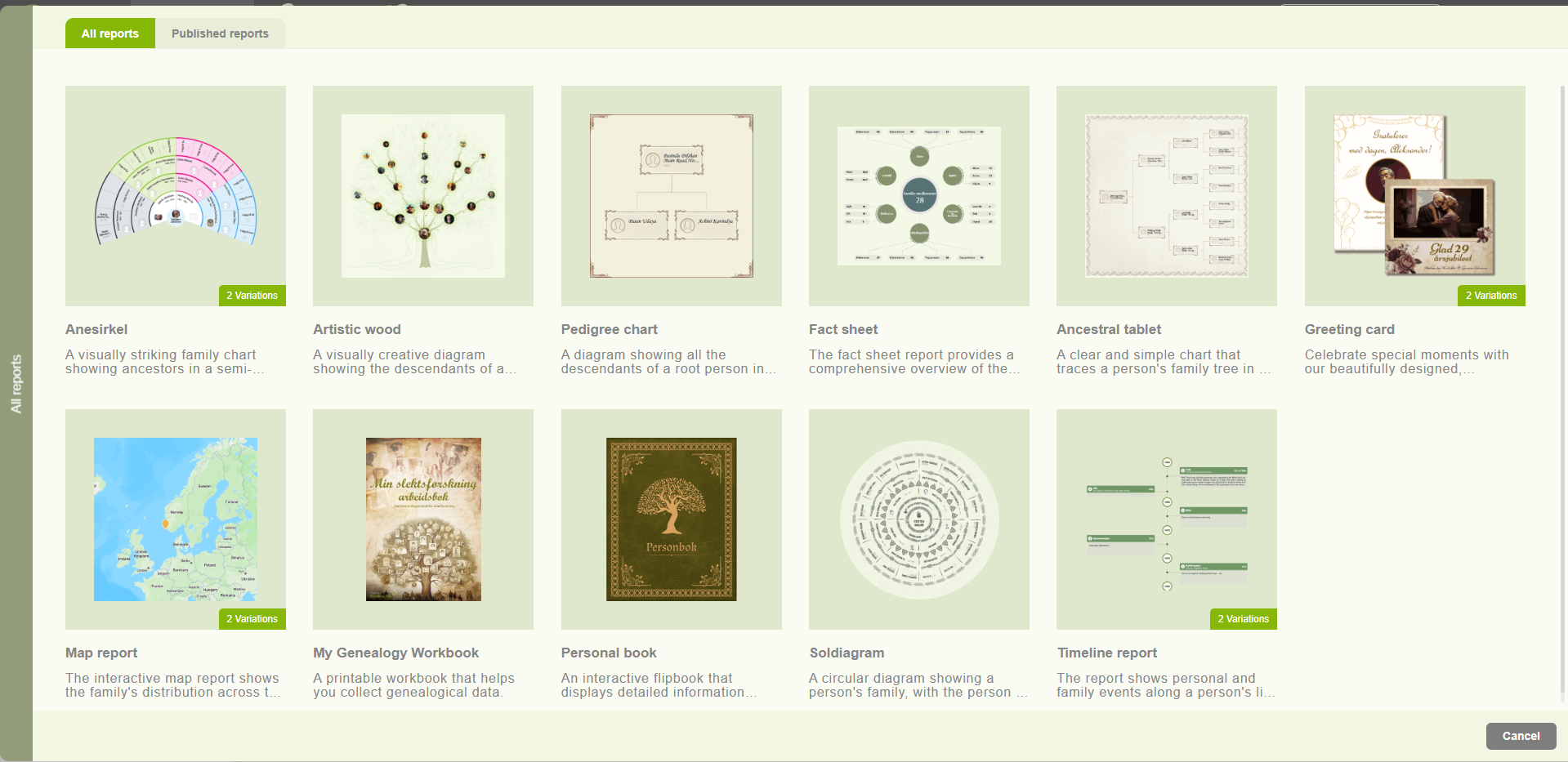
- Access a unique set of reports that provide insights and summaries of your family tree data.
8. Settings:
-
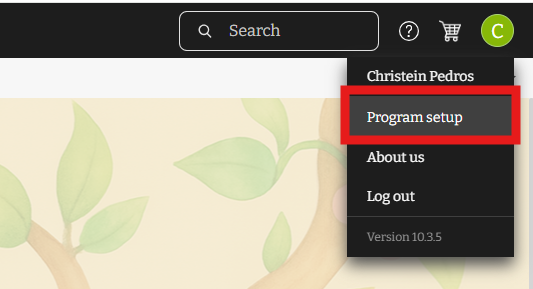
- Change application settings and personal preferences to customize your experience.
-
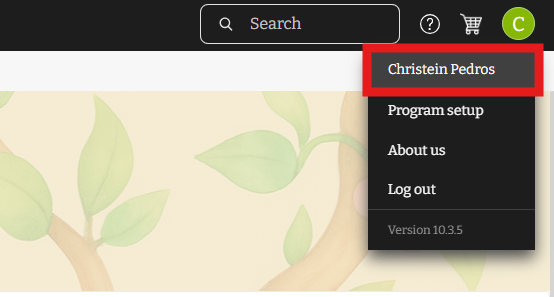
- Update the name of the user and the password relevant to the account
Embla Family Treasures Version 10 offers a comprehensive set of tools to help you manage your family tree with ease. For more detailed information and tutorials, please search our knowledge base application.
Leave a Reply