Category: Version 10
-
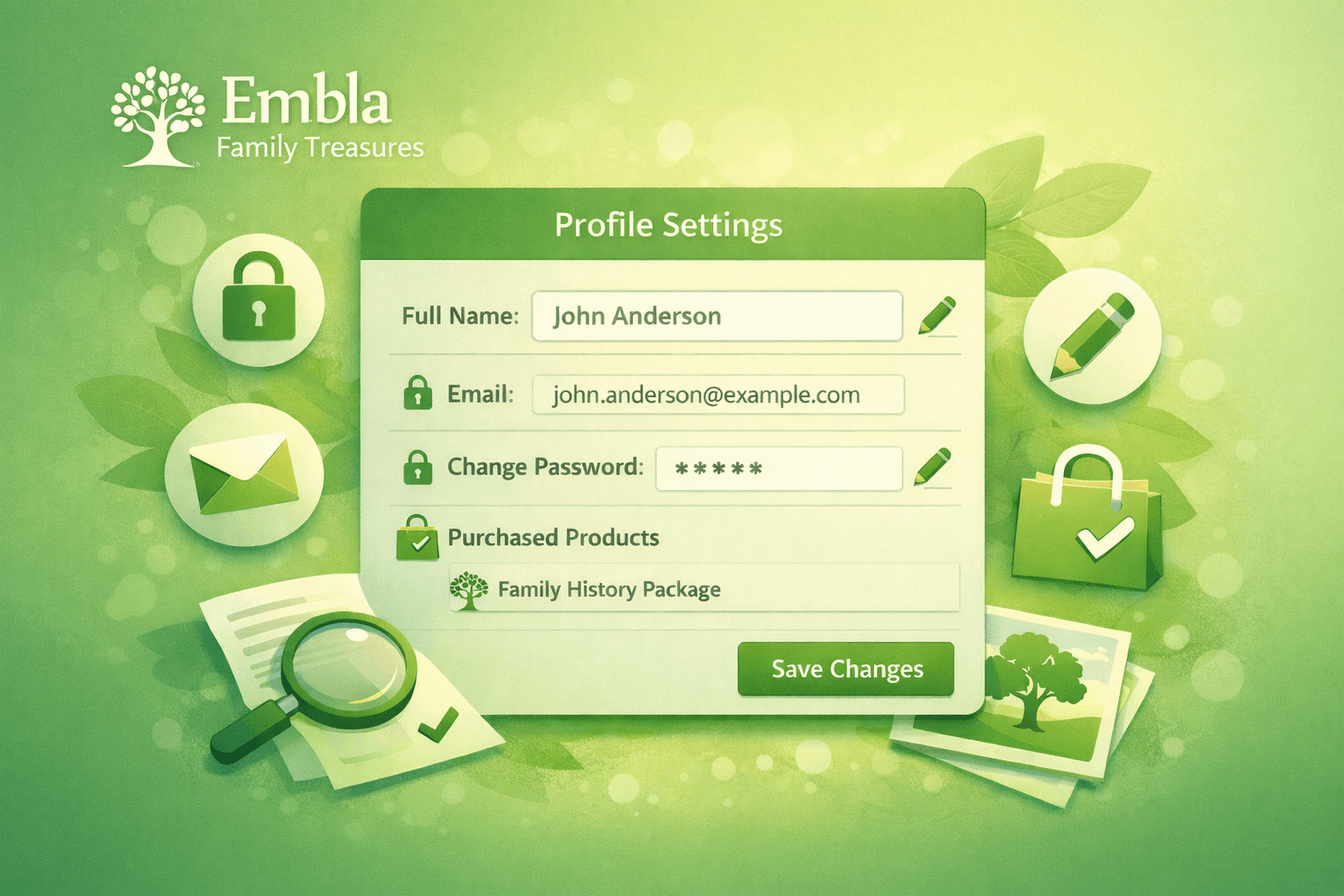
How to Use the New Profile Page in Embla Family Treasures
We are happy to introduce the new Profile Page in Embla Familiehistorie. This feature gives you better control over your account by allowing you to update your personal information and change your password. You can also view the products you have purchased. Below is a simple guide to help you use the new profile tools.…
-
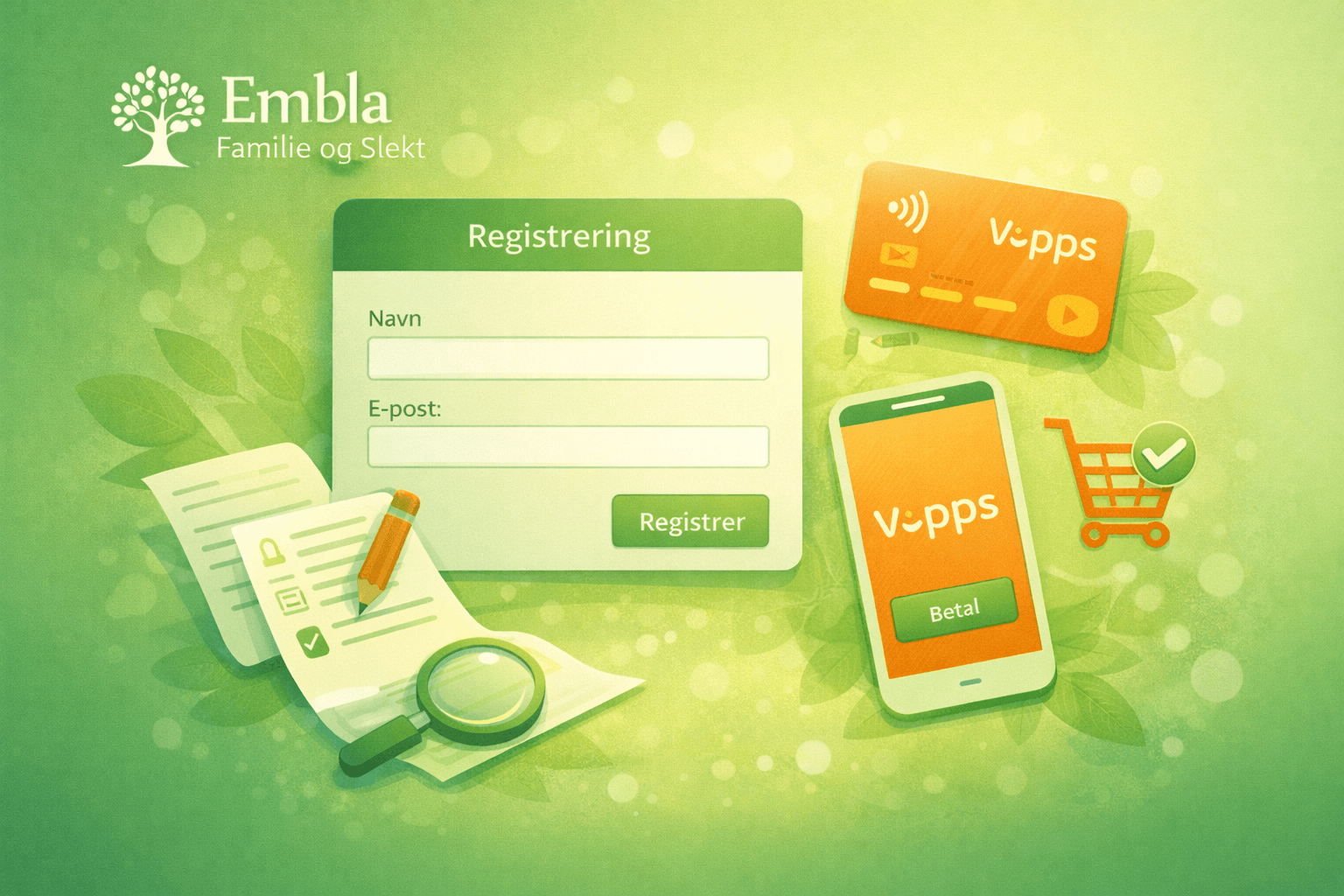
Purchase Embla Family Treasures with Vipps
We are pleased to introduce Vipps as a new and convenient payment option for purchasing Embla Family Treasures Embla Familie og Slekt. With Vipps, you can complete your purchase quickly and securely directly through www.embla.no. This guide will walk you through the full purchase and registration process step by step. Step-by-Step Guide to Purchase with Vipps…
-
Renewing Your Membership with Vipps (Before Expiry)
This guide explains how existing members can renew their Embla Family History membership before it expires using Vipps. When Will You See the Renewal Notification? • A membership expiry notification appears 30 days before your membership expiry date. • This notification reminds you that your membership is about to expire and allows you to renew…
-
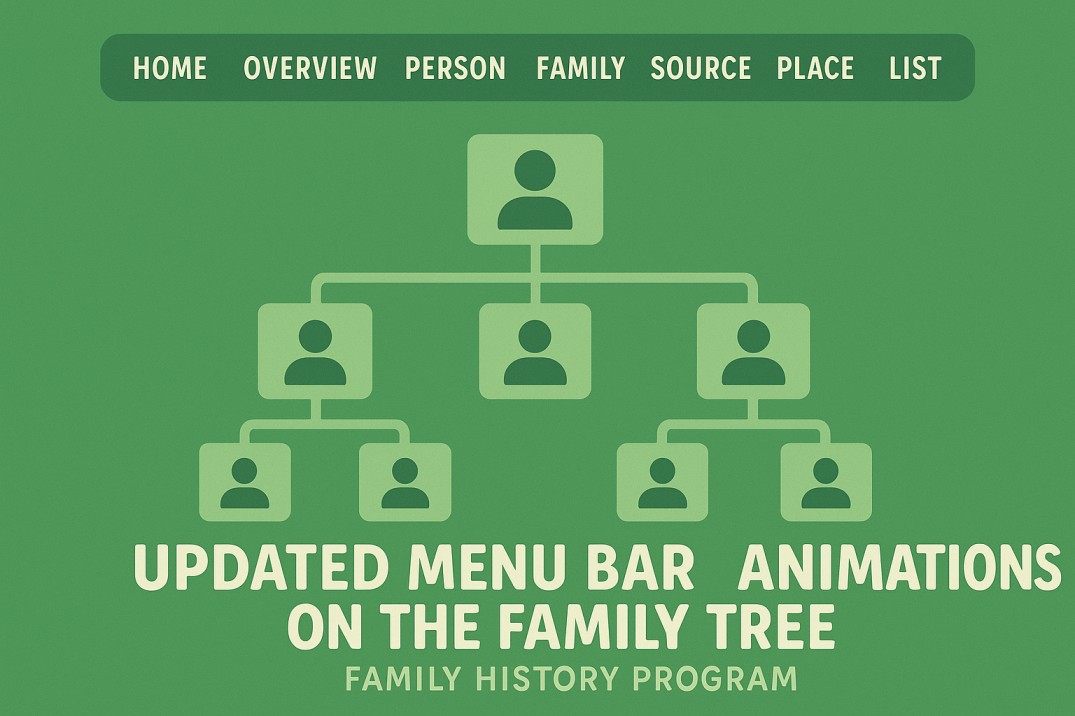
New and Improved Features in Embla Family History
We’re excited to share the latest updates to the Embla Family History program! These enhancements make navigation smoother, improve accessibility, and add a touch of visual appeal to your family tree experience. 🧭 Updated Menu Bar The main menu bar has been redesigned for a cleaner and more intuitive layout. All the main tabs are…
-
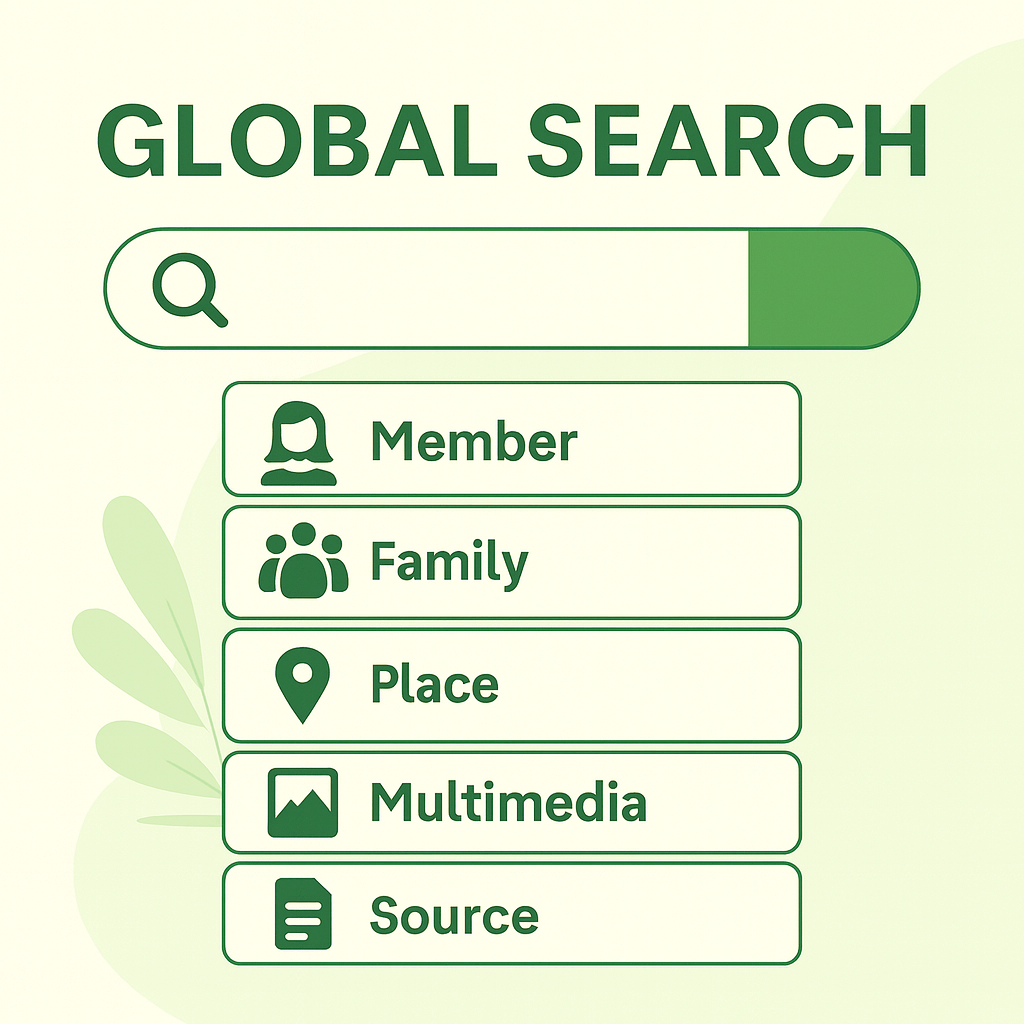
Updated Search Feature – Guidance and Introduction
The new search feature in Embla Family History provides a powerful and user-friendly way to locate information within your family tree. With six main categories and several sub-filtering options, you can quickly refine your results and navigate directly to the relevant editors. General Behaviour (General Tips for Using Search) I. Click on the search bar…
-
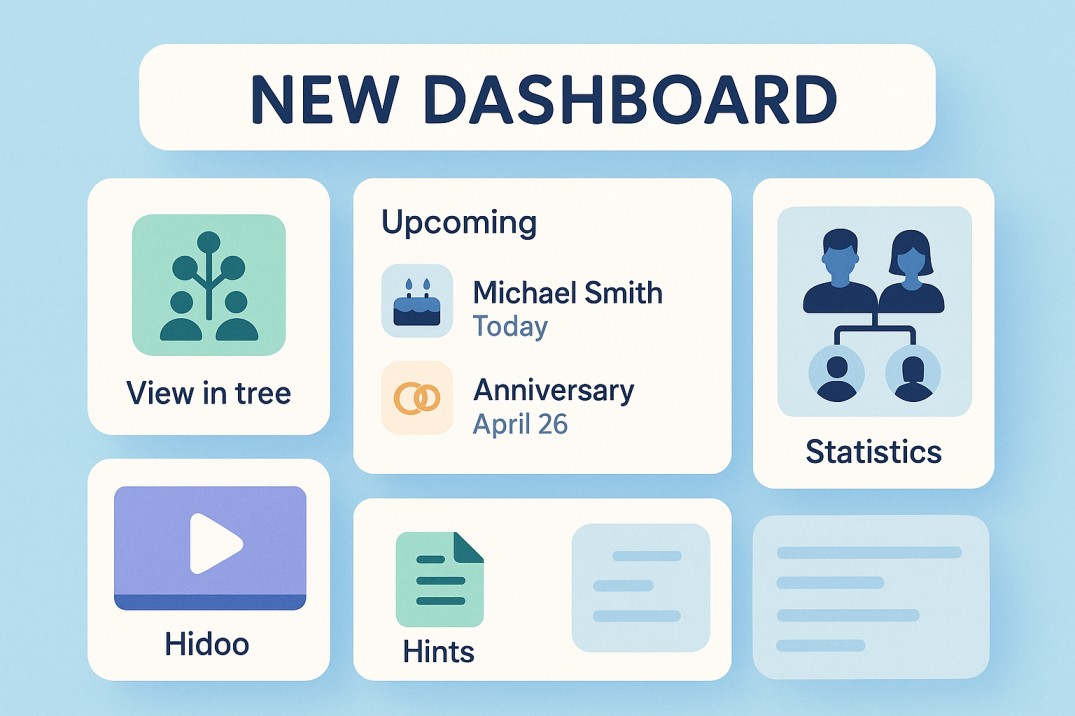
Discover the New Dashboard in Embla Family Treasures!
We are excited to introduce a brand-new look and feel to the Embla Family Treasures dashboard — redesigned with you in mind! This release includes exciting new features that make it easier than ever to explore your family history and stay connected. Here’s a quick guide to what’s new and how to make the most…
-
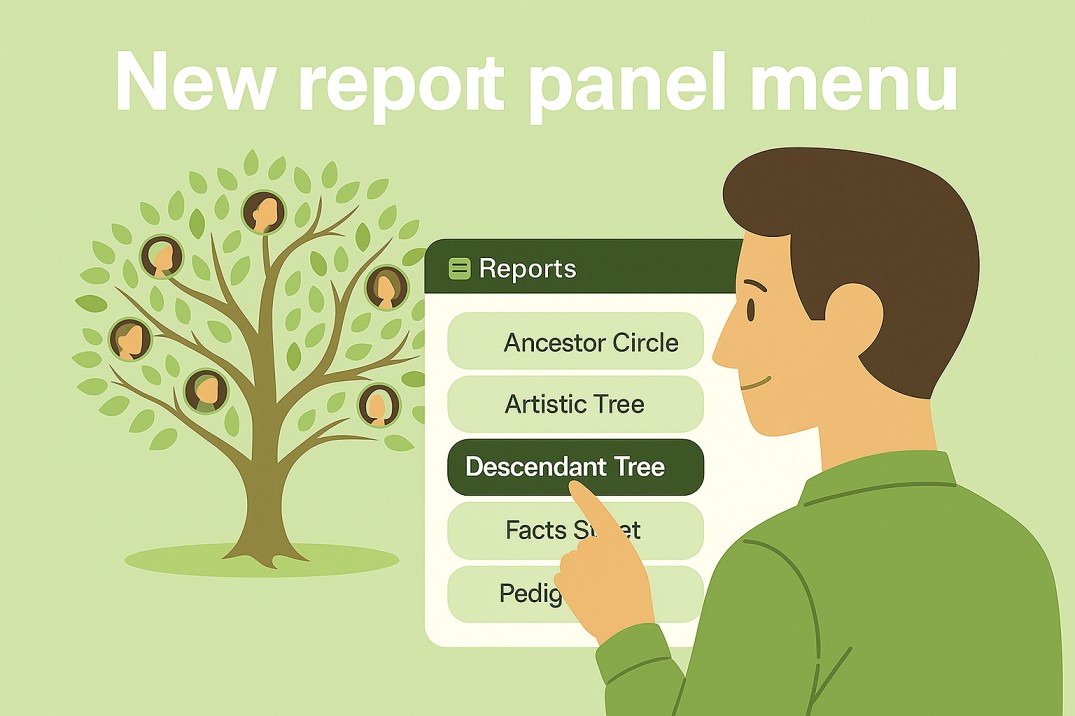
Discover the New and Improved Report Menu
Exciting News! Our new report menu is now available. It is easier to use and helps you create reports that match your needs.
-
How to retrieve your password if you have forgotten it
If you have forgotten your password for Embla Norwegian Family History, don’t worry ! you can easily retrive it.
-
How to find the license key for V9 or V8
If you need to find your license key for Embla Family History V10, follow the steps in this article. Log in to your account and check the “License Information” section.
-
Resolving the (11101) 425 “Unable to Build Data Connection” Error in Embla Family History V9
The “(11101) 425 – Connection timed out” in version 9 is typically caused by firewall settings blocking the application’s network connection. Adjusting your firewall settings can resolve this issue and allow the program to connect properly.
-
Hard Refresh Process
Check out this article for a detailed guide on performing a hard refresh to resolve caching issues and ensure you are seeing the latest updates on your page.
-

How to open embla family treasures in Incognito mode?
Learn how to use Incognito mode with this step-by-step guide.
-
Important Considerations for Version 9 Users Before Moving to a New PC
If you are a version 9 user, this article covers important considerations before switching to a new PC.
-

Solutions For Caching Problem in Embla Family Treasures
If you are experiencing issues with logging in or finding that functions are not updating in real-time, it could be due to a caching problem. Please refer to this article for troubleshooting steps and solutions.
-
Solutions for “Oops! an unexpected error occurred”
These solutions will help you resolve the login issue to Version 10 (V10) through Version 9 (V9).
-
Restoring Your Family Project from V10
Follow this guide to easily restore your family tree from the internet.
-

Solution for ‘Not a member’ error message in V9 when doing cloud backups to V10
If you are receiving a “Not a member” message while working with Version 9, please try this solution.
-
Why hasn’t your membership renewed after payment?
Refer to the article to understand why your payments are not updated, even after you have made them.
-
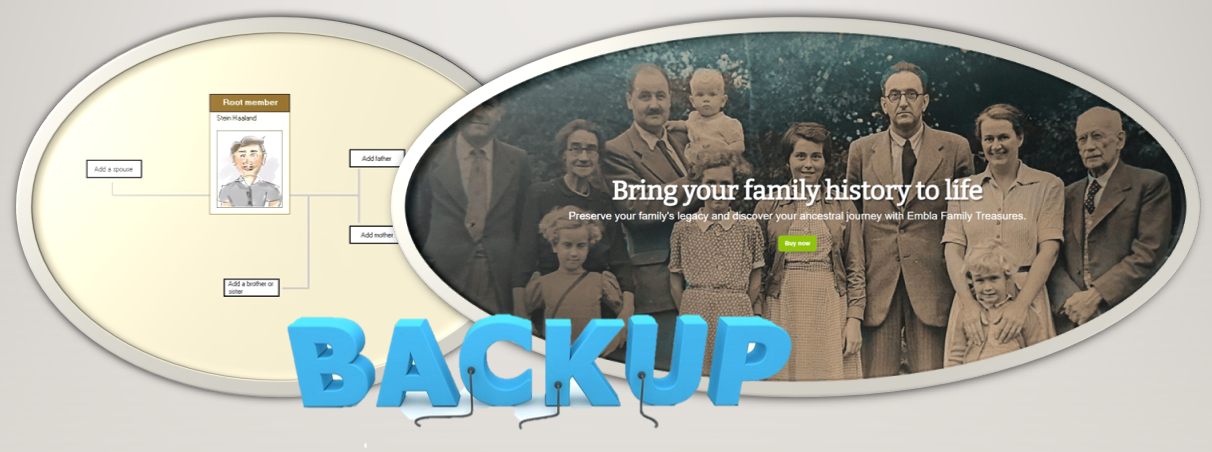
How to migrate from v9 to v10 using Local Backup
Step-by-step guide for migrating your family tree project from version 9 to version 10 using a local backup.
-
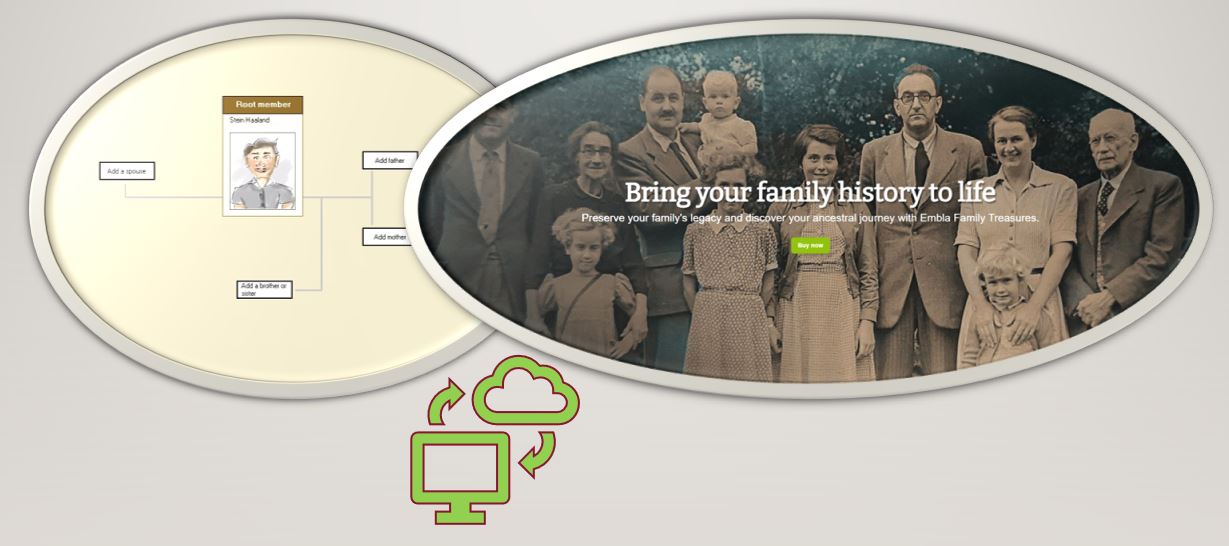
How to migrate from v9 to v10 using Cloud Backup
Easy to follow guide for migrating your family tree data from version 9 to version 10 using cloud backup.