Category: Manage family trees
-
View the family tree
In that article describe another way to view and edit a family tree in the version 10 web application.
-
Set as a main Family tree
If the user had more than one trees, then the user can select the default tree from that list.
-

Layout for the Family tree
Referring that article user can set up the layout of a family tree in the version 10 web application
-

Family Tree Details
Users can update the description and view the all the details related to the tree.
-

Export Family Tree
User can export a family tree as a Gedcom file in version 10 application.
-

Delete Family Tree
User can be able to delete a family tree from the version 10 application,
-
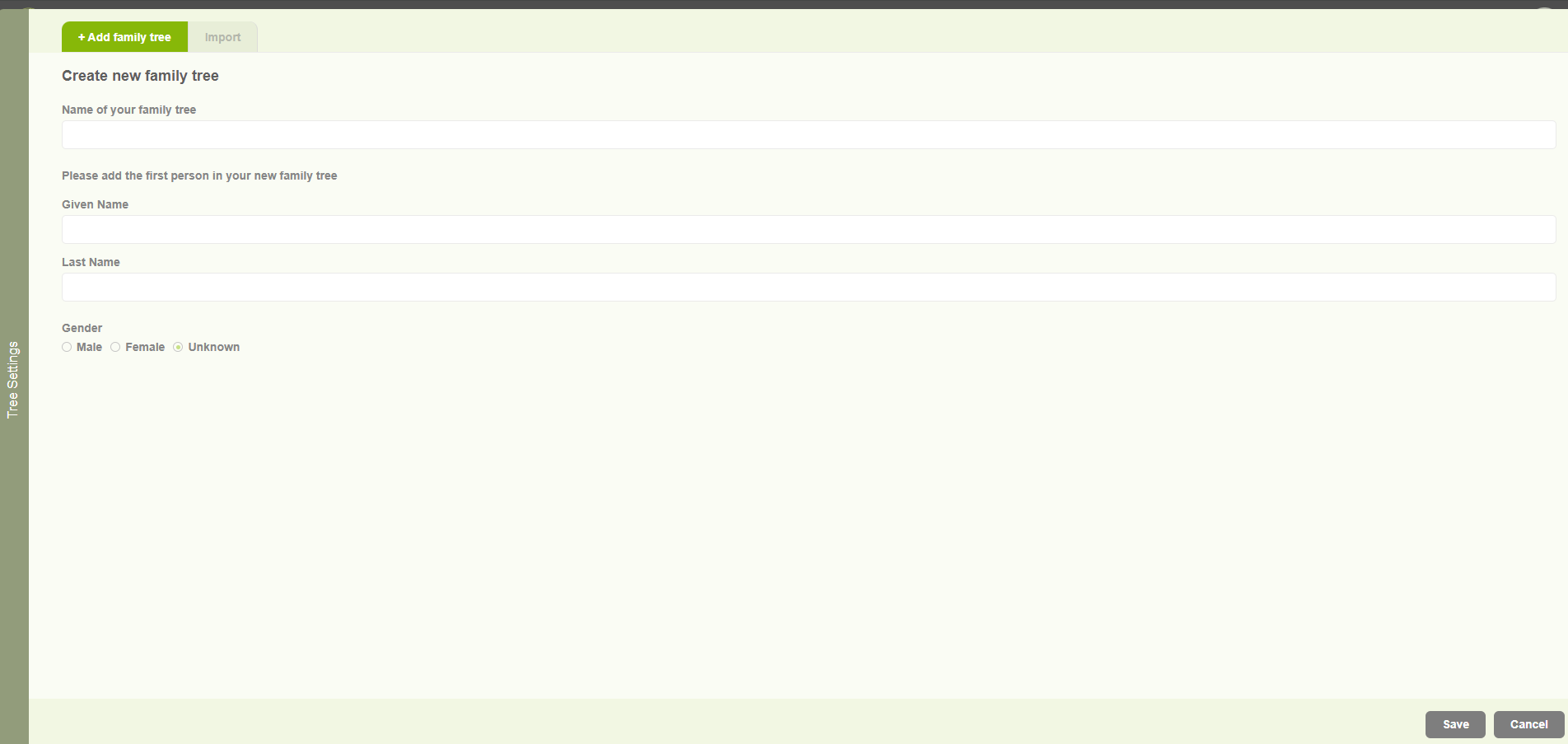
Create family tree for existing user
Begin the journey with Version 10 application and build your family tree.