Category: Tree editor
-
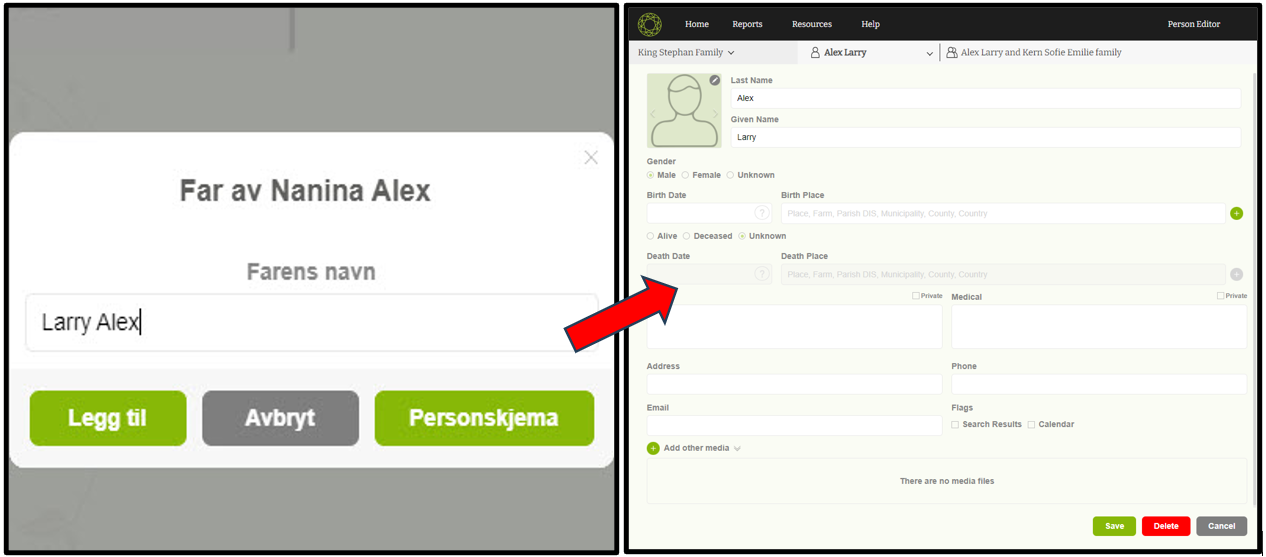
Navigate to ‘Member editor’
This is a one method to navigate to the member editor form simply.
-
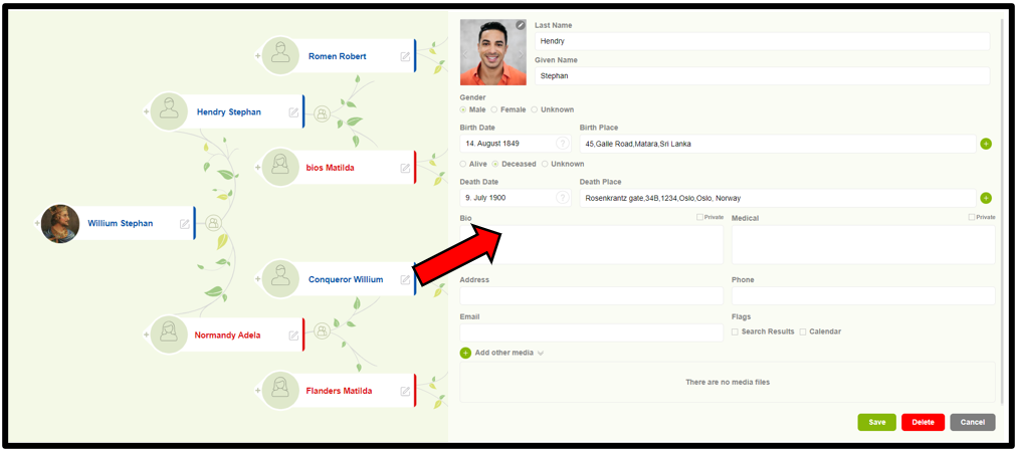
Edit a person details
Users can now easily edit a member’s details with one step.
-
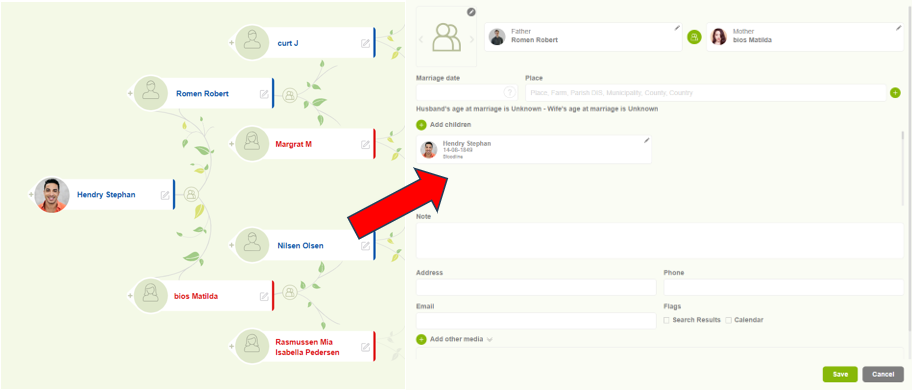
Navigate to Family editor
Users can access the “Family Editor” to view and update the family details.
-
Change the root person
Simple methods to change the root person through the tree overview.
-
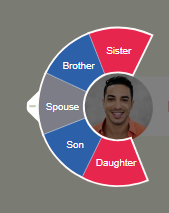
Add spouse, children, and siblings
Users can easily add family members such as spouses, children, and siblings.
-
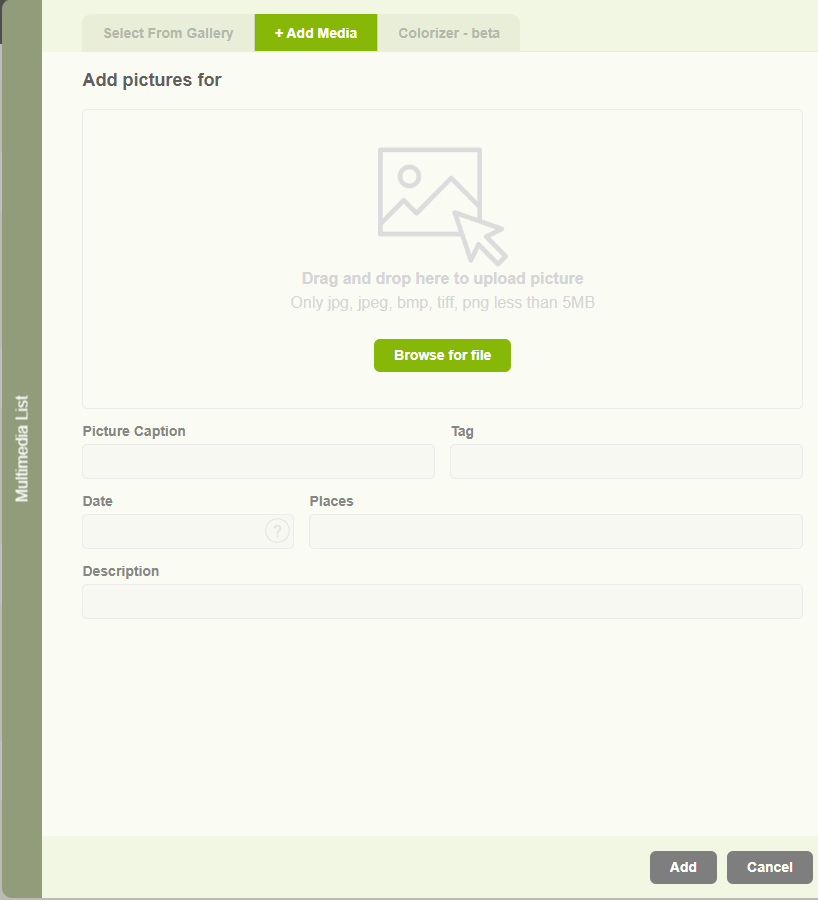
Add a profile image to a member
This is the way to add profile image to the individuals.
-
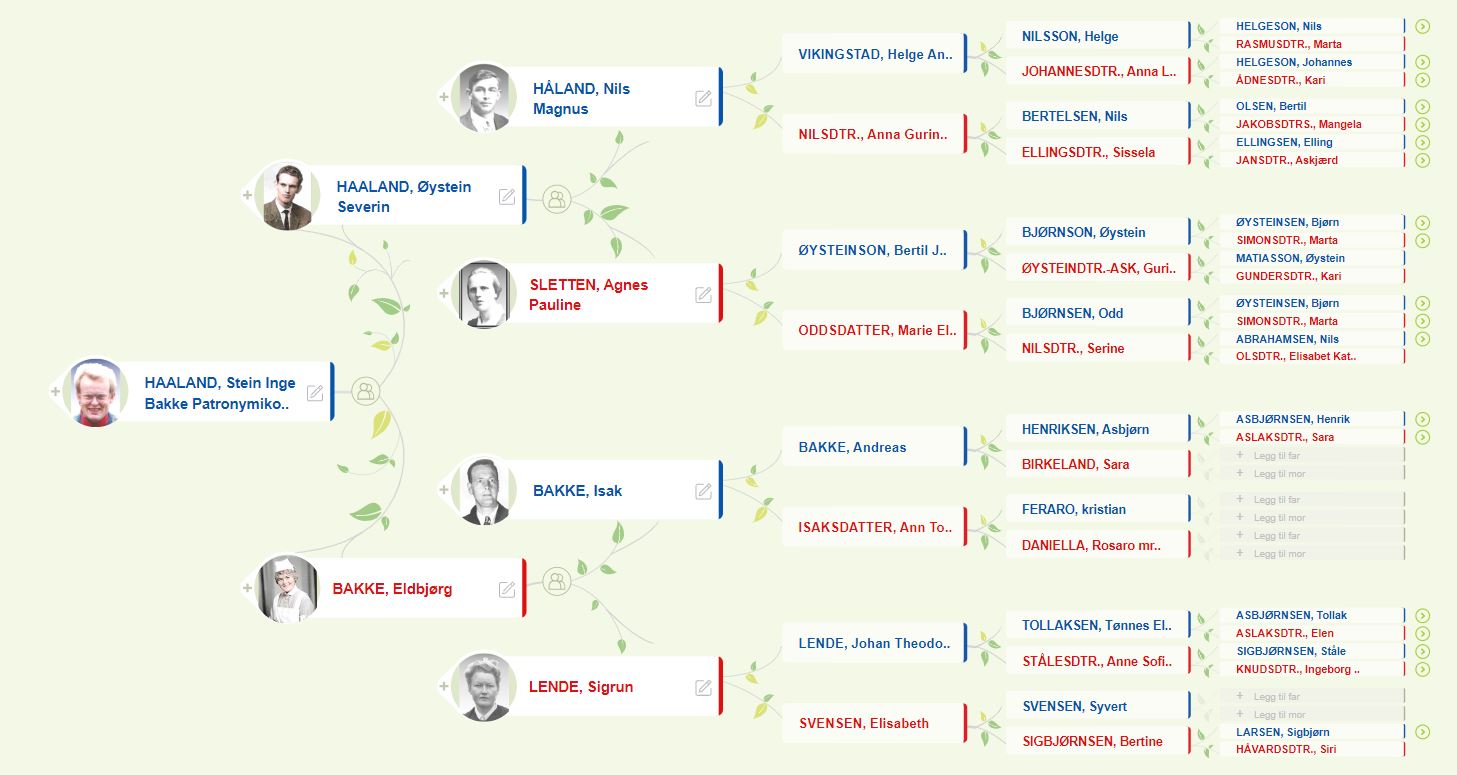
Tree editor overview
Basic view of the Tree overview in Version 10.
-
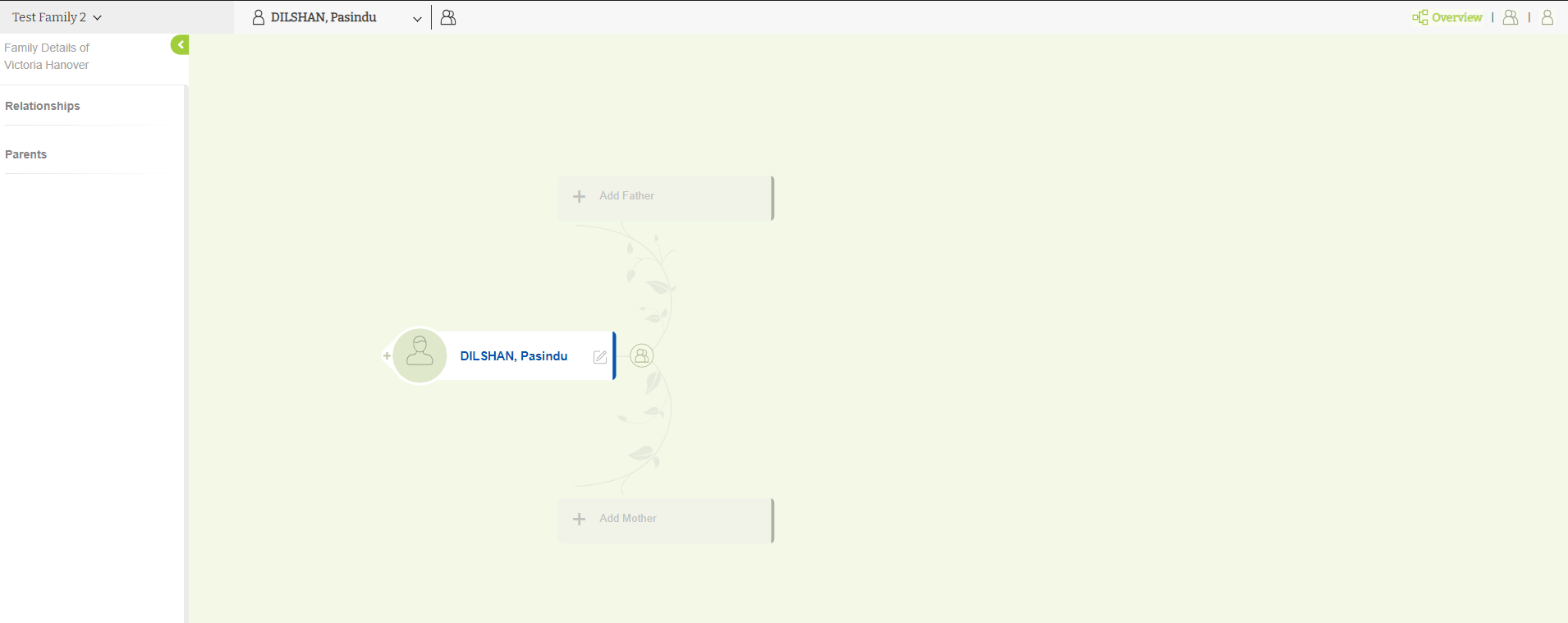
Add parents
You can add your parents with the simple steps.