Mindblown: a blog about philosophy.
-
Latest version of Embla Family Treasures is now online!
We’re excited to announce the release of our new and improved web application at www.embla.no. No installations needed.
-
How to use the Embla Family Treasures
Embla Family Treasures Version 10 is an intuitive web-based application designed to streamline the process of managing your family tree.
-
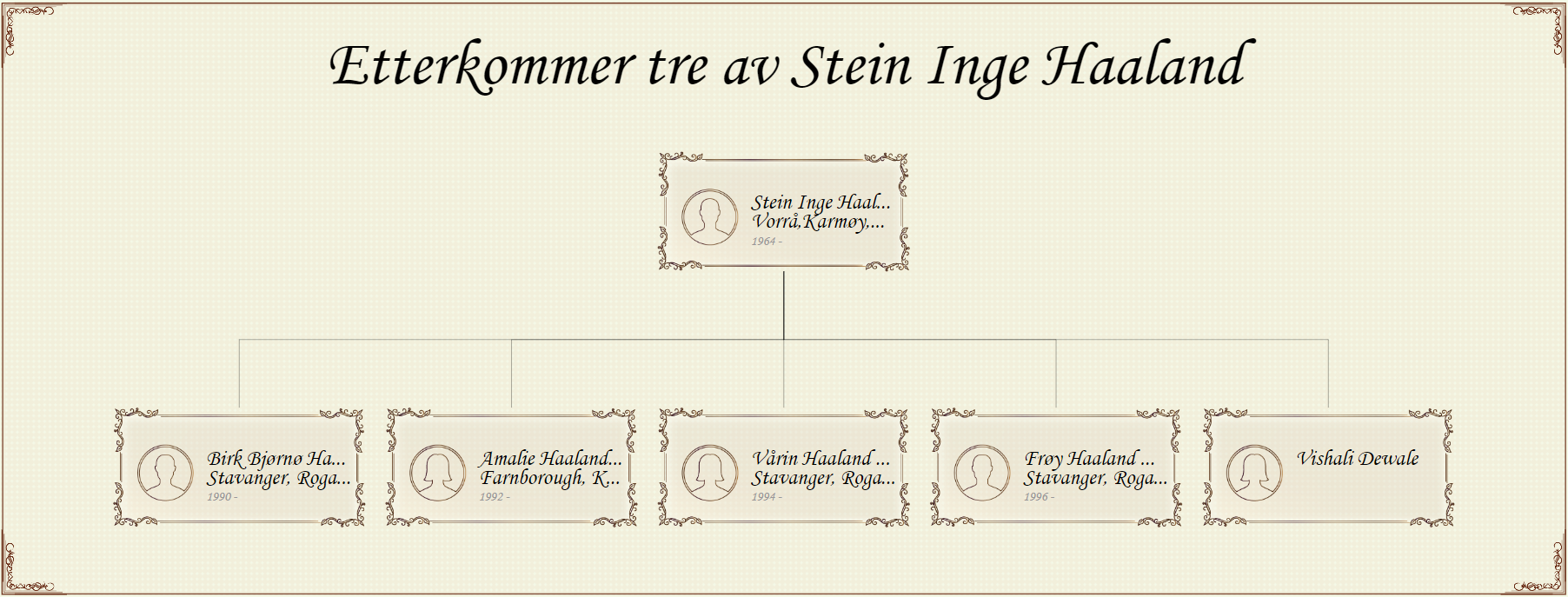
Descendent report: Unveiling your family tree’s legacy
Descendant report focuses on the descendants of a specific person, showing how generations are connected.
-
How to Migrate from V9 to V10
Essential steps to smoothly migrate your family tree from Version 9 to Version 10.
-
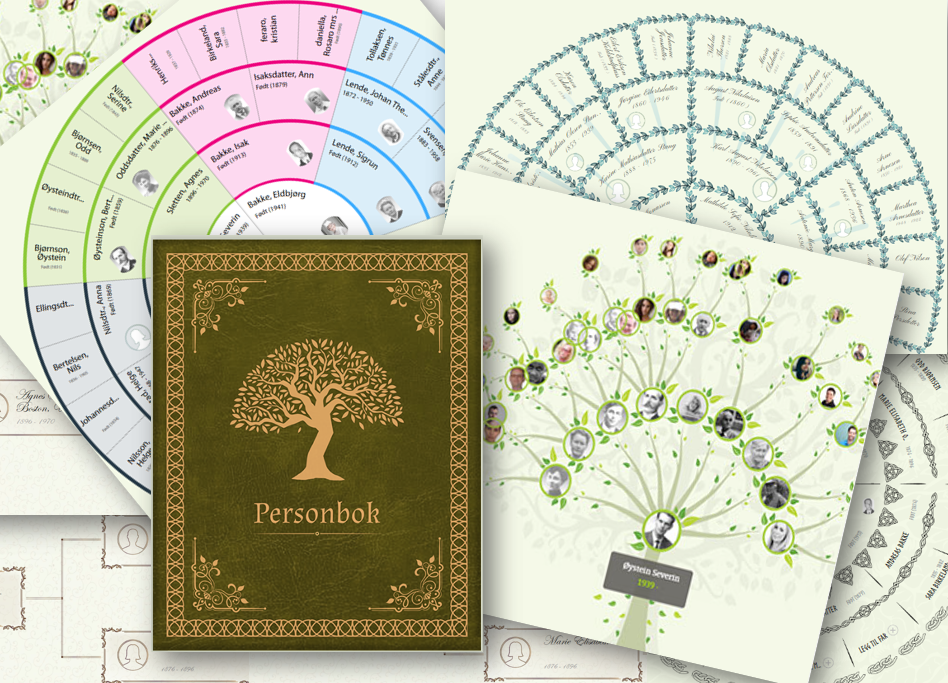
Discover the Advantages of Embla Family Treasures
Explore the exciting new features of Embla Family Treasures V10!
-
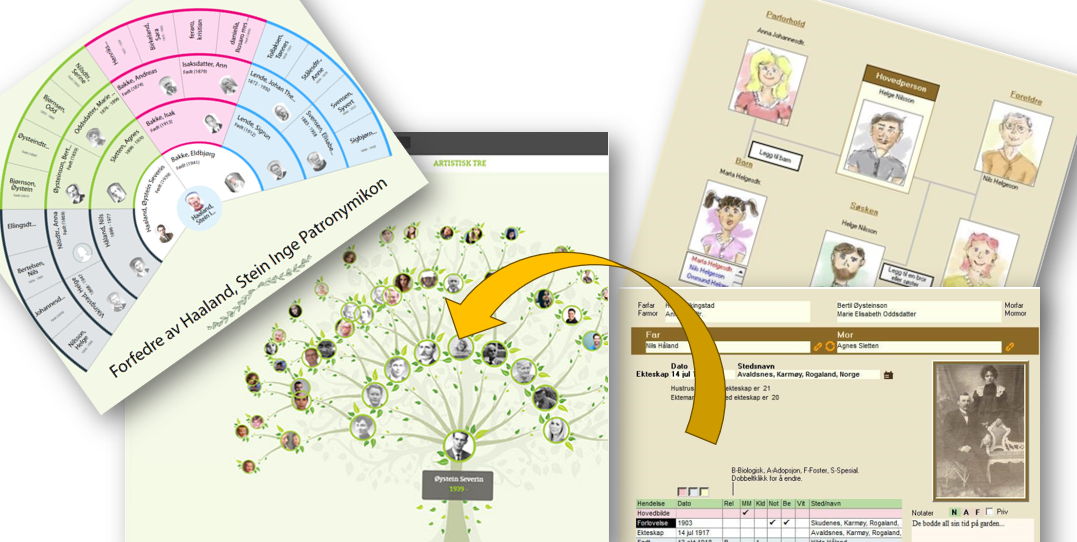
Transitioning from V9 to V10 of Embla Family Treasures
Learn how your data has been transferred and mapped to ensure a smooth and user-friendly experience.
-

Add family profile image
Managing family profile image by add, edit, set as main and unlink options.
-

Family events
Managing family events in the Family editor
-
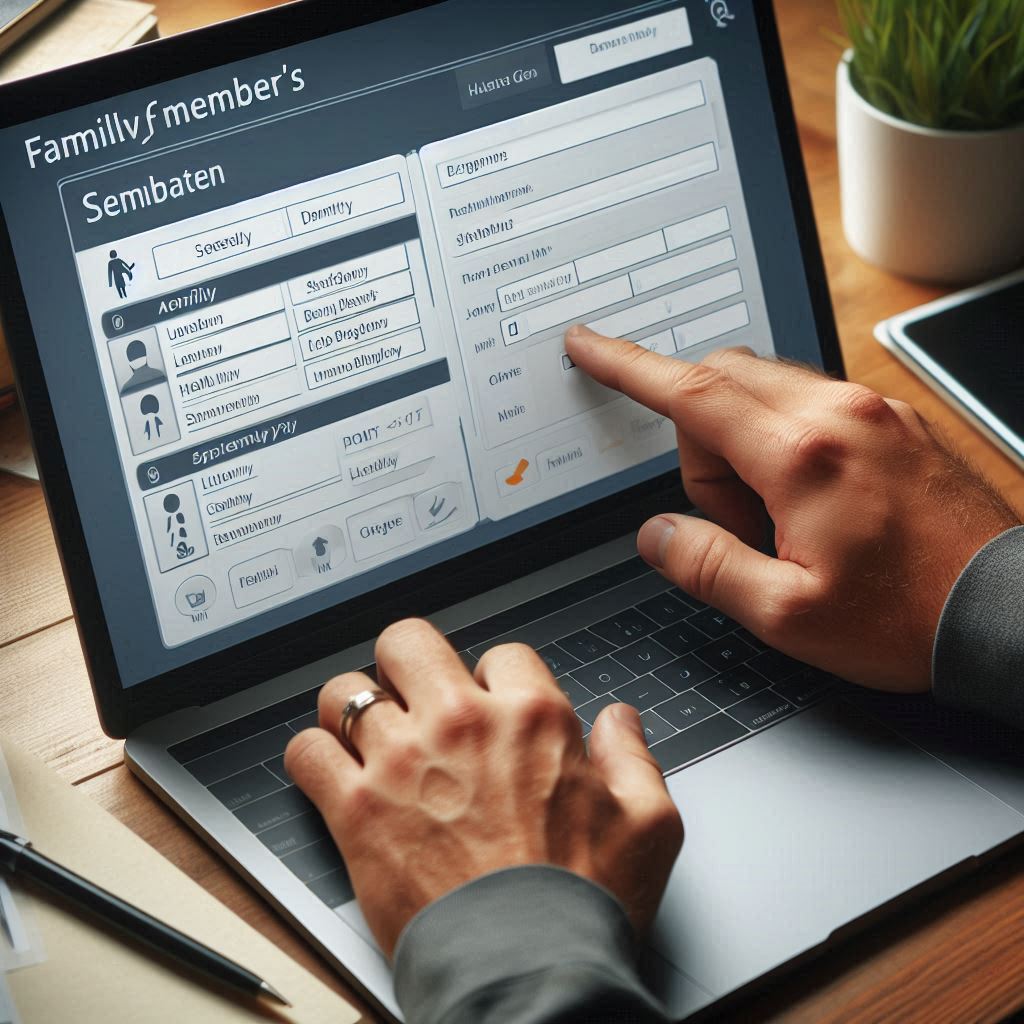
Edit family members details
Change the personal information of a family member in the family editor.
-

Unlink a person from the family
Unlink a Person from the Family. Then the link will remove which was related person.
-
Add media for a family
Add multimedia files to the family. This enables to upload documents, videos, and audio files.
-
Add marriage location
User can add their marriage locations from the family editor.
-
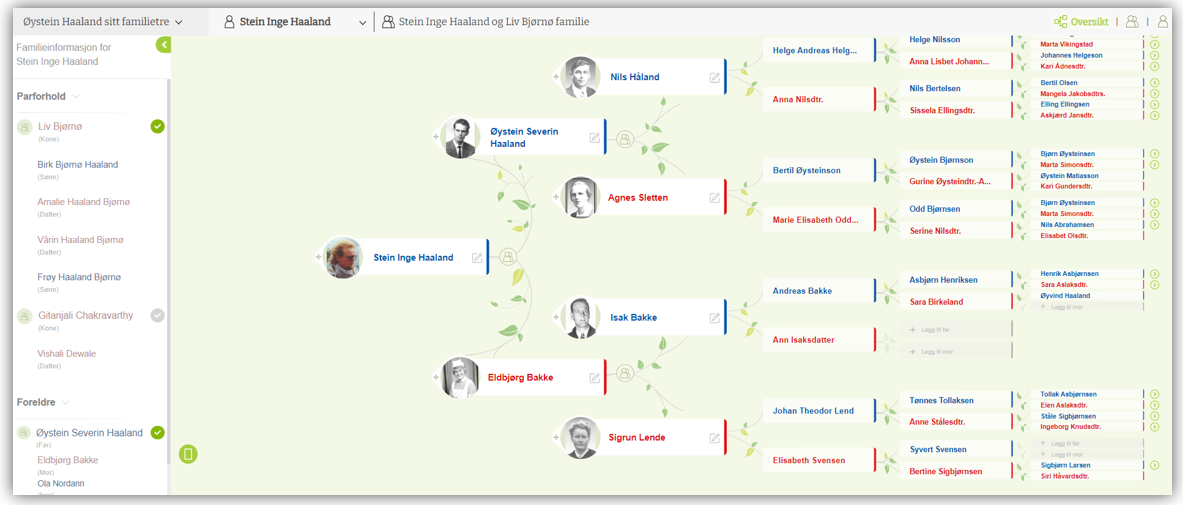
Family editor overview
In the ‘Family Editor’ Tab, users can easily access basic family details.
-

Add a child to a family
You can add a child to the family by following these simple steps.
-
View personal events
You can easily view all previously added personal events by navigating to the ‘Event’ tab.
-
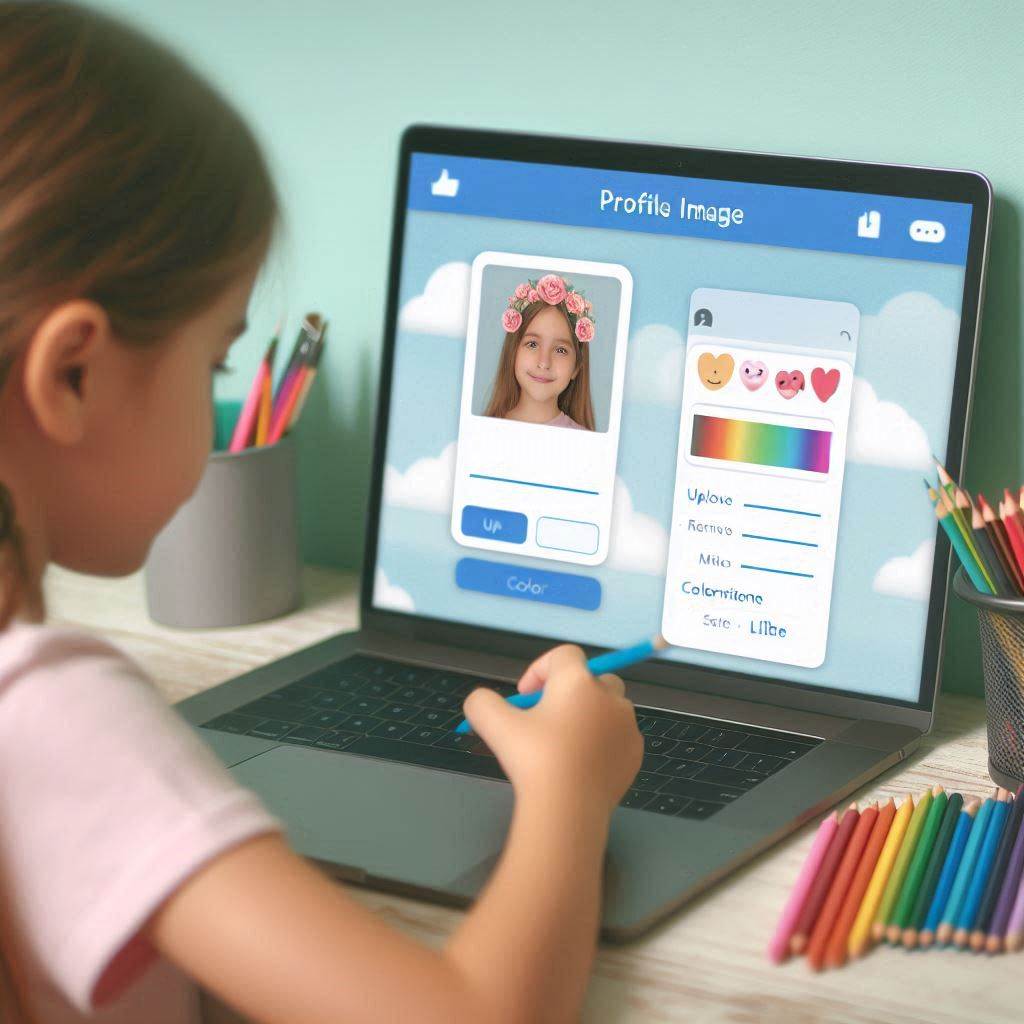
Profile image options
The profile image management feature offers users various options for uploading and editing images.
-
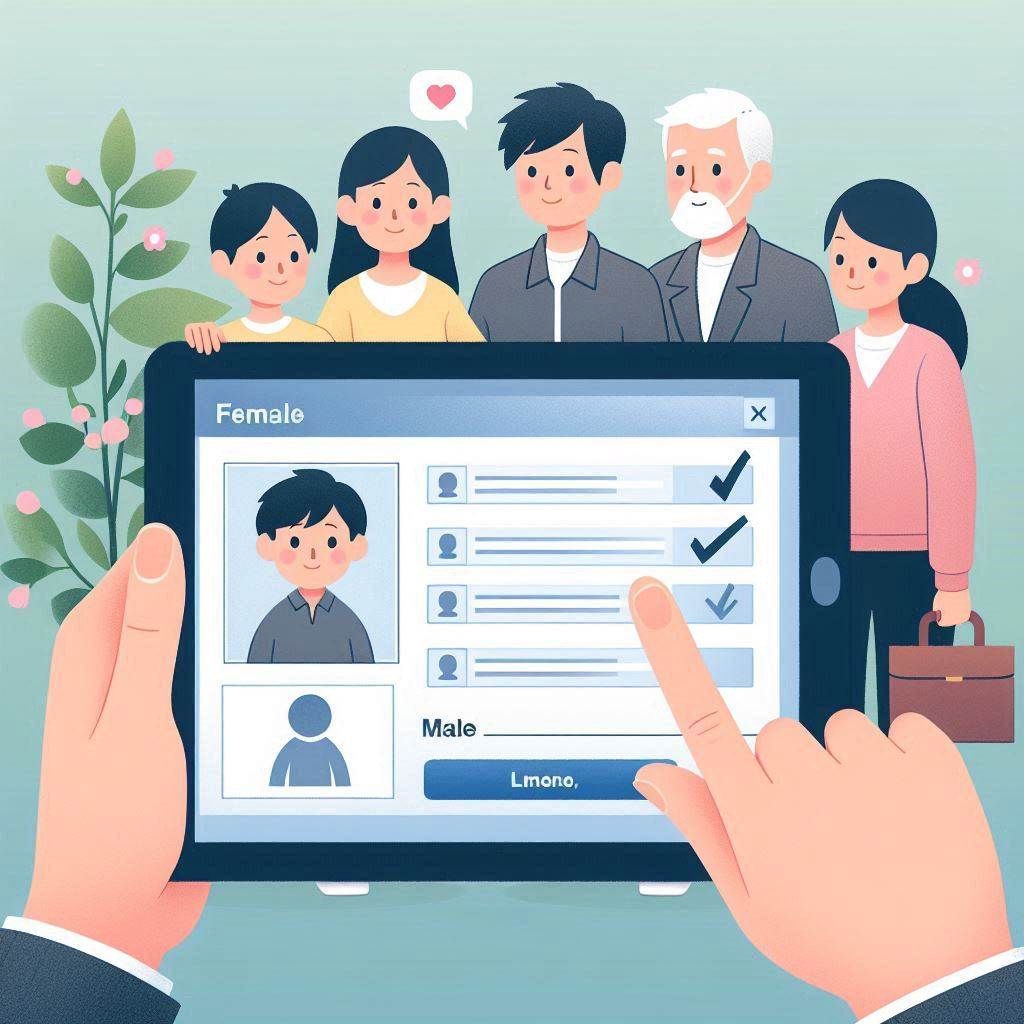
Member editor overview
Users can update their personal details on the “Member editor” page.
-
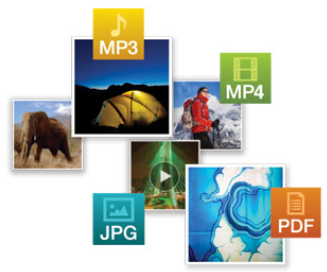
Add other media
By using that feature user can be able to upload documents, videos, and audio to their profile easily.
-

Add Birthplace and Deathplace
By using this function, users have the ability to add a place of birth and a place of death for a member
-
Add personal events
Users can easily add a personal event to the person’s profile by selecting the “Add event” tab in the right panel.
Got any book recommendations?