Tag: Events
-

Family events
Managing family events in the Family editor
-
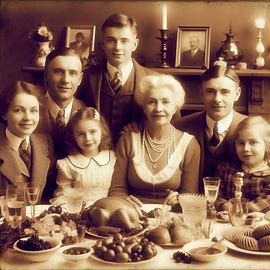
View personal events
You can easily view all previously added personal events by navigating to the ‘Event’ tab.
-

Add personal events
Users can easily add a personal event to the person’s profile by selecting the “Add event” tab in the right panel.
-

View multimedia and sources
If the users want to view the attached multimedia and sources, then they can see it simply.
-

Events overview
In version 10, users can efficiently manage personal or family-related occurrences by adding them as events through the “Event” tab.
-
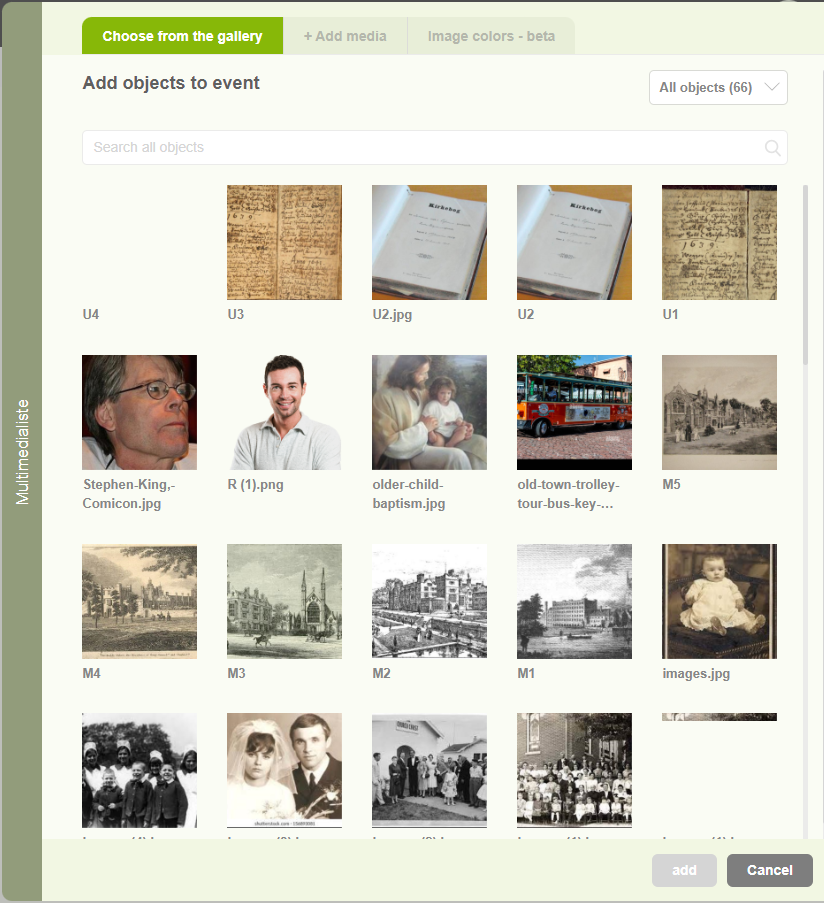
Enhance events with multimedia content
Users can add Images, Videos, Audio, and PDF files relate to the events separately.
-
Delete events
Users can easily delete the unwanted or duplicated events by using this feature.
-
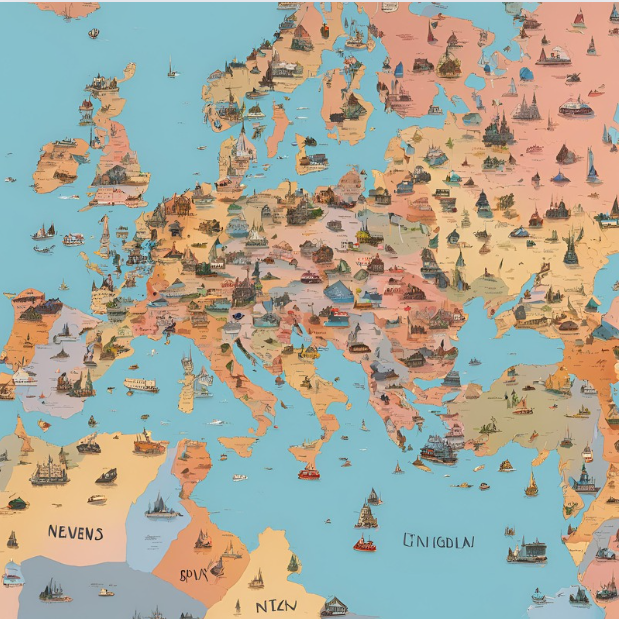
Add an event location
Users can add a location related to the event by using this feature.
-
Add events
Users can add their life-story related event by using that feature.
-

Add a source to an event
The article explains how users can add references to an event using the “sources” feature.