Tag: Family editor
-

Add family profile image
Managing family profile image by add, edit, set as main and unlink options.
-

Family events
Managing family events in the Family editor
-
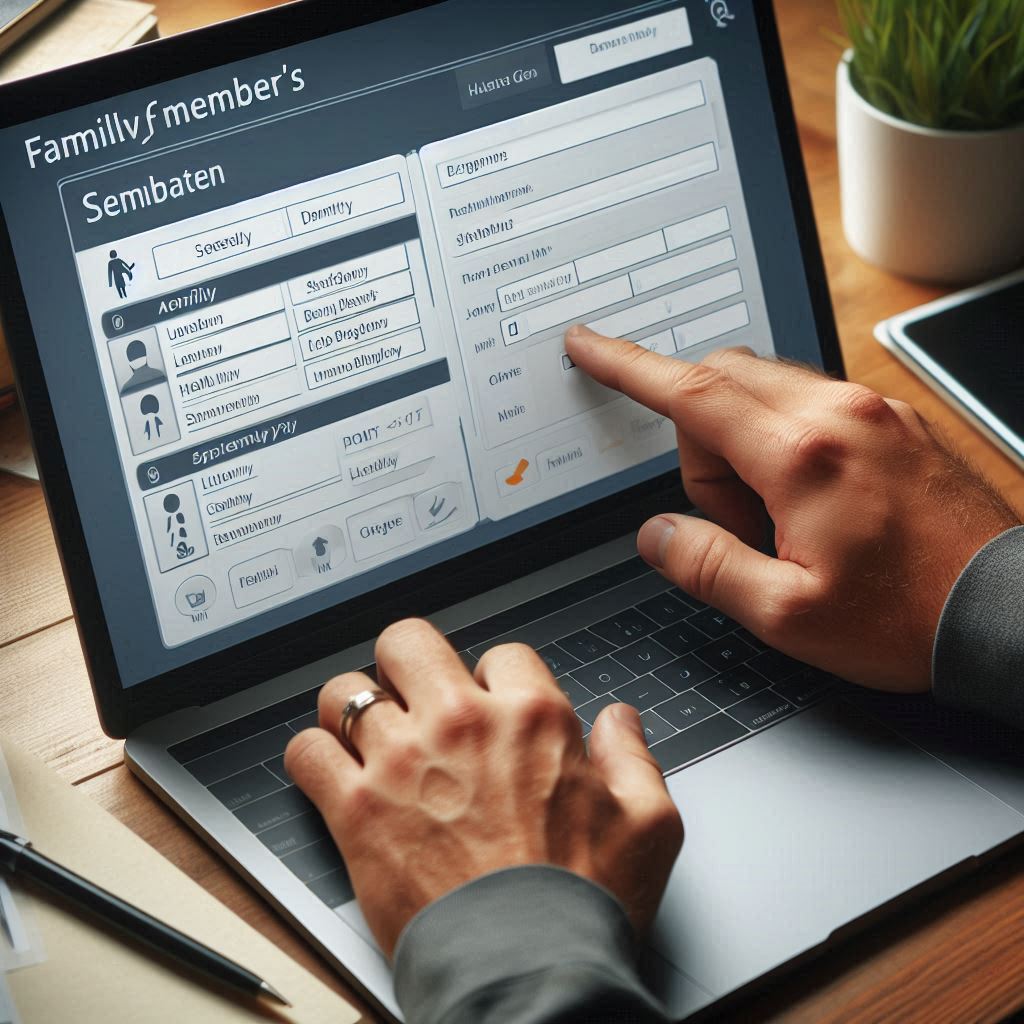
Edit family members details
Change the personal information of a family member in the family editor.
-

Unlink a person from the family
Unlink a Person from the Family. Then the link will remove which was related person.
-
Add media for a family
Add multimedia files to the family. This enables to upload documents, videos, and audio files.
-

Add marriage location
User can add their marriage locations from the family editor.
-
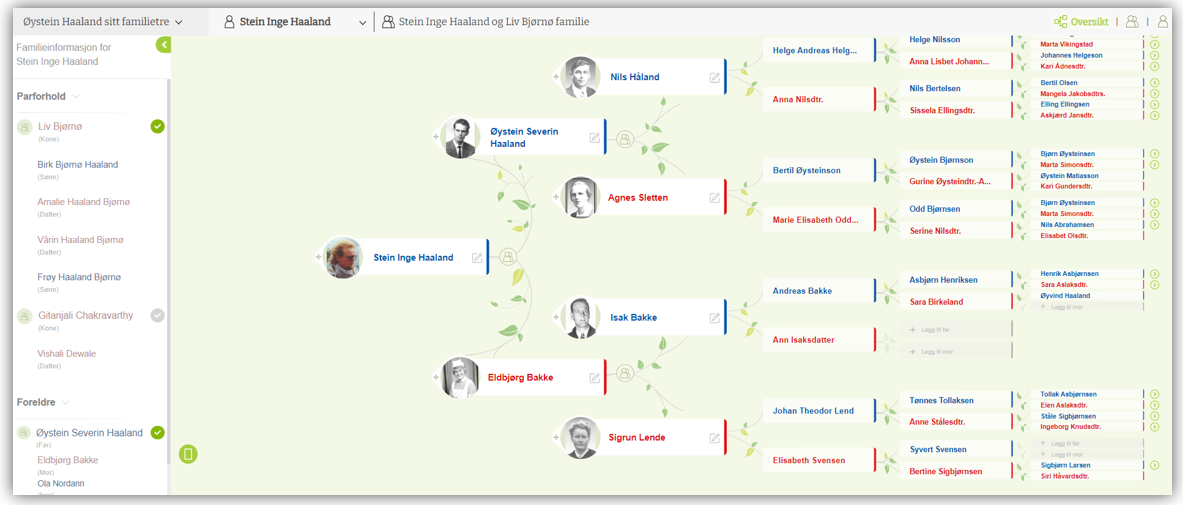
Family editor overview
In the ‘Family Editor’ Tab, users can easily access basic family details.
-

Add a child to a family
You can add a child to the family by following these simple steps.
-
Editors
Tree overview, Person editor, Family editor are the major features in V10 application.
-
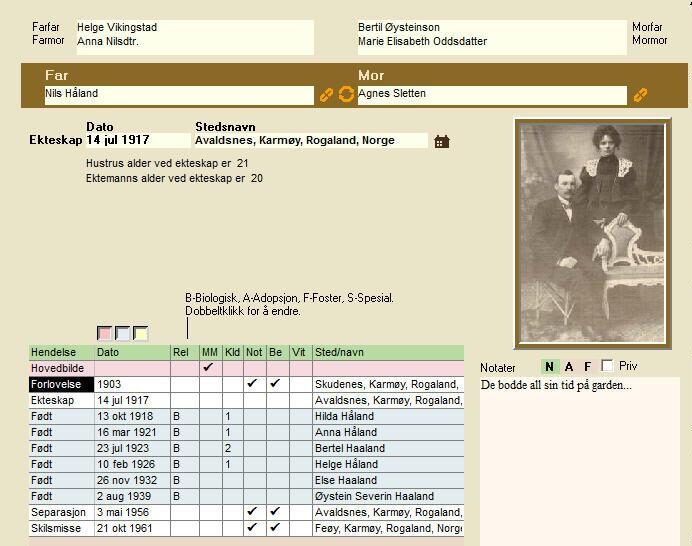
Family editor overview
The family form can be opened in several different ways: By clicking on the image of a family in the button row. By clicking on a family button in the Overview form. By clicking on a family button in the Person form. By double-clicking an entry in the quick list for families. By double-clicking…