Tag: FAQ
-
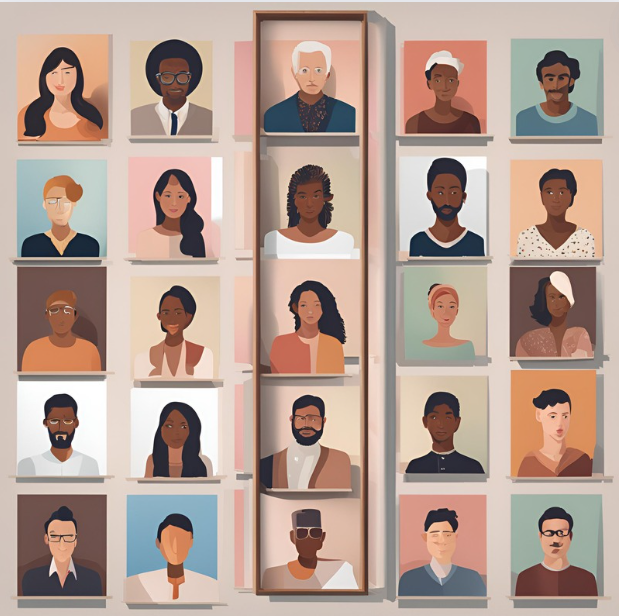
How to Use the Person list in Embla Family Treasures
User can view the all the persons in the tree and edit the person details from that.
-
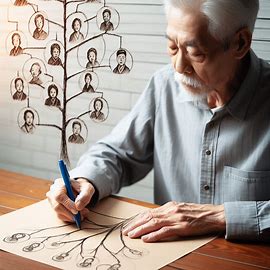
Editors
Tree overview, Person editor, Family editor are the major features in V10 application.
-
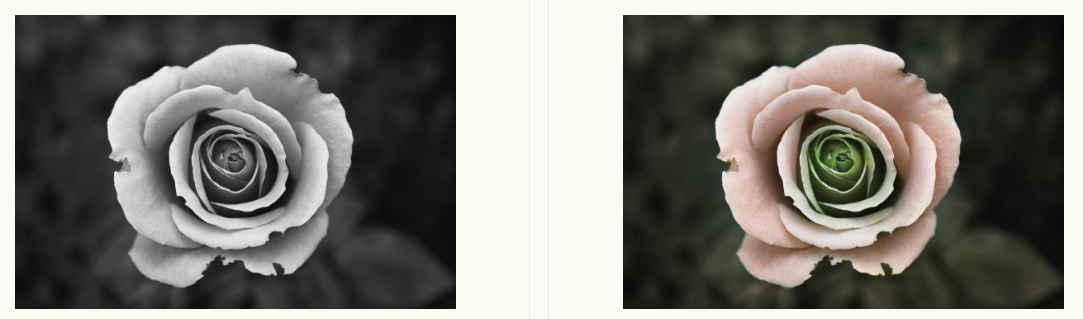
Image colorization
User can colorize their black-and-white images by that feature easily.
-
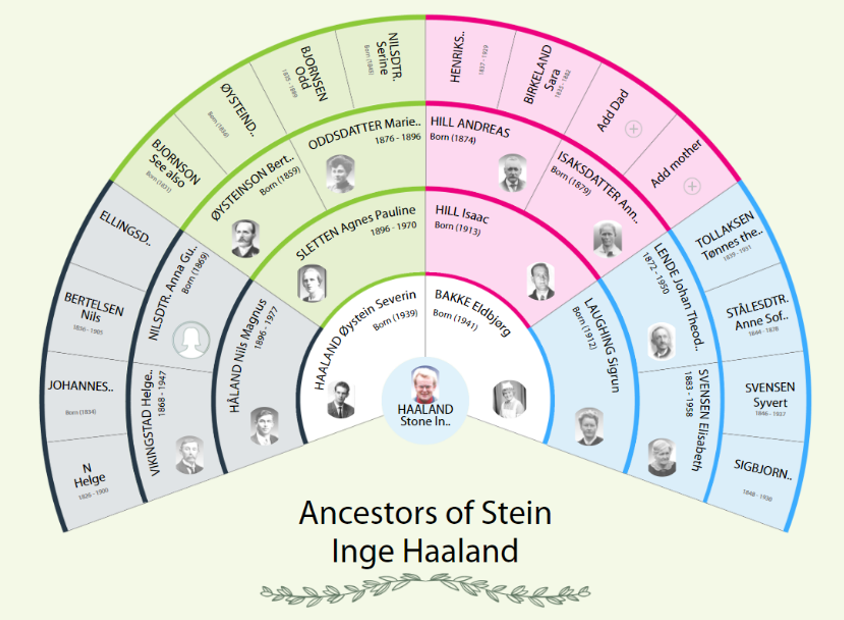
Fan Chart
A fan chart report visually represents the ancestors of a root person in a fan-shaped format.
-
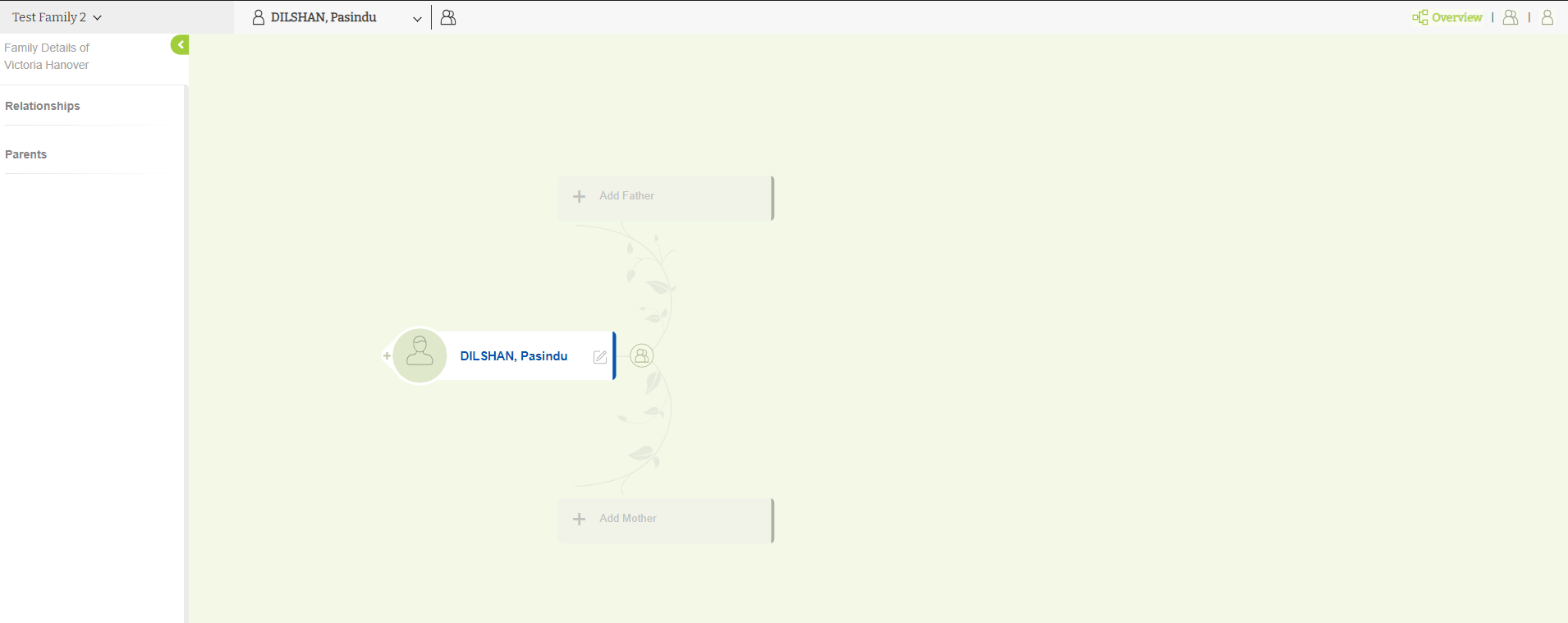
Tree editor overview
Basic view of the Tree overview in Version 10.
-
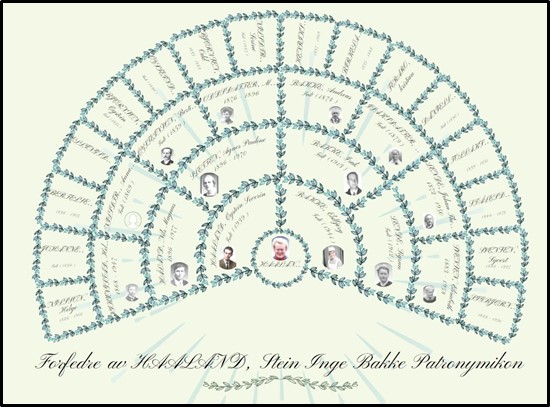
How to Generate the Fan Chart (Leaves) in Embla Family Treasures
Fan Chart report provides a visually appealing, traditional fan chart layout that highlights the ancestors of a root person.
-
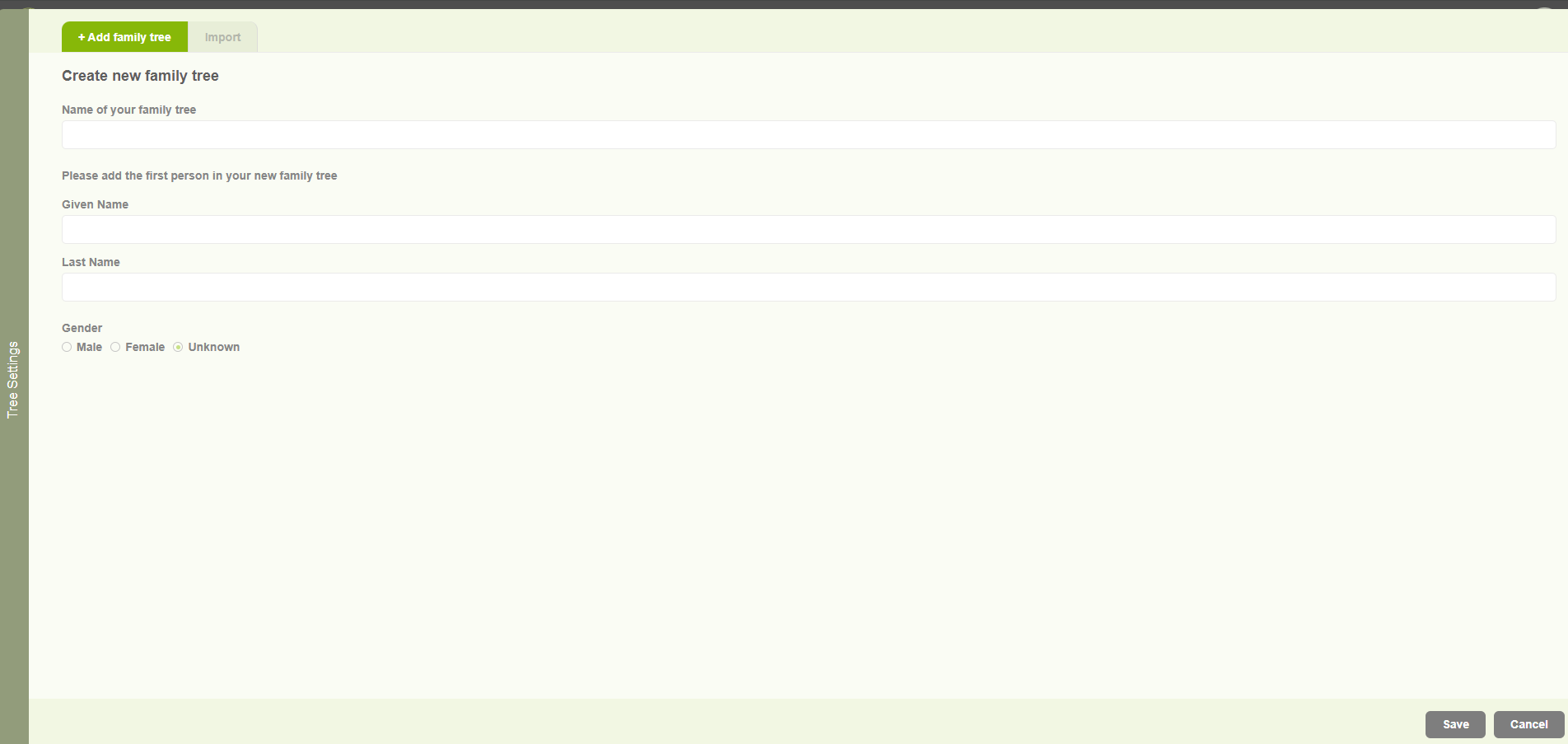
Create family tree for existing user
Begin the journey with Version 10 application and build your family tree.
-
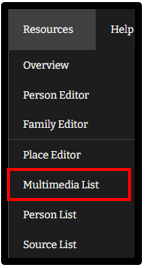
Multimedia list
View and add new multimedia files to your tree.
-
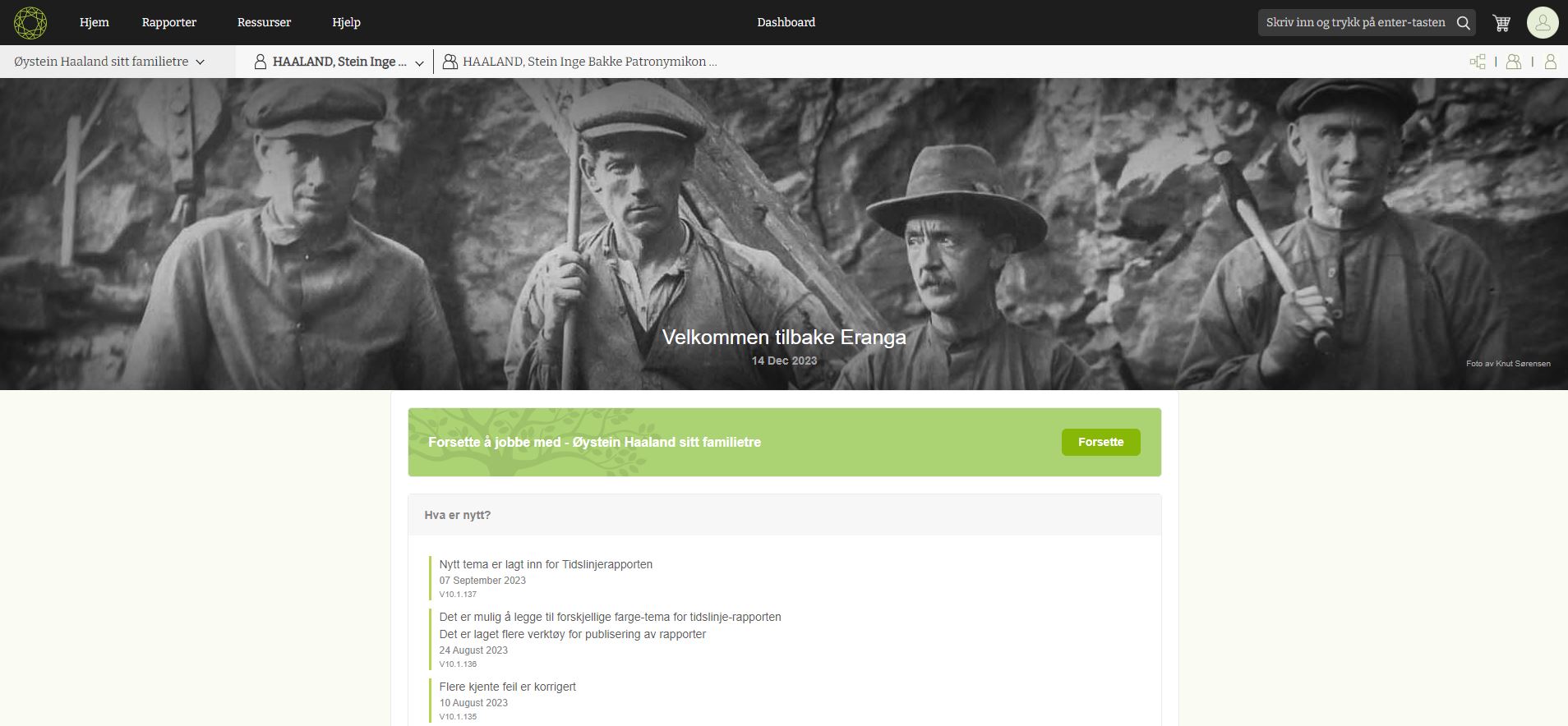
Getting started as a new user
Start the creating your tree after purchased the Version 10 product.