Tag: Member editor
-
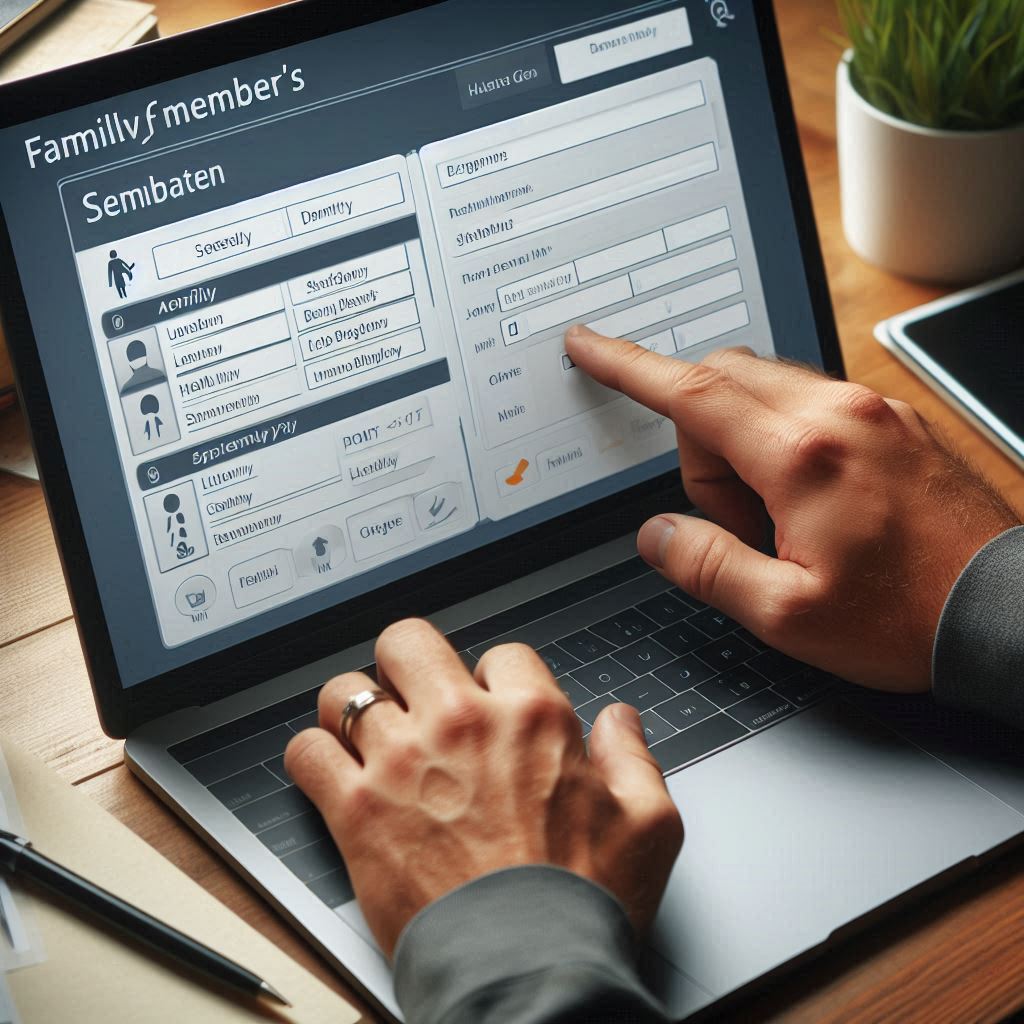
Edit family members details
Change the personal information of a family member in the family editor.
-
View personal events
You can easily view all previously added personal events by navigating to the ‘Event’ tab.
-
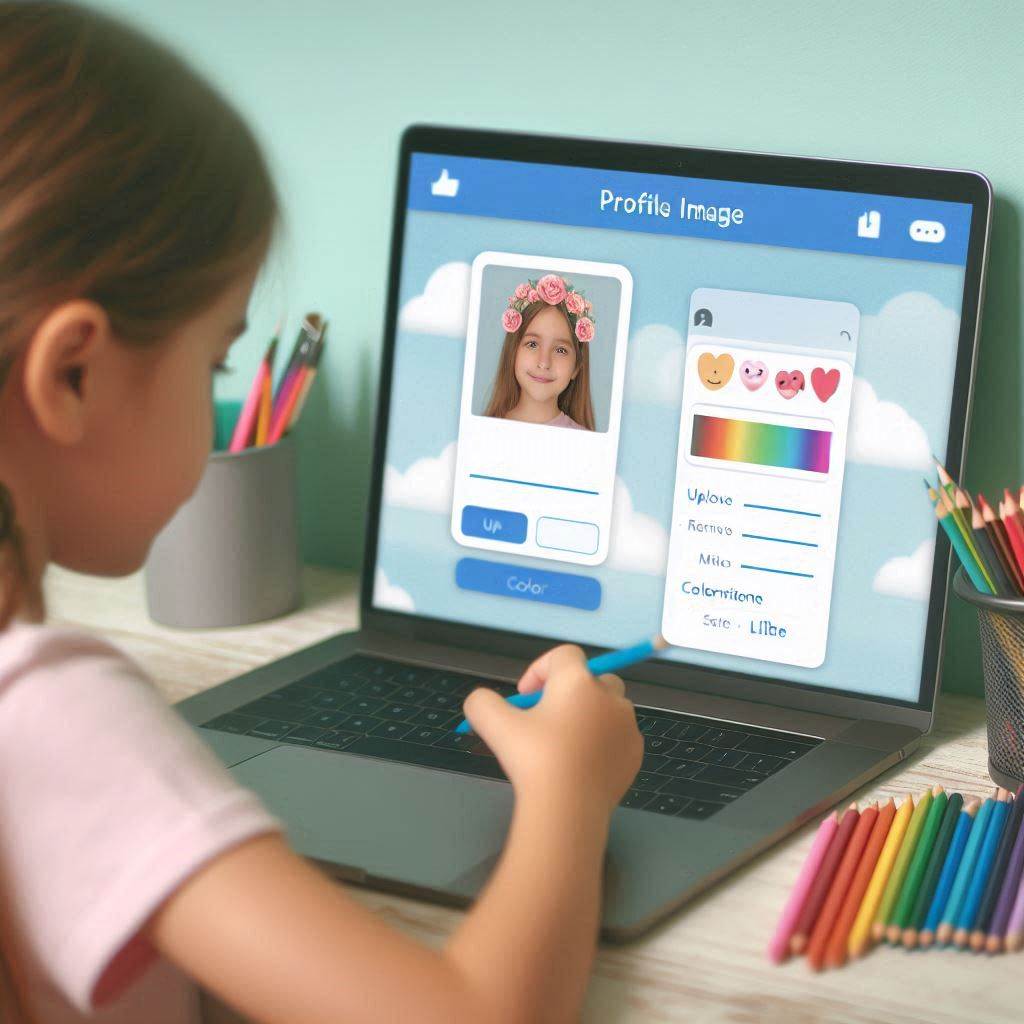
Profile image options
The profile image management feature offers users various options for uploading and editing images.
-
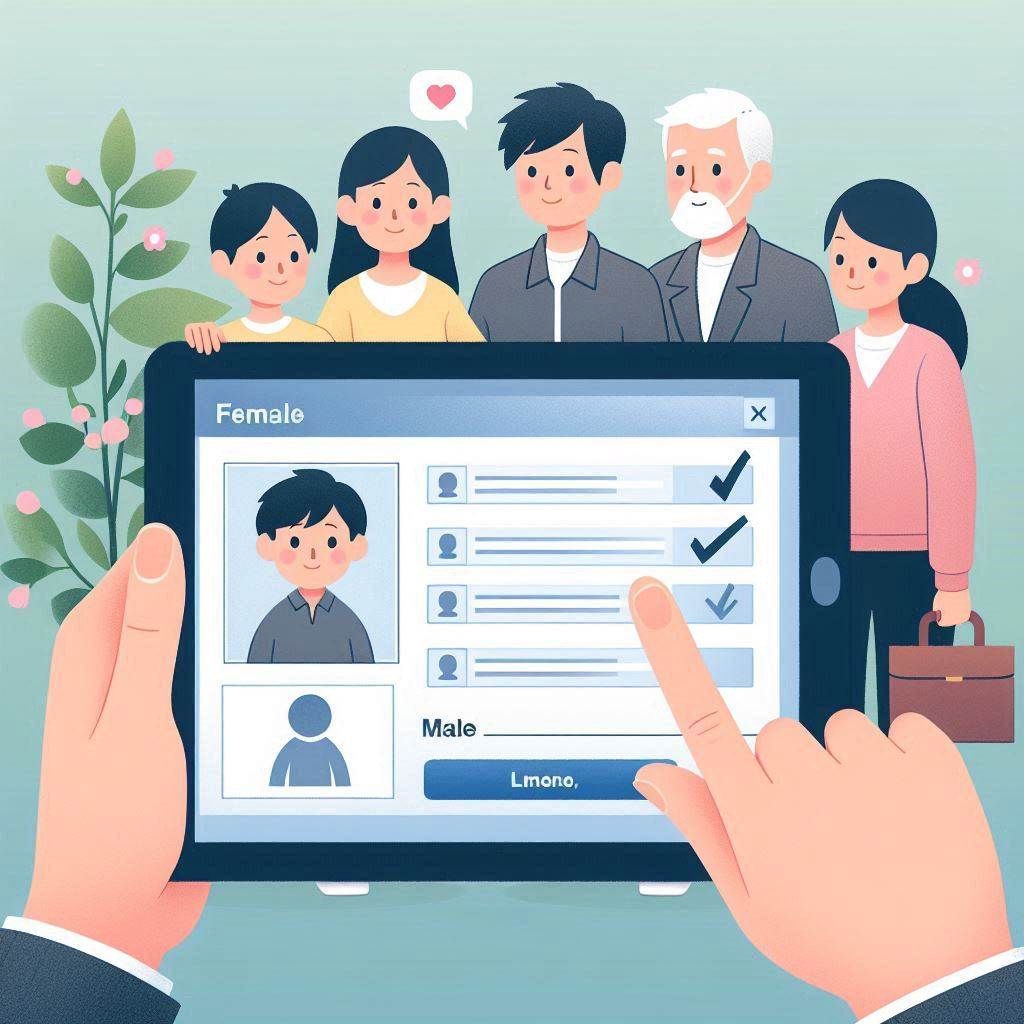
Member editor overview
Users can update their personal details on the “Member editor” page.
-
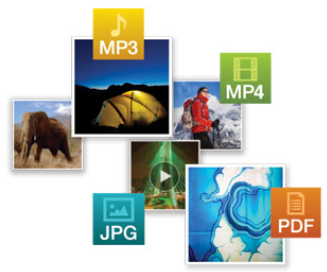
Add other media
By using that feature user can be able to upload documents, videos, and audio to their profile easily.
-

Add Birthplace and Deathplace
By using this function, users have the ability to add a place of birth and a place of death for a member
-
Add personal events
Users can easily add a personal event to the person’s profile by selecting the “Add event” tab in the right panel.
-
Editors
Tree overview, Person editor, Family editor are the major features in V10 application.
-
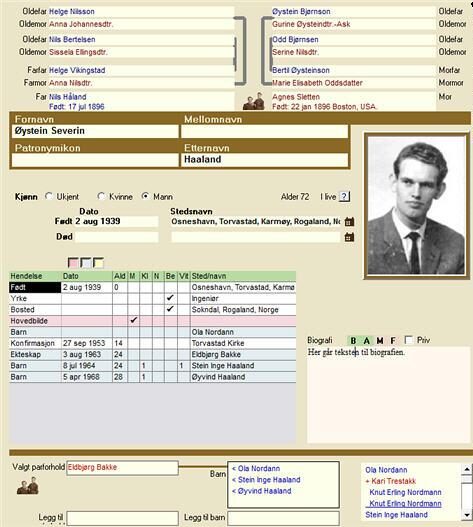
Member editor – Overview
The personal form can be opened in several different ways: By clicking on the button on the row of buttons that shows the image of a person By right-clicking on a person in the Overview Form By double-clicking on a child in the Family Form By double-clicking on one of the parents in the Family…
-
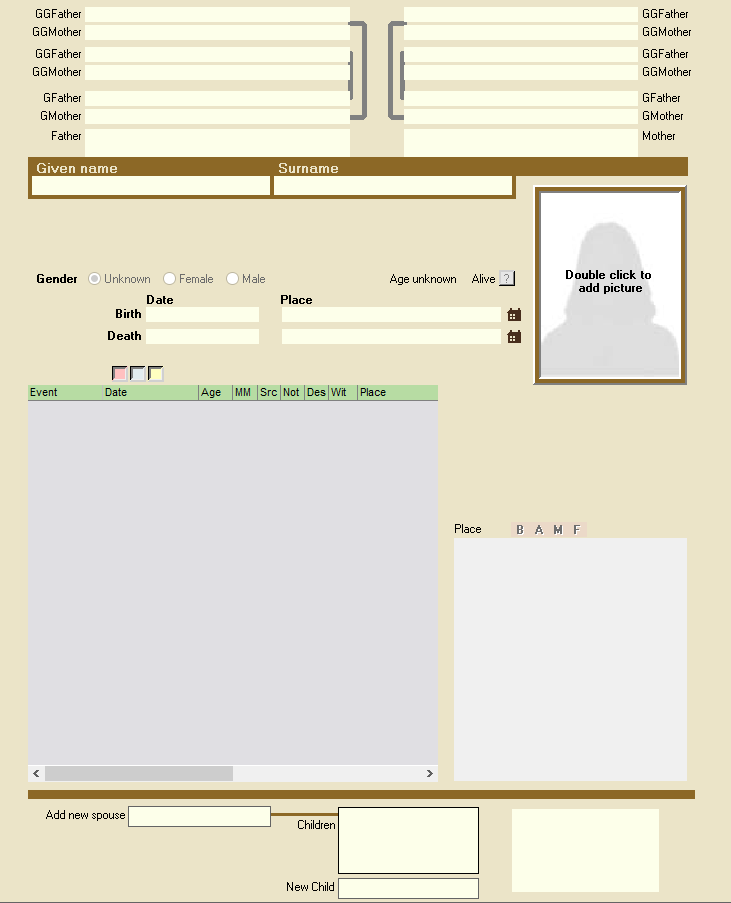
Navigate to the Member editor
The personal form can be opened in several different ways: By clicking on the button in the row of buttons that shows the image of a person, 2. By right-clicking on a person in the Overview Form 3. By double-clicking on a child in the Family Form…