Tag: Member list
-

How to Use the Person list in Embla Family Treasures
User can view the all the persons in the tree and edit the person details from that.
-
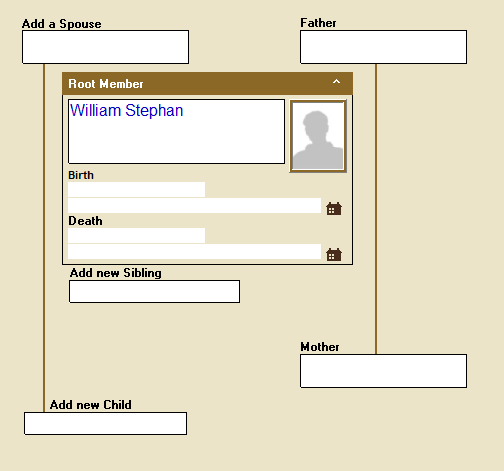
Add new members to the tree by overview.
The first time you start, all the fields in the family tree will be empty. To expand the tree, first select the field where you want to add a new person. “Select” means to click once with the left mouse button. There are different color types for a selected field: A light green background with…
-
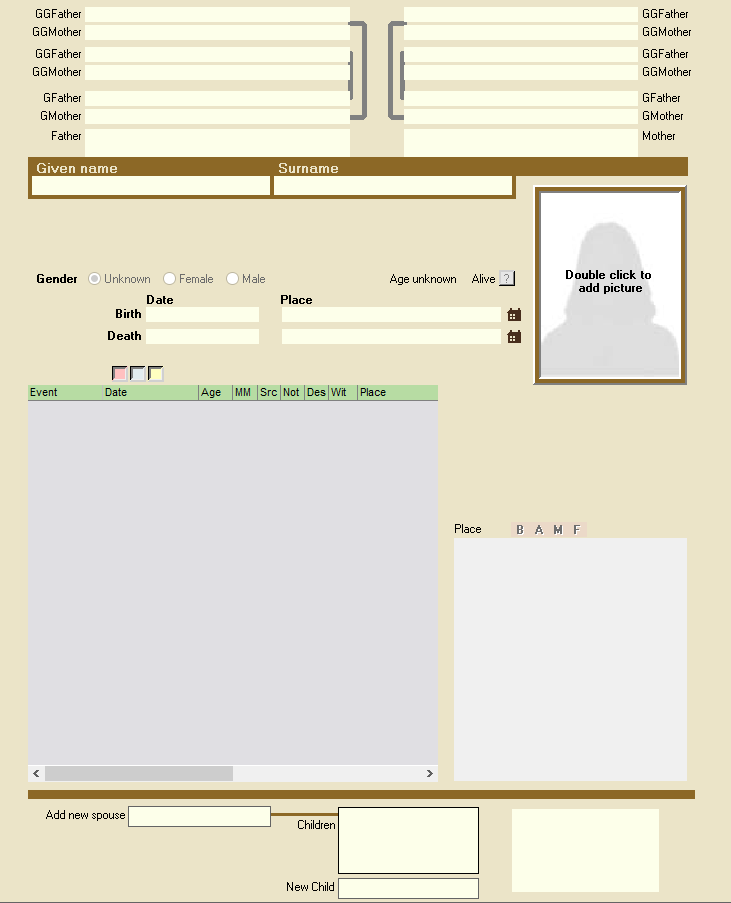
Navigate to the Member editor
The personal form can be opened in several different ways: By clicking on the button in the row of buttons that shows the image of a person, 2. By right-clicking on a person in the Overview Form 3. By double-clicking on a child in the Family Form…