Tag: Multimedia
-

Add family profile image
Managing family profile image by add, edit, set as main and unlink options.
-
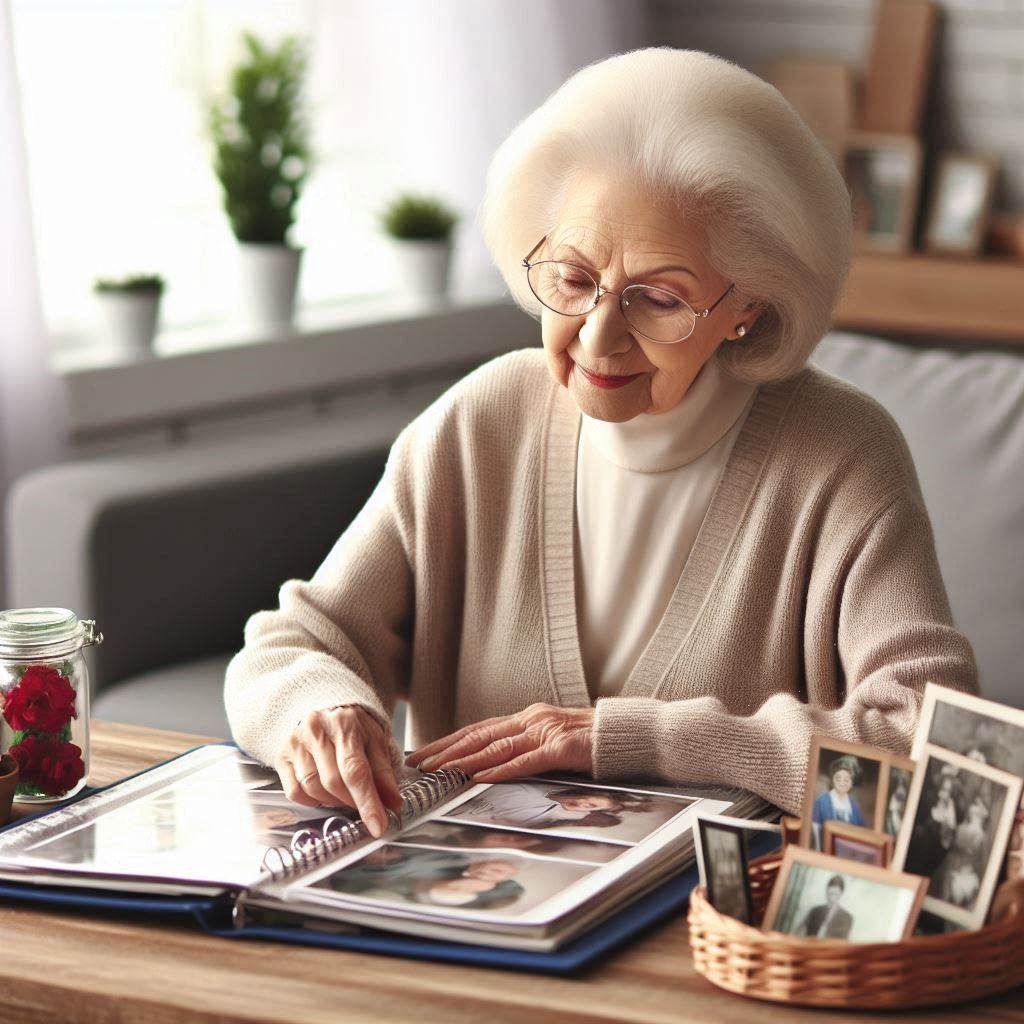
Add media for a family
Add multimedia files to the family. This enables to upload documents, videos, and audio files.
-
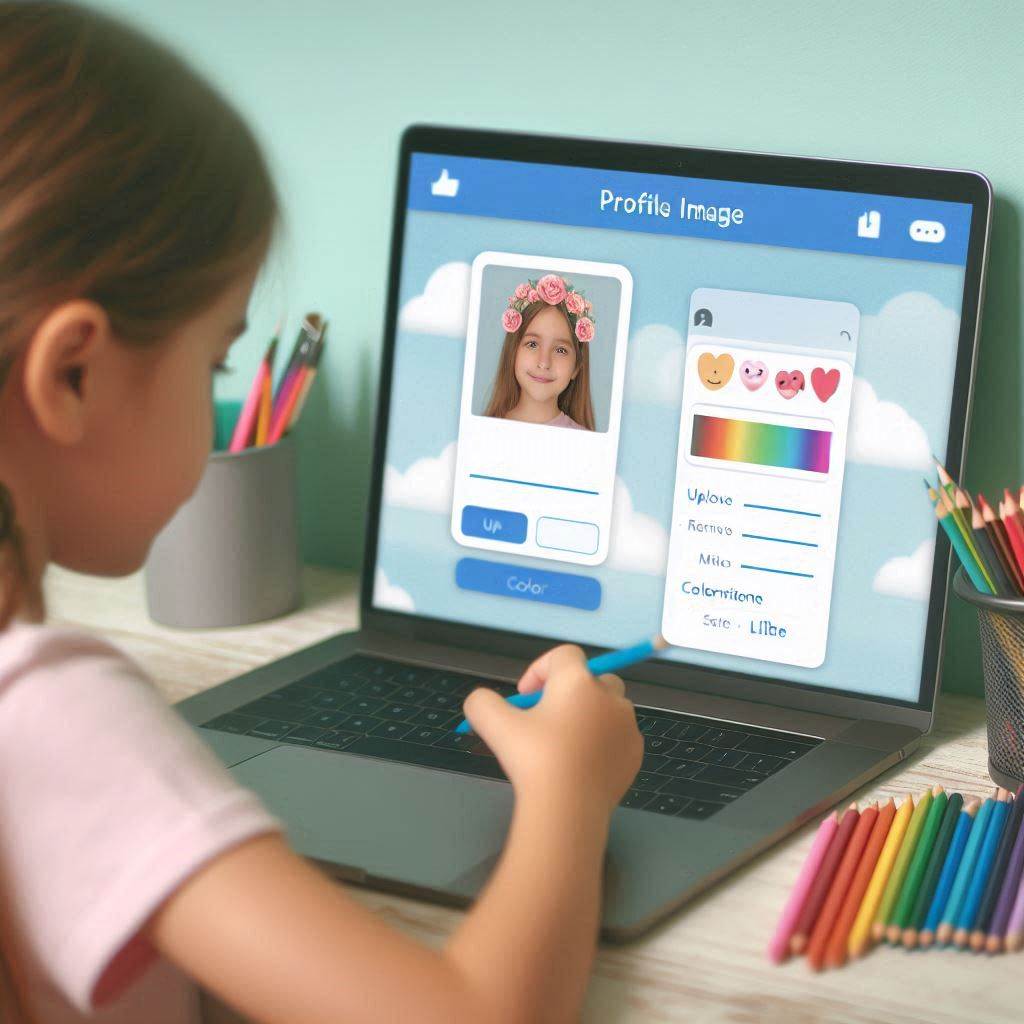
Profile image options
The profile image management feature offers users various options for uploading and editing images.
-
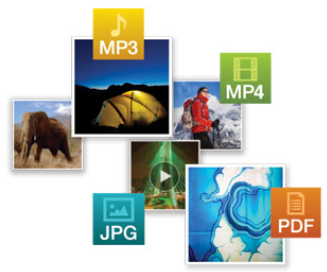
Add other media
By using that feature user can be able to upload documents, videos, and audio to their profile easily.
-

Image colorization
User can colorize their black-and-white images by that feature easily.
-
Change the profile image
Users can easily change a profile image through the ‘Fan chart’ page by clicking on the member’s image.
-
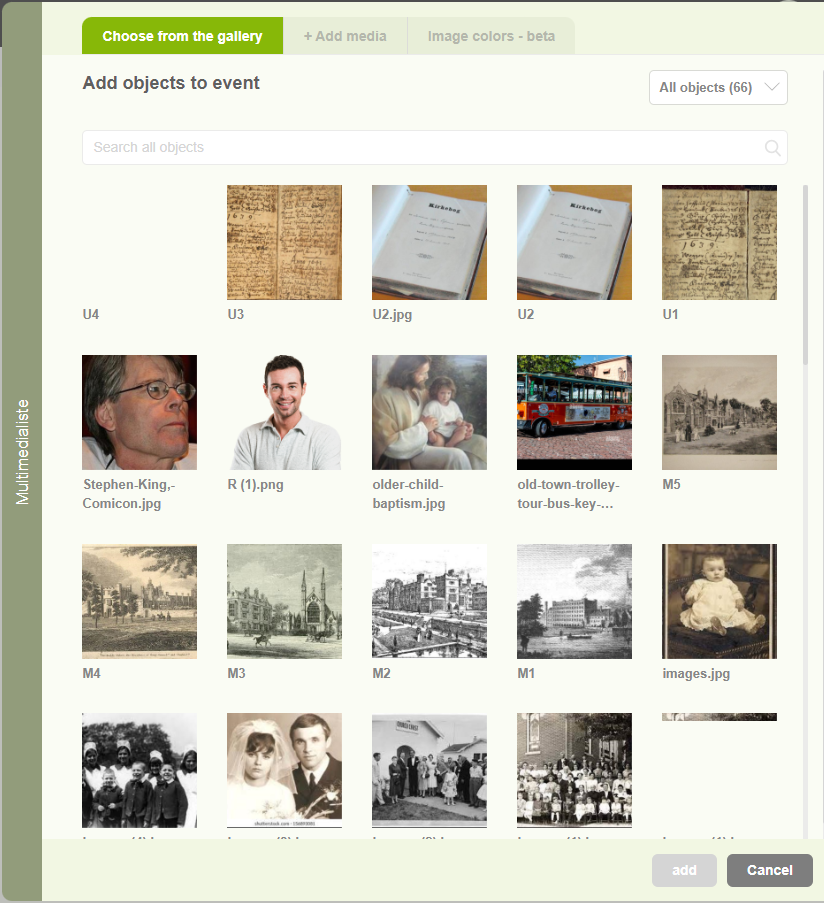
Enhance events with multimedia content
Users can add Images, Videos, Audio, and PDF files relate to the events separately.
-
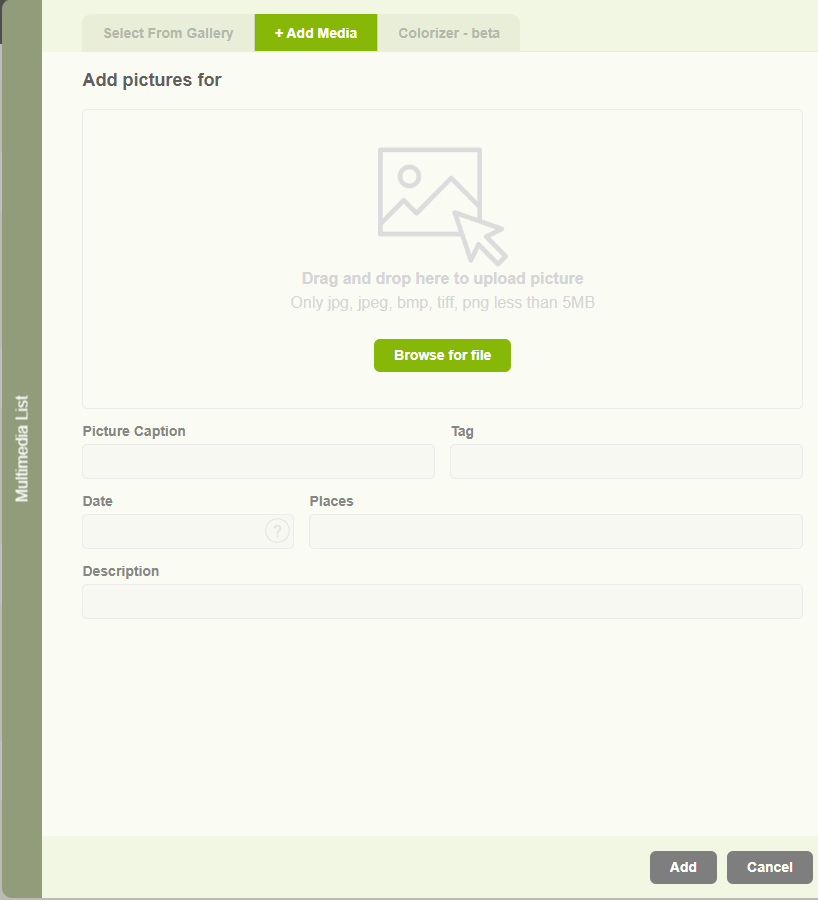
Add a profile image to a member
This is the way to add profile image to the individuals.
-
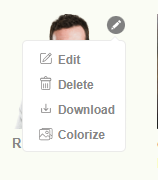
Multimedia options (Edit, Delete, Download)
Update your image with colorized, edit, delete and download features.
-
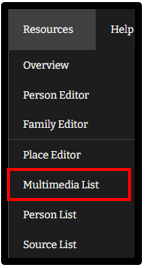
Multimedia list
View and add new multimedia files to your tree.