Tag: Reports
-
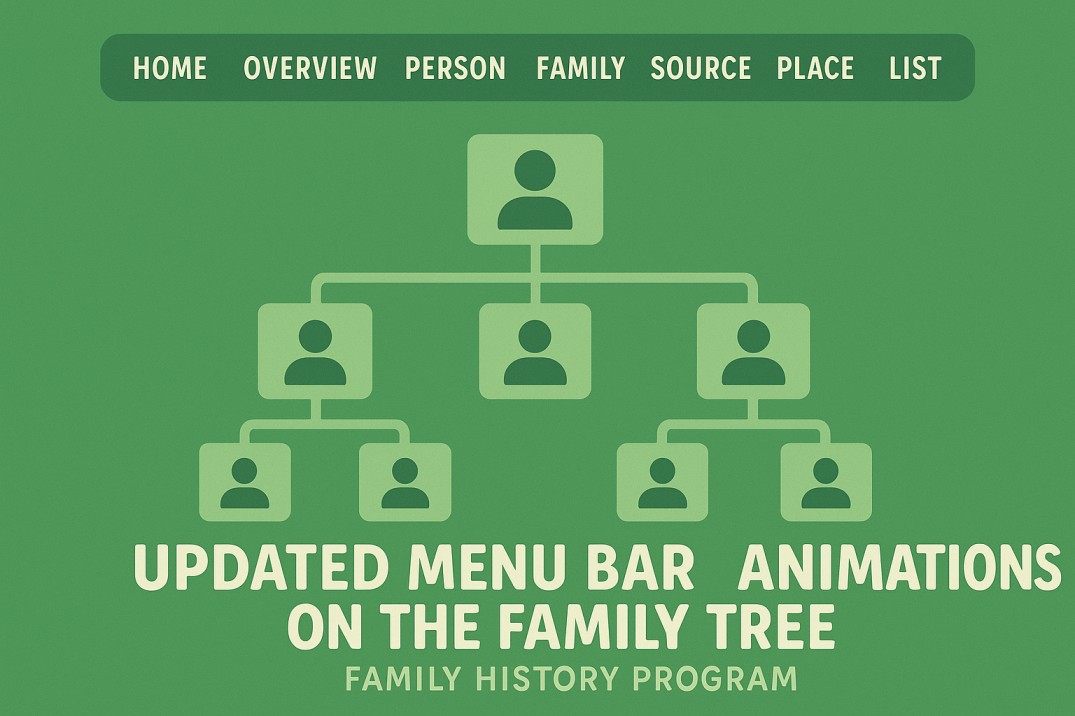
New and Improved Features in Embla Family History
We’re excited to share the latest updates to the Embla Family History program! These enhancements make navigation smoother, improve accessibility, and add a touch of visual appeal to your family tree experience. 🧭 Updated Menu Bar The main menu bar has been redesigned for a cleaner and more intuitive layout. All the main tabs are…
-
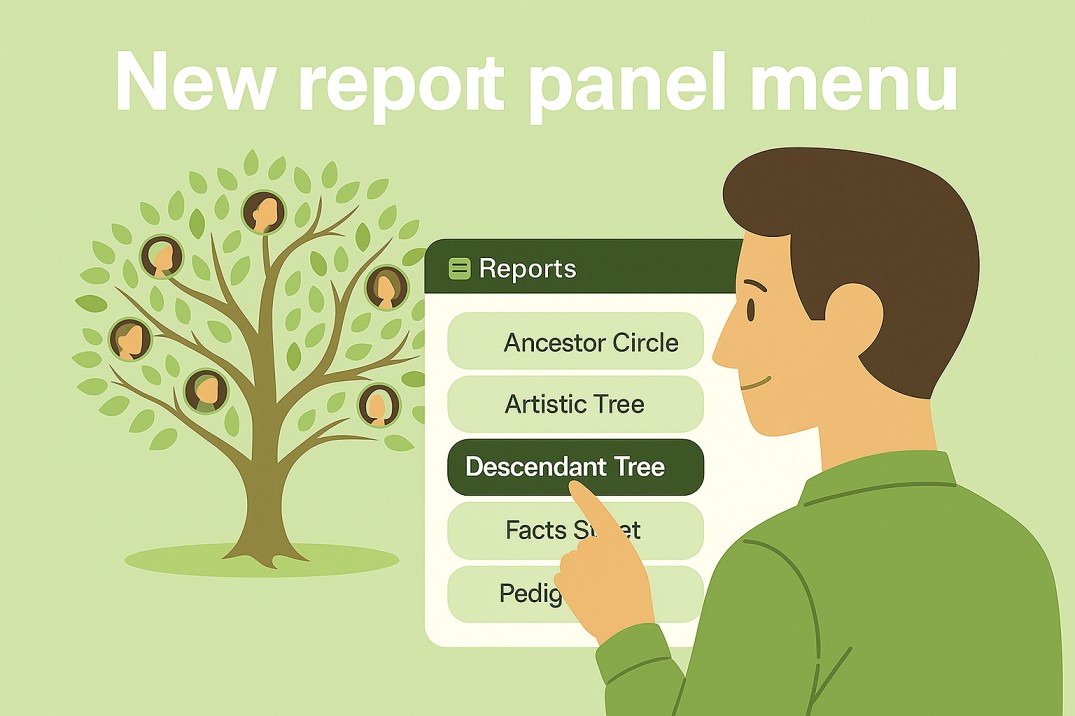
Discover the New and Improved Report Menu
Exciting News! Our new report menu is now available. It is easier to use and helps you create reports that match your needs.
-
How to use the Embla Family Treasures
Embla Family Treasures Version 10 is an intuitive web-based application designed to streamline the process of managing your family tree.
-
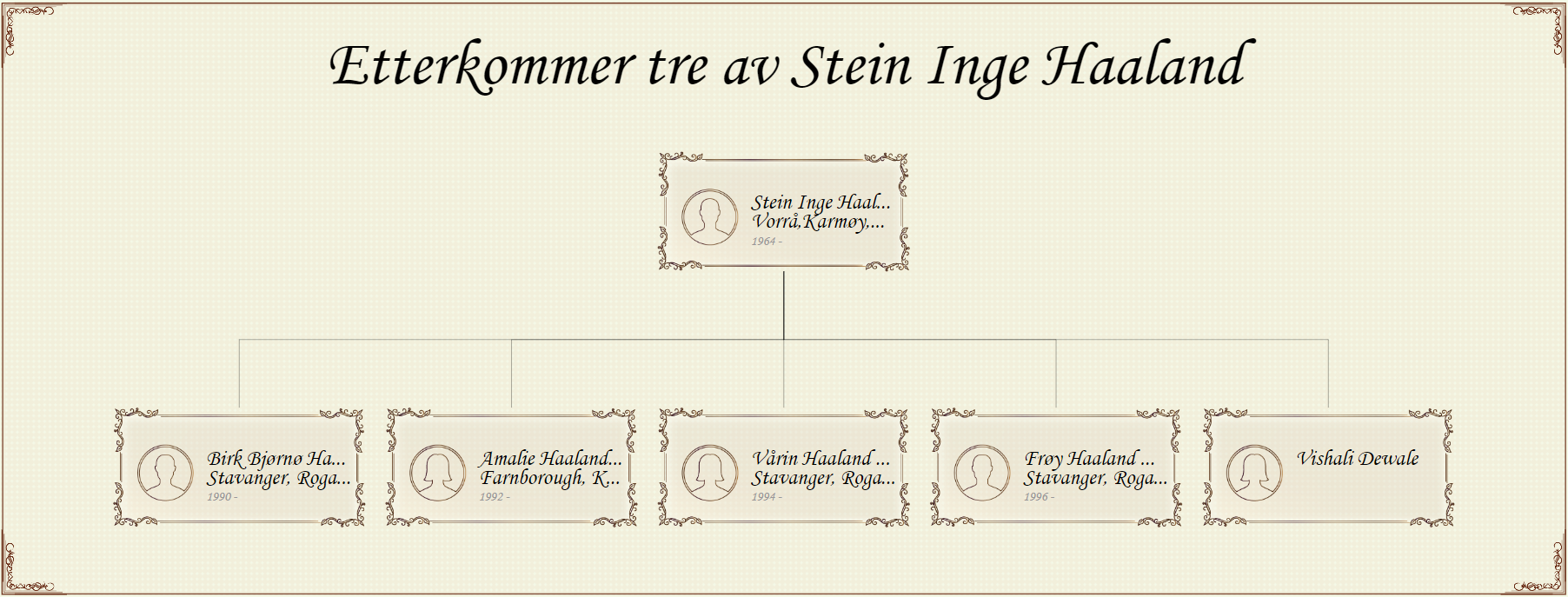
Descendent report: Unveiling your family tree’s legacy
Descendant report focuses on the descendants of a specific person, showing how generations are connected.
-
Publish fan chart
Users can easily publish the fan chart report in PDF format.
-

Report controllers
The report engine includes a function bar with various tools, such as zoom options, color customization, and chart settings.
-

Change the profile image
Users can easily change a profile image through the ‘Fan chart’ page by clicking on the member’s image.
-
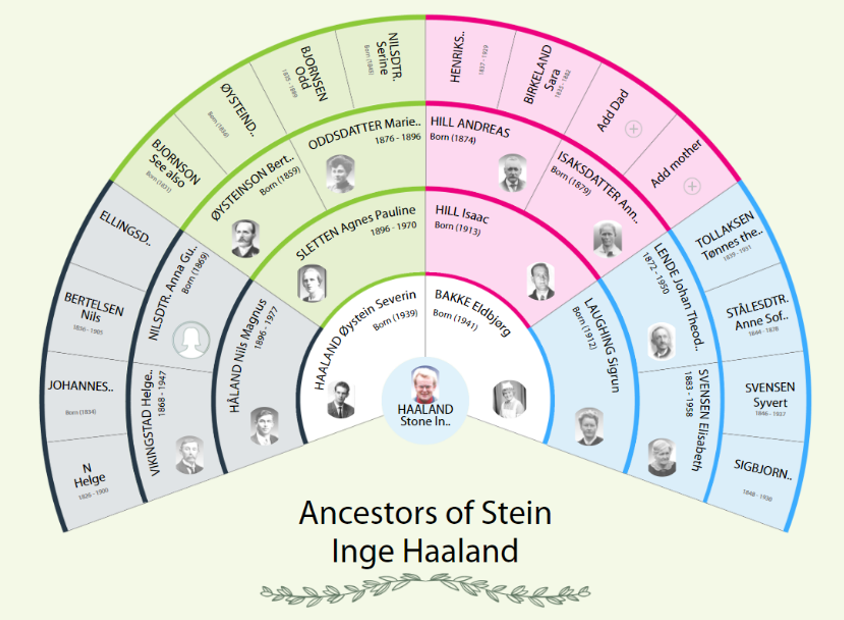
Fan Chart
A fan chart report visually represents the ancestors of a root person in a fan-shaped format.
-
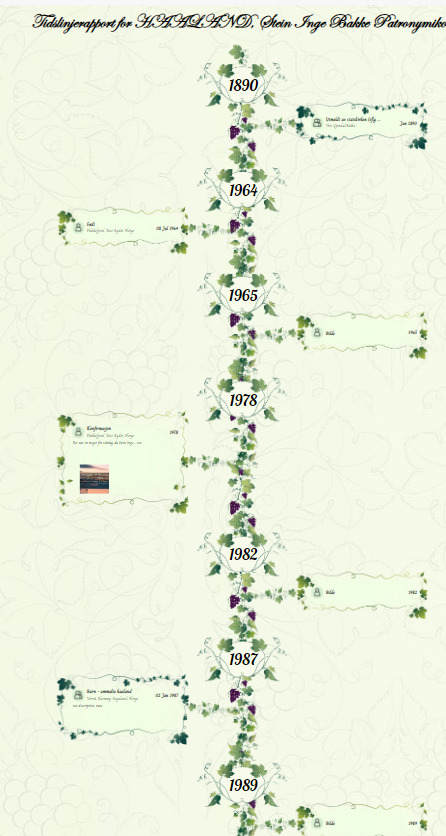
Timeline report
Timeline report showcases various life events alongside the years pertinent to the selected root member.
-
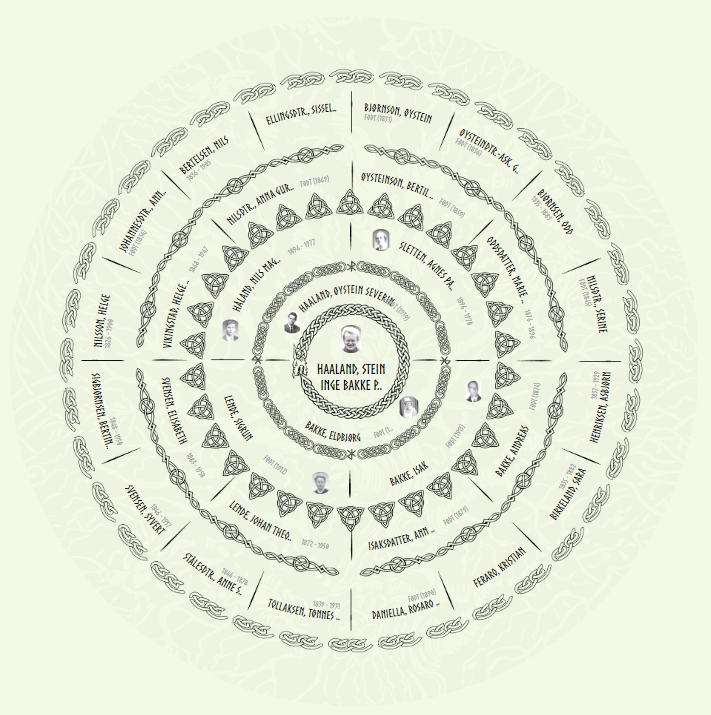
Sun chart
The Sun chart is a report which displays the ancestors in a circular report.
-
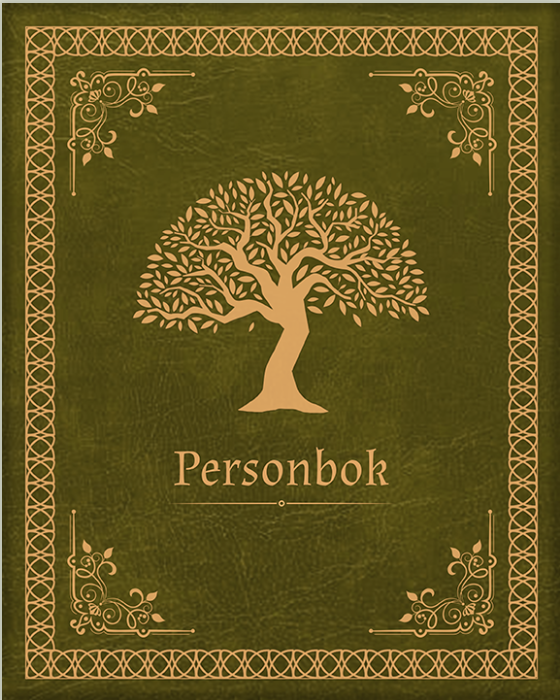
Person book
The Person Book is a visual representation of a family tree, where users can flip through pages to explore individual family members.
-
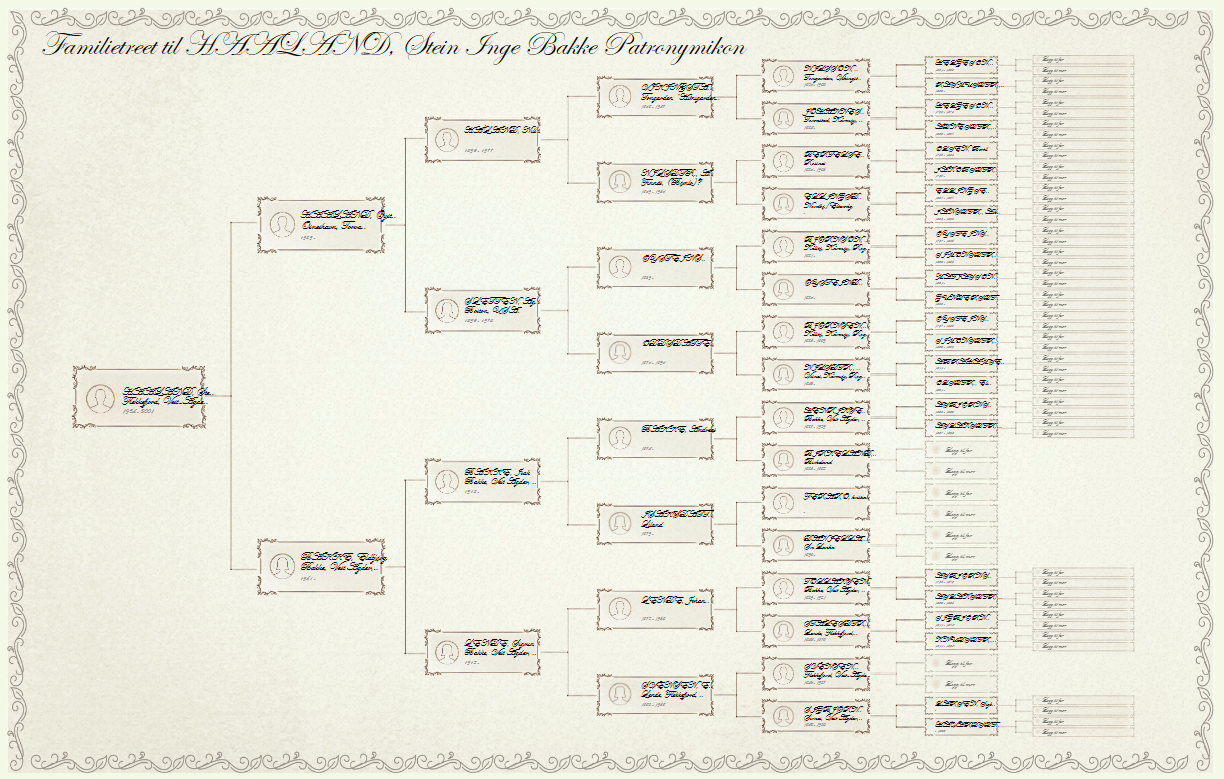
Pedigree chart
The Pedigree Chart is a graphical representation of the ancestors of the root person.
-
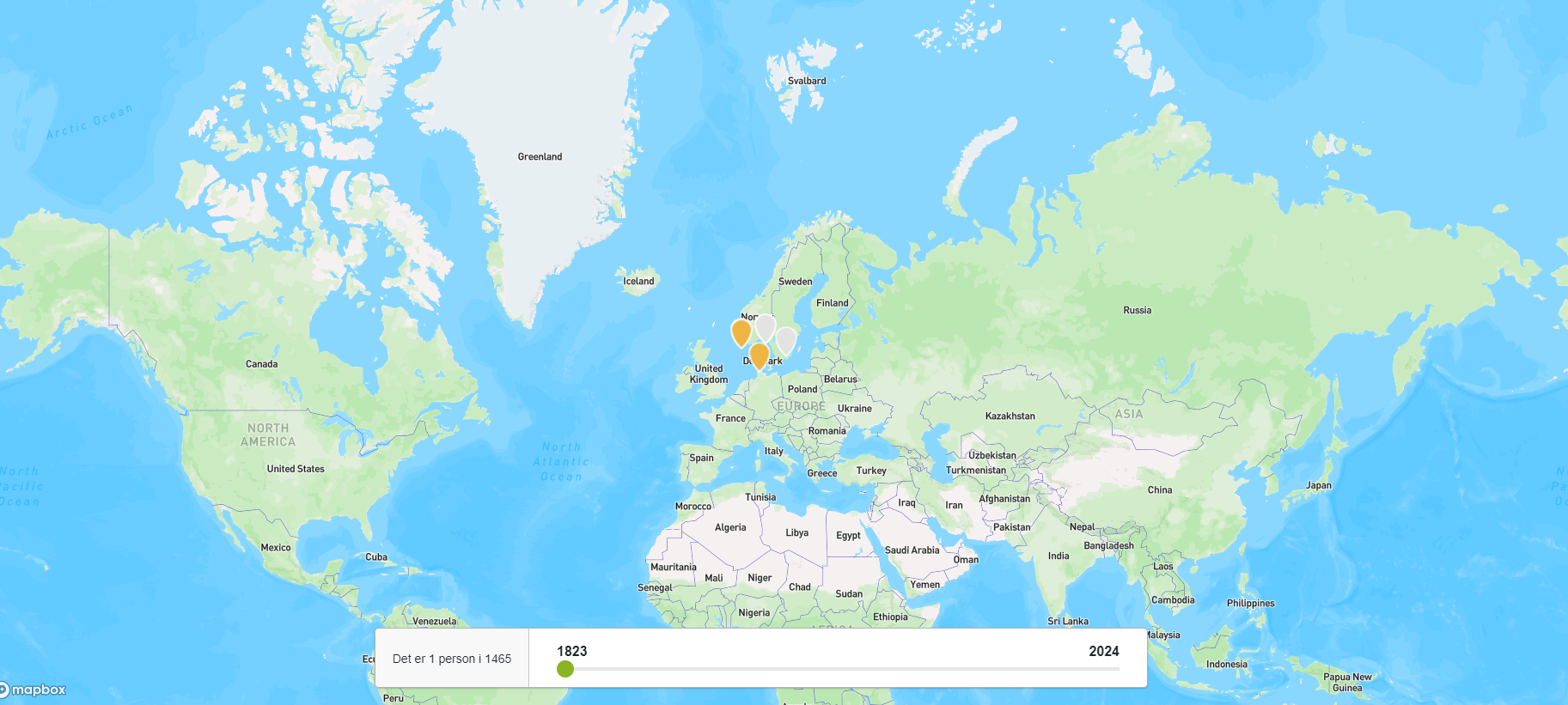
Map Report
This report provides a dynamic visual representation of the global distribution of family members within a family tree.
-
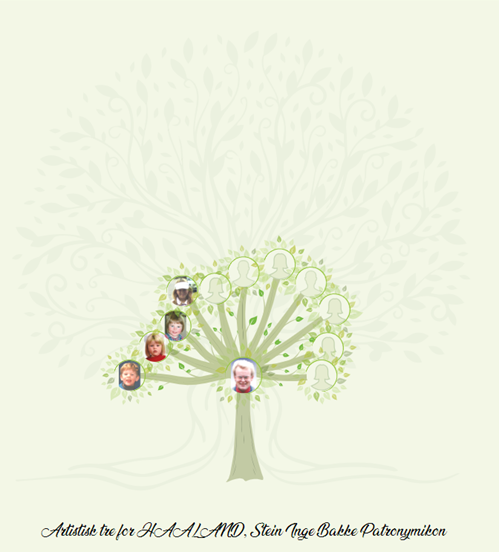
Artistic tree
Artistic tree visually presents the descendants of the root person. Each node represents a descendant, interconnected by branches
-
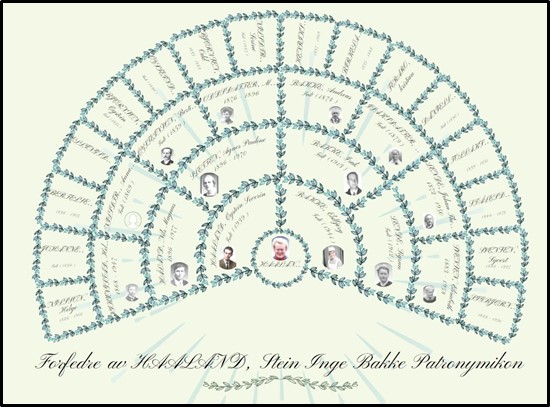
How to Generate the Fan Chart (Leaves) in Embla Family Treasures
Fan Chart report provides a visually appealing, traditional fan chart layout that highlights the ancestors of a root person.
-
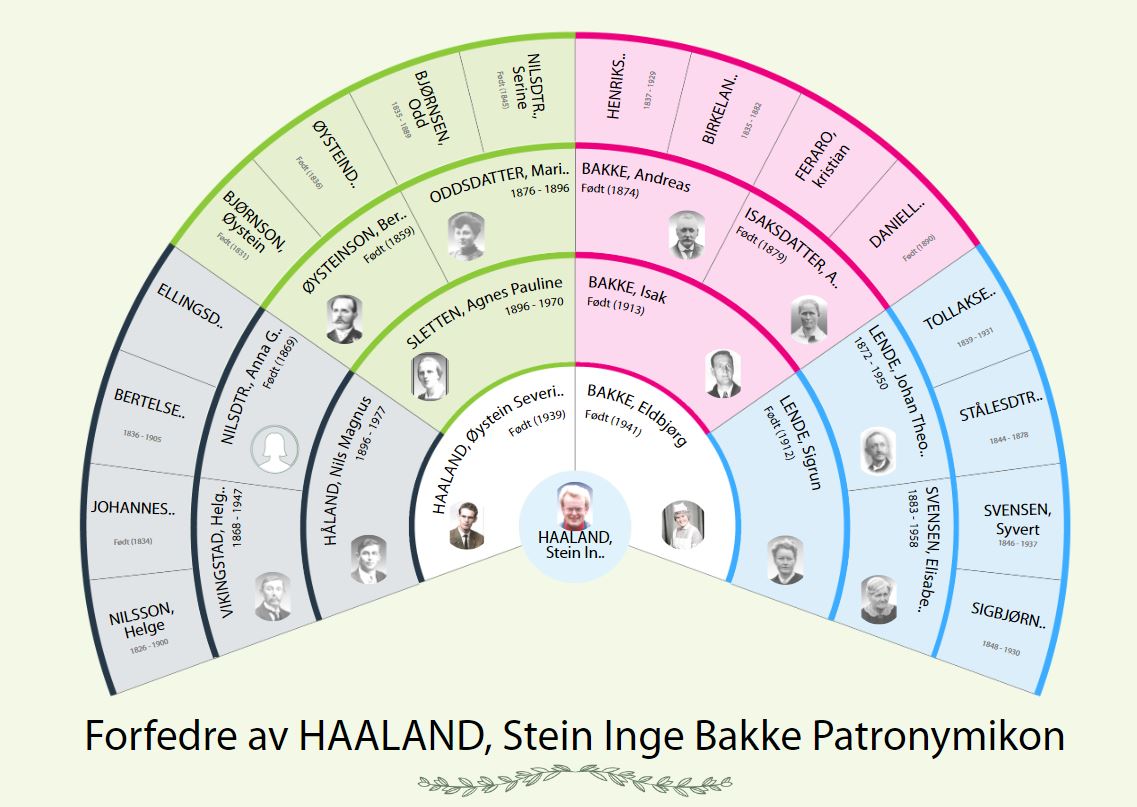
Change the root person from the fan chart.
Change the root person by one click in the Fan chart.